Tooltip Chart Formatter
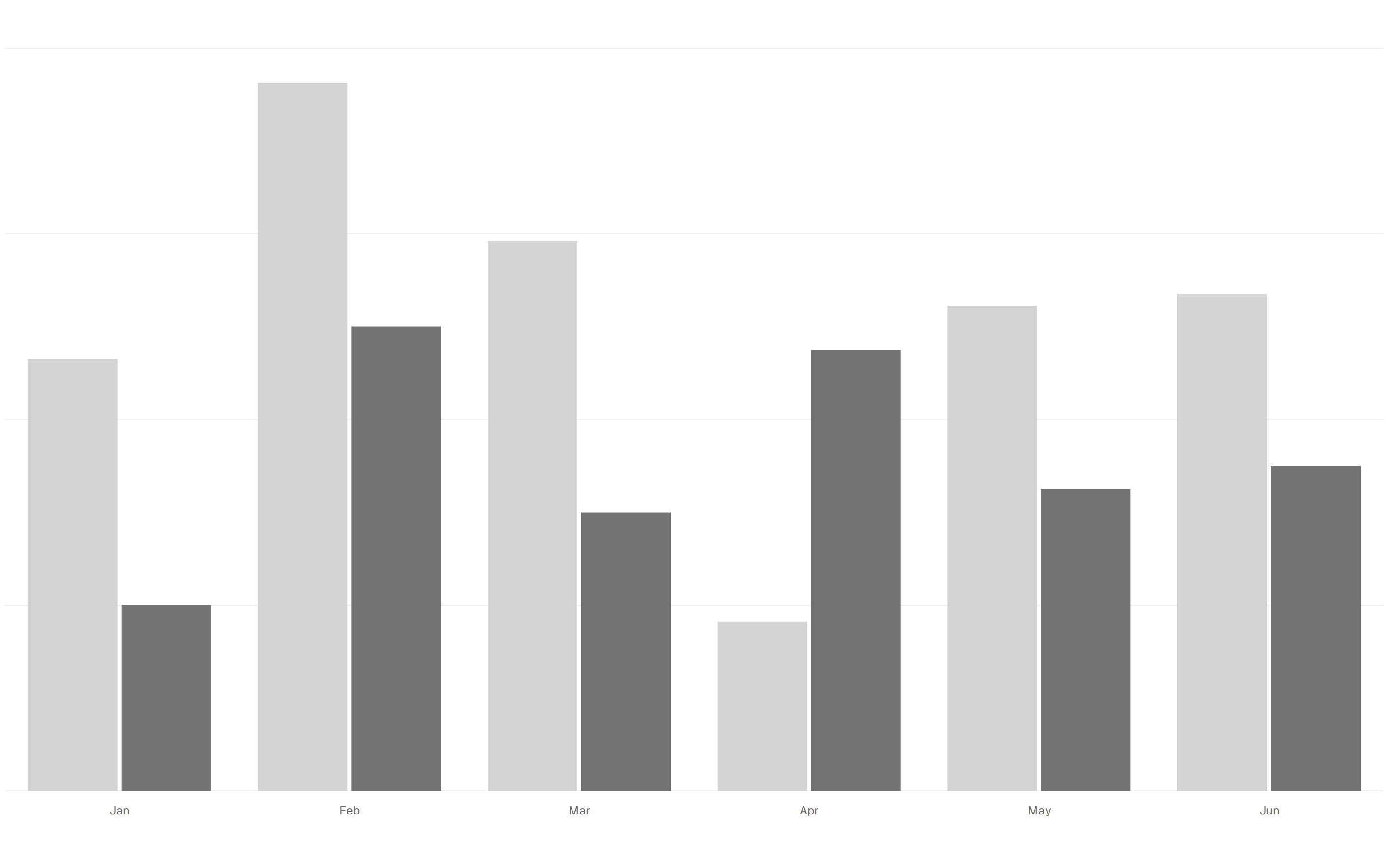
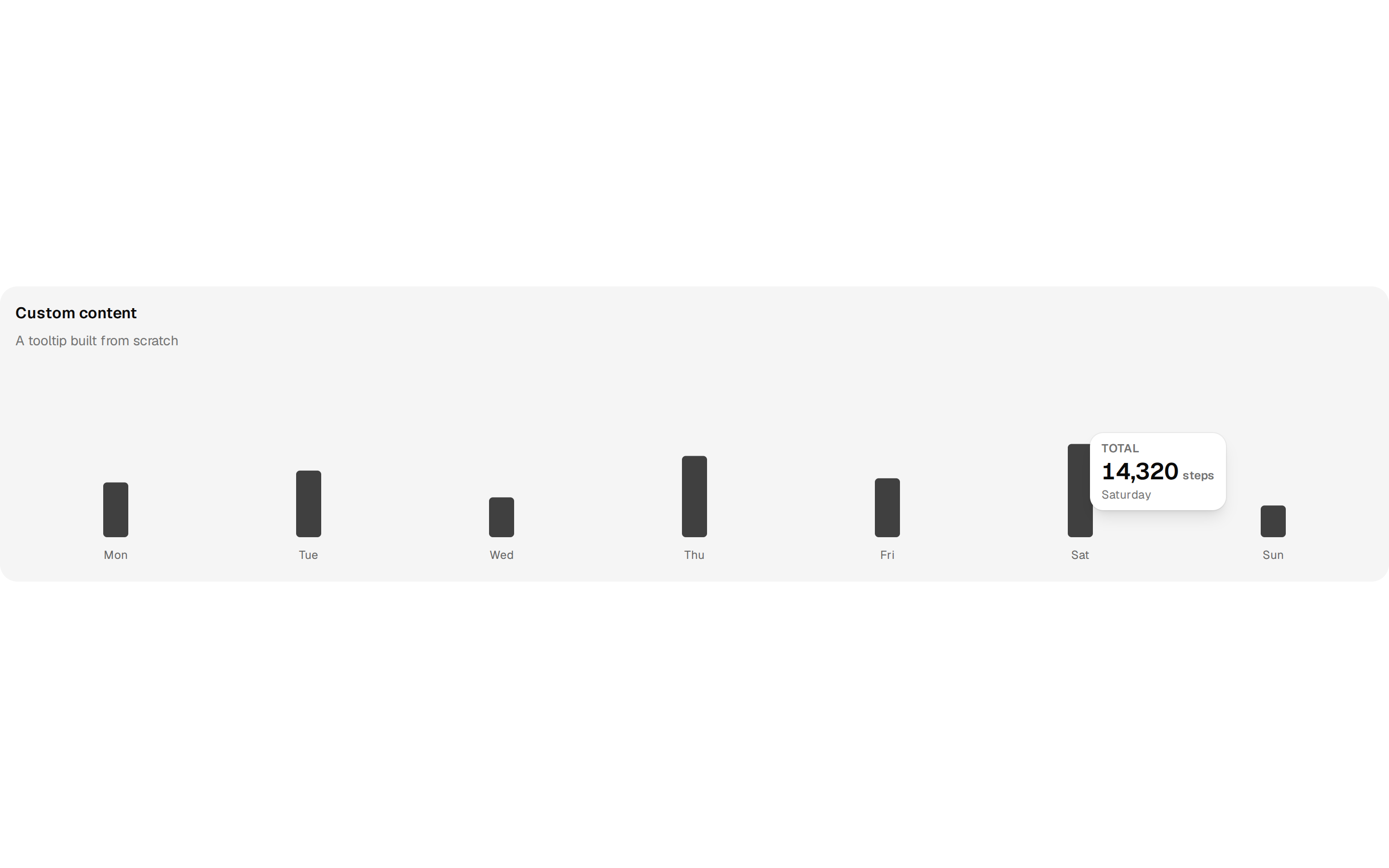
A bar chart of daily active energy whose tooltip shows a name, value and kcal unit through a custom formatter.
@esuiss
A bar chart of daily active energy whose tooltip shows a name, value and kcal unit through a custom formatter.
@esuiss
components/charts/tooltip-chart-formatter.tsx
"use client"

import { Bar, BarChart, XAxis } from "recharts"

import {
  Card,
  CardContent,
  CardDescription,
  CardHeader,
  CardTitle,
} from "@/components/ui/card"
import {
  type ChartConfig,
  ChartContainer,
  ChartTooltip,
  ChartTooltipContent,
} from "@/components/ui/chart"

function dayKey(date: Date) {
  return [
    date.getFullYear(),
    String(date.getMonth() + 1).padStart(2, "0"),
    String(date.getDate()).padStart(2, "0"),
  ].join("-")
}

const chartData = [
  512, 604, 455, 389, 662, 598, 431, 520, 690, 447, 575, 402, 633, 558,
]
  .slice(-7)
  .map((energy, index) => ({
    date: dayKey(new Date(2026, 9, index)),
    energy,
  }))

const chartConfig = {
  energy: { label: "Active energy", color: "var(--color-red-500)" },
} satisfies ChartConfig

const weekday = new Intl.DateTimeFormat("en-US", { weekday: "short" })

export function TooltipChartFormatter() {
  return (
    <Card variant="filled" size="sm">
      <CardHeader>
        <CardTitle>With units</CardTitle>
        <CardDescription>A unit next to the value</CardDescription>
      </CardHeader>
      <CardContent>
        <ChartContainer
          config={chartConfig}
          className="aspect-auto h-52 w-full"
        >
          <BarChart
            accessibilityLayer
            data={chartData}
            margin={{ top: 70, right: 4, left: 4, bottom: 0 }}
          >
            <XAxis
              dataKey="date"
              tickLine={false}
              axisLine={false}
              tickMargin={8}
              interval={0}
              tickFormatter={(value: string) =>
                weekday.format(new Date(`${value}T12:00:00`))
              }
            />
            <ChartTooltip
              defaultIndex={3}
              cursor={false}
              content={
                <ChartTooltipContent
                  hideLabel
                  formatter={(value) => (
                    <div className="flex items-baseline gap-1.5">
                      <span className="text-muted-foreground">
                        Active energy
                      </span>
                      <span className="font-semibold text-foreground tabular-nums">
                        {Number(value).toLocaleString("en-US")}
                      </span>
                      <span className="text-xs text-muted-foreground">
                        kcal
                      </span>
                    </div>
                  )}
                />
              }
            />
            <Bar
              dataKey="energy"
              fill="var(--color-energy)"
              radius={4}
              maxBarSize={26}
            />
          </BarChart>
        </ChartContainer>
      </CardContent>
    </Card>
  )
}