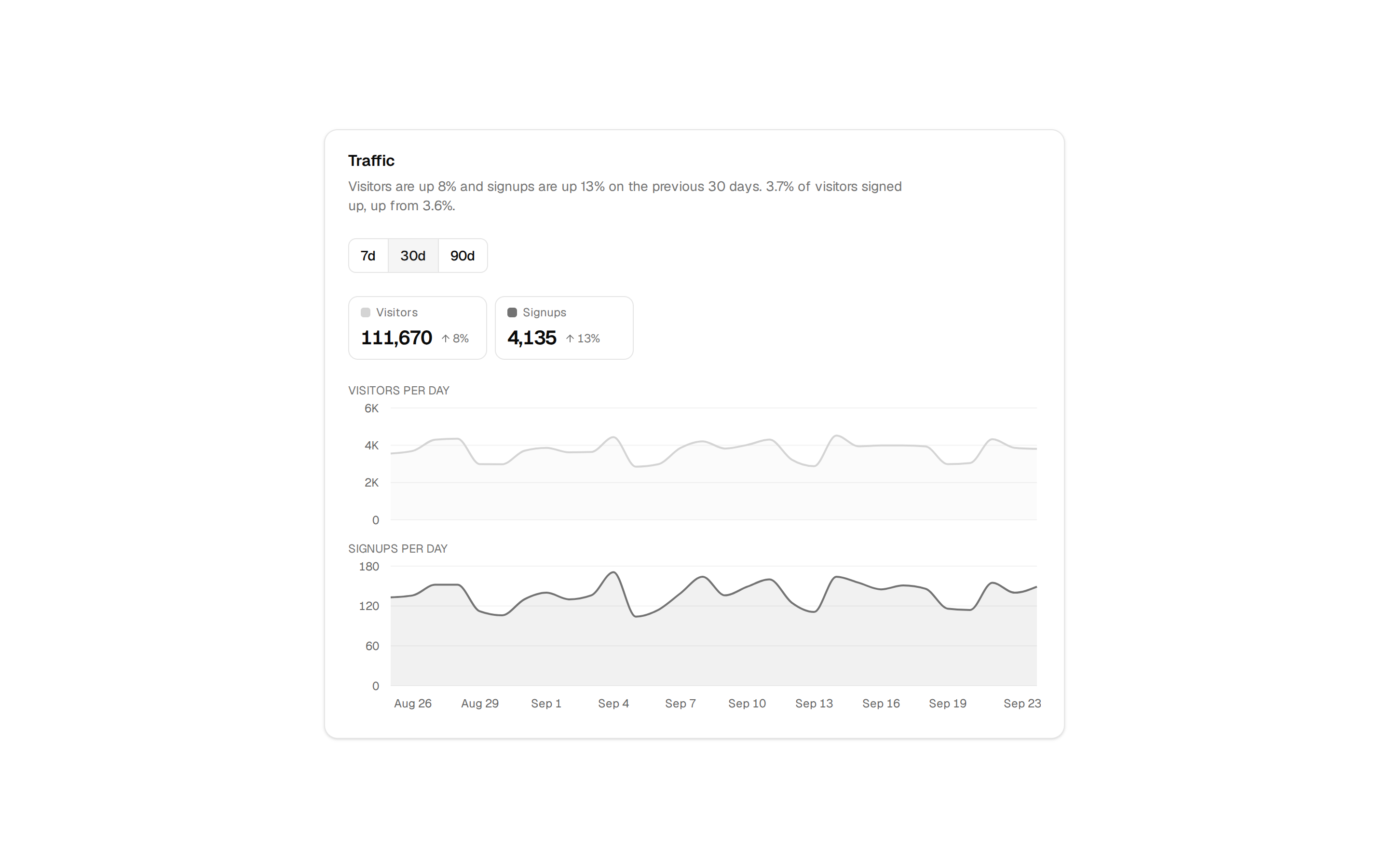
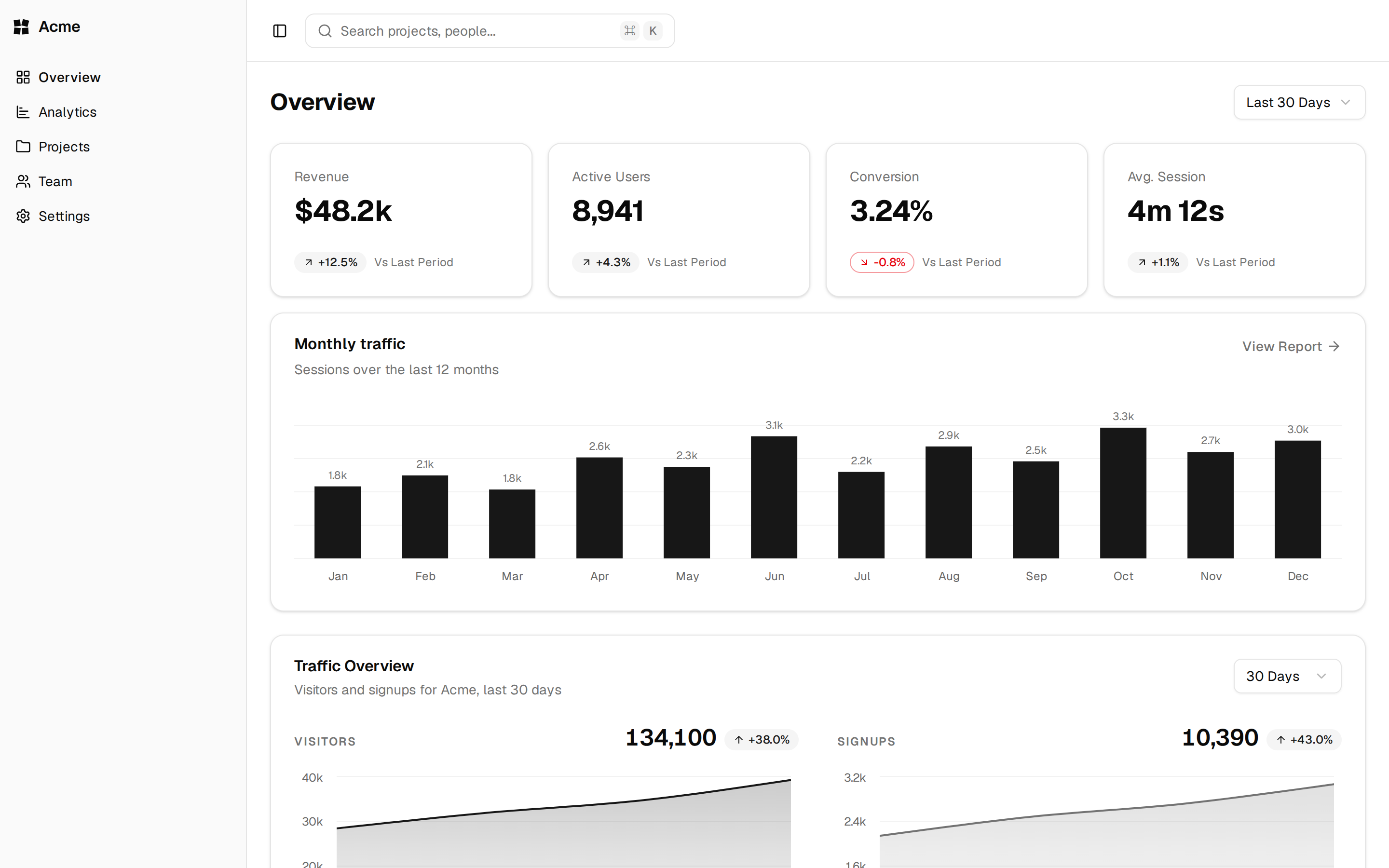
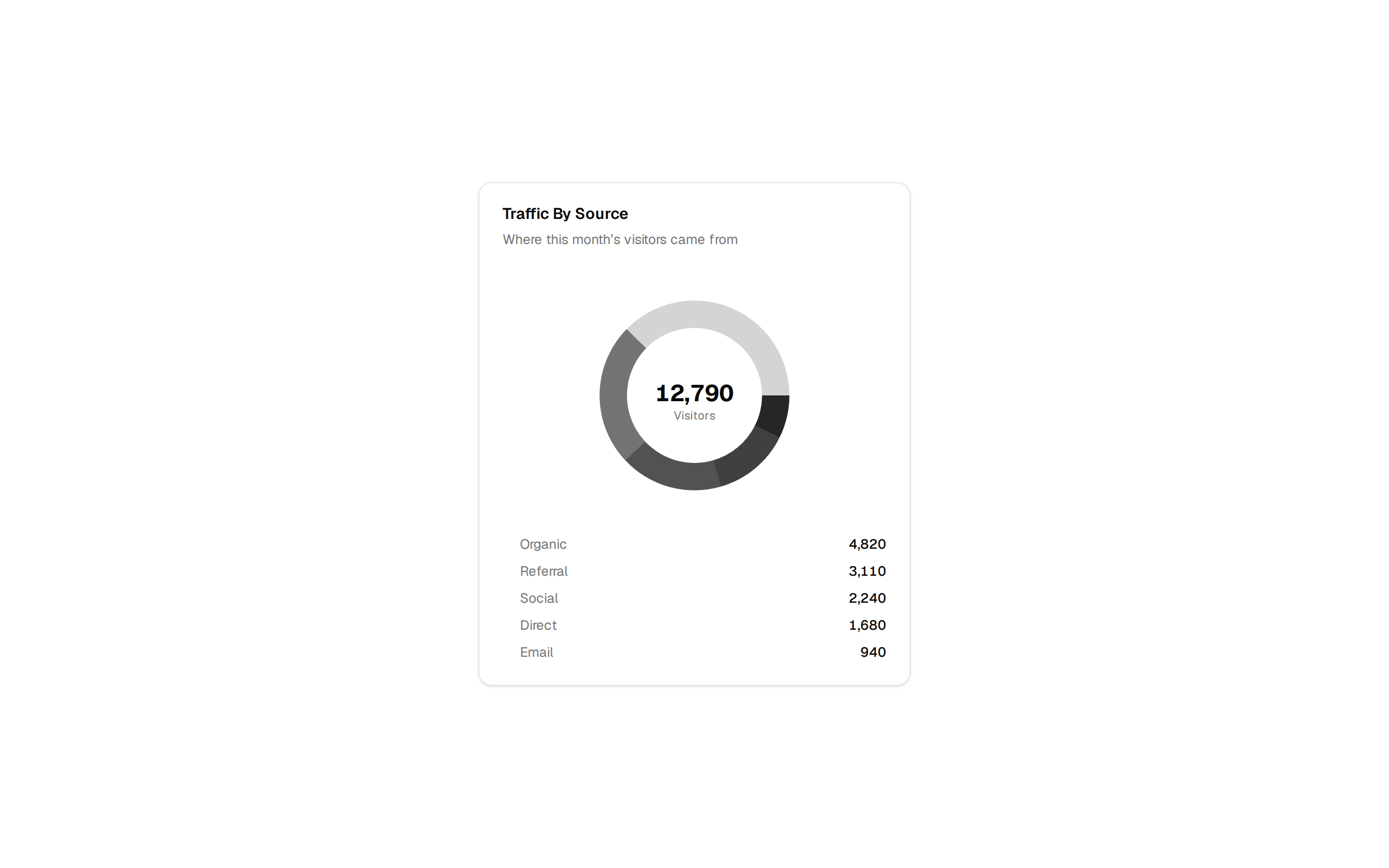
components/charts/bar-chart-stacked.tsx
"use client"

import { Bar, BarChart, CartesianGrid, XAxis } from "recharts"

import {
  Card,
  CardContent,
  CardDescription,
  CardHeader,
  CardTitle,
} from "@/components/ui/card"
import {
  type ChartConfig,
  ChartContainer,
  ChartLegend,
  ChartLegendContent,
  ChartTooltip,
  ChartTooltipContent,
} from "@/components/ui/chart"

const chartData = [
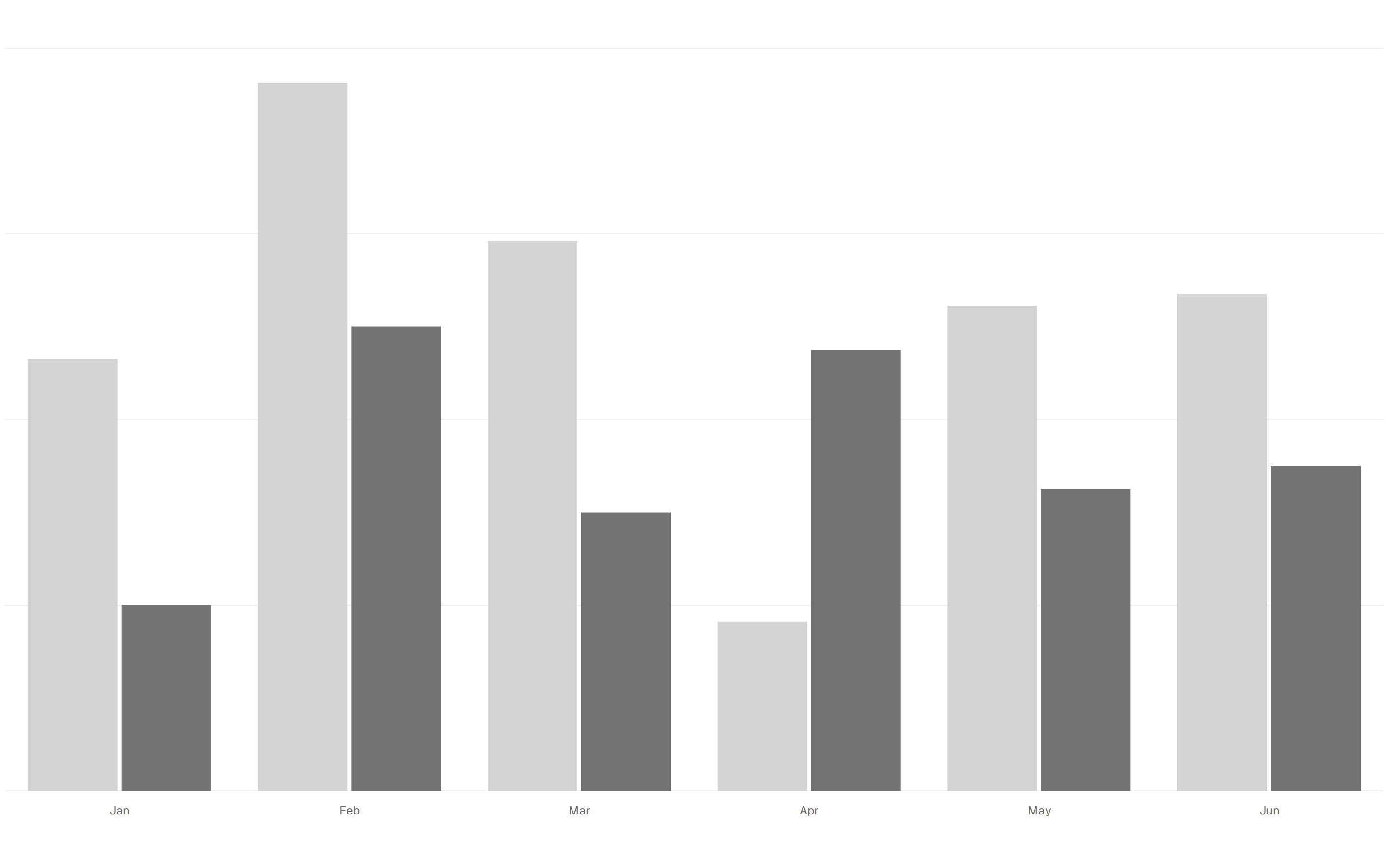
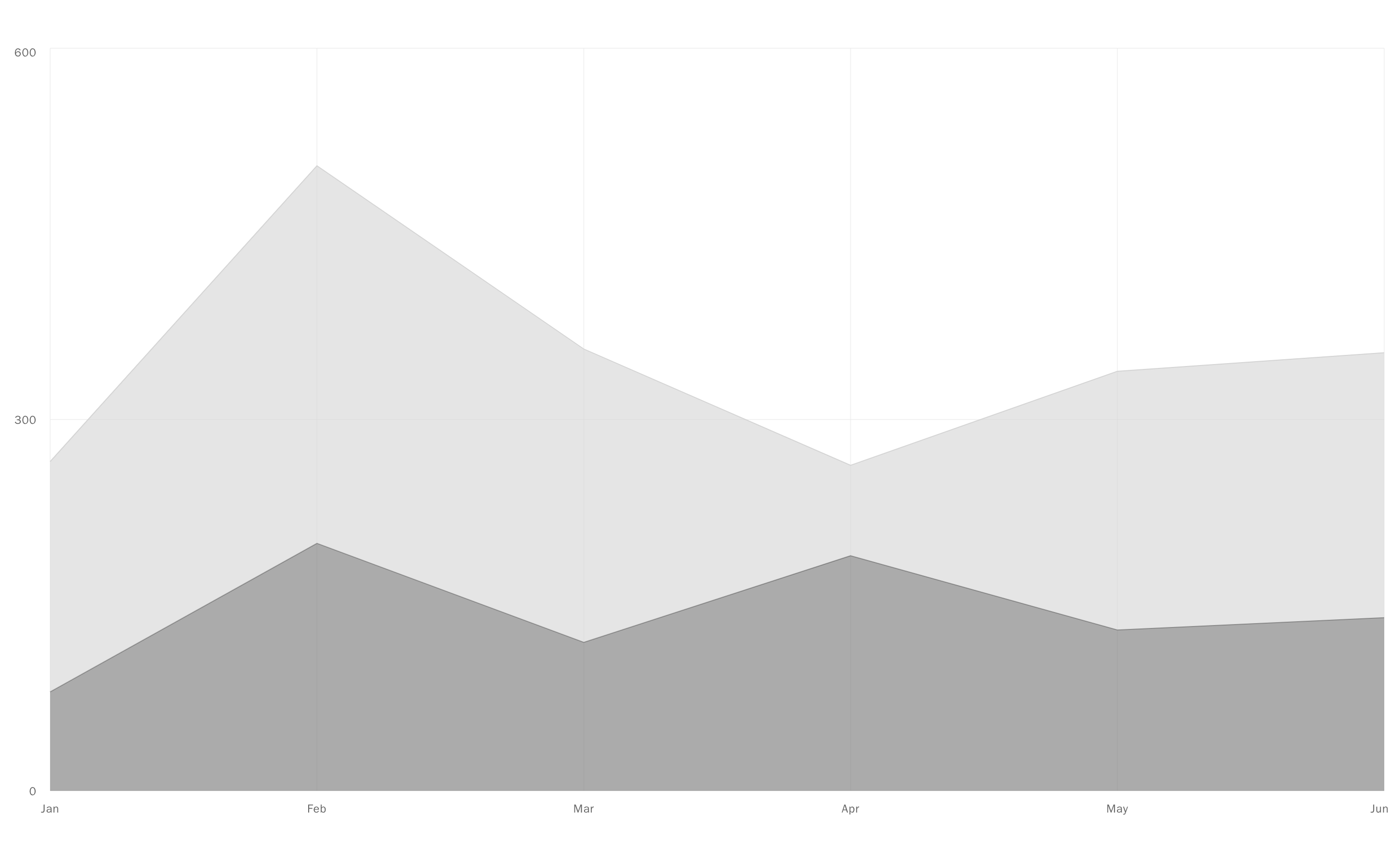
  { month: "January", desktop: 186, mobile: 80 },
  { month: "February", desktop: 305, mobile: 200 },
  { month: "March", desktop: 237, mobile: 120 },
  { month: "April", desktop: 173, mobile: 190 },
  { month: "May", desktop: 209, mobile: 130 },
  { month: "June", desktop: 264, mobile: 140 },
]

const chartConfig = {
  desktop: { label: "Desktop", color: "var(--chart-1)" },
  mobile: { label: "Mobile", color: "var(--chart-2)" },
} satisfies ChartConfig

export function BarChartStacked() {
  return (
    <Card variant="filled" size="sm">
      <CardHeader>
        <CardTitle>Stacked</CardTitle>
        <CardDescription>With a legend</CardDescription>
      </CardHeader>
      <CardContent>
        <ChartContainer
          config={chartConfig}
          className="aspect-auto h-56 w-full"
        >
          <BarChart
            accessibilityLayer
            data={chartData}
            margin={{ top: 10, right: 4, left: 4, bottom: 0 }}
          >
            <CartesianGrid vertical={false} strokeDasharray="2 4" />
            <XAxis
              dataKey="month"
              tickLine={false}
              axisLine={false}
              tickMargin={8}
              interval={0}
              tickFormatter={(value: string) => value.slice(0, 3)}
            />
            <ChartTooltip
              cursor={false}
              content={<ChartTooltipContent hideLabel />}
            />
            <ChartLegend content={<ChartLegendContent />} />
            <Bar
              dataKey="desktop"
              stackId="a"
              fill="var(--color-desktop)"
              radius={[0, 0, 4, 4]}
              maxBarSize={36}
            />
            <Bar
              dataKey="mobile"
              stackId="a"
              fill="var(--color-mobile)"
              radius={[4, 4, 0, 0]}
              maxBarSize={36}
            />
          </BarChart>
        </ChartContainer>
      </CardContent>
    </Card>
  )
}