Hero 6: gradient mesh with floating cards
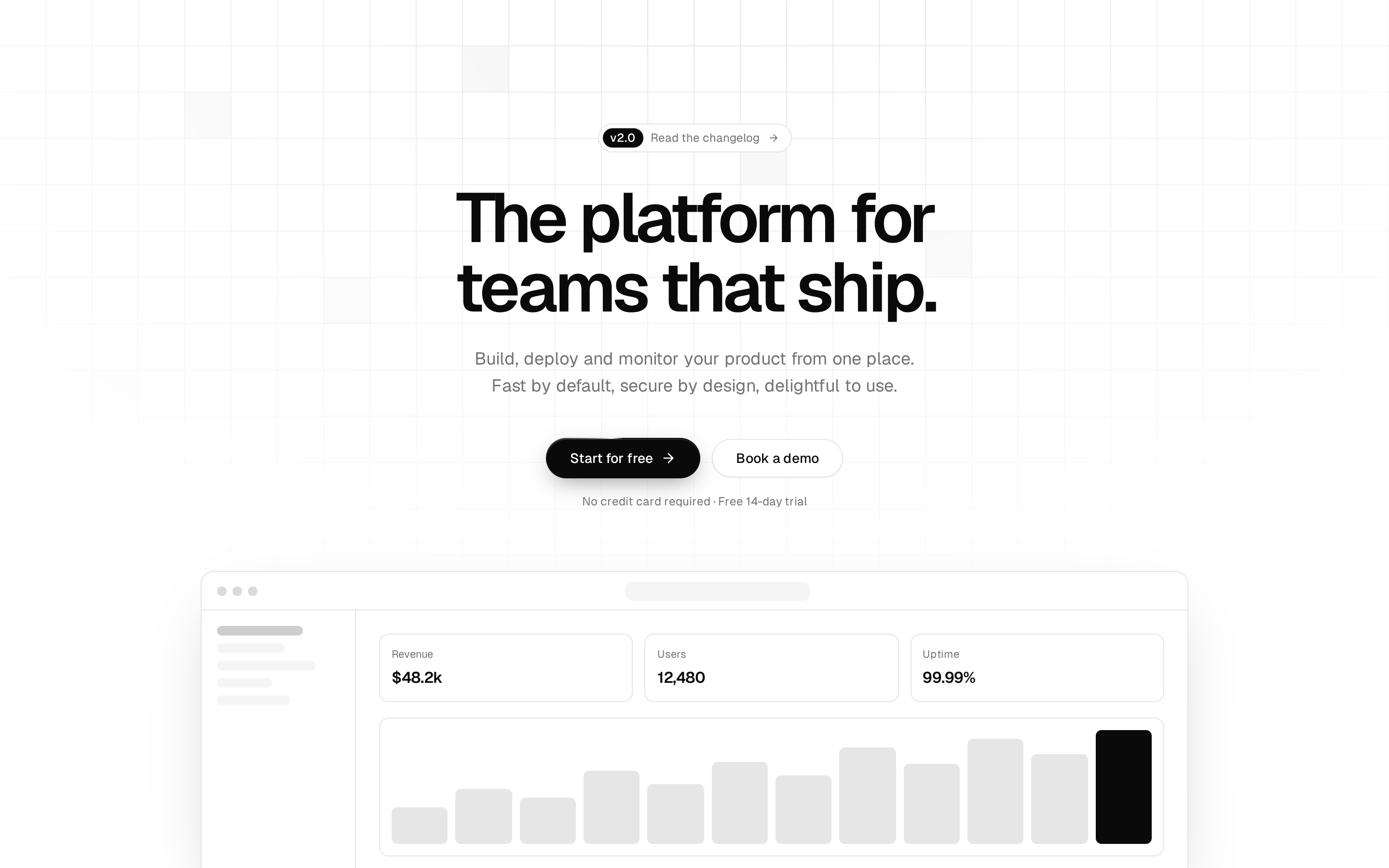
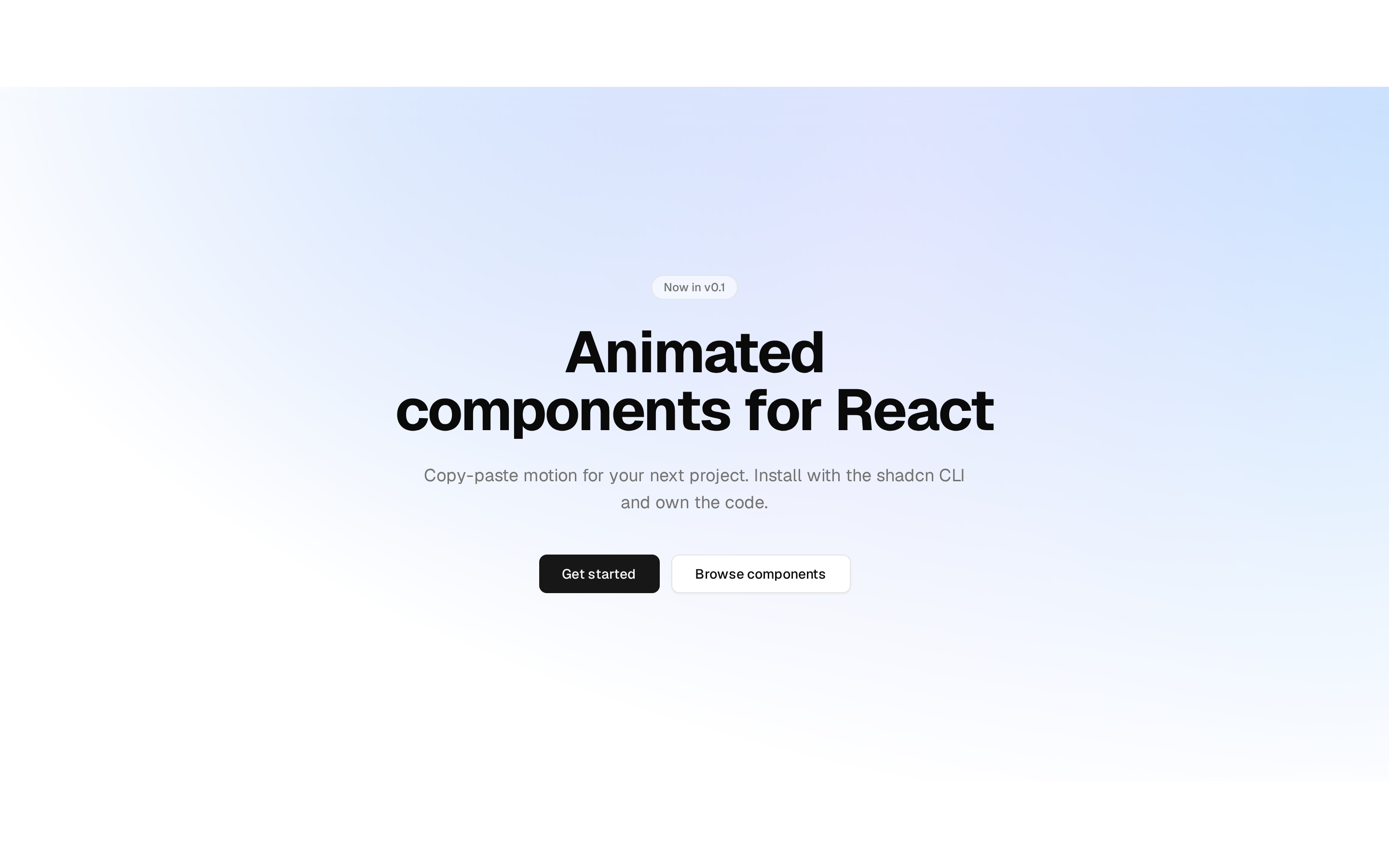
Centered hero over a slowly drifting colour mesh, with gradient headline words and product cards that bob and follow the pointer. Cards stack below the buttons on phones.
Centered hero over a slowly drifting colour mesh, with gradient headline words and product cards that bob and follow the pointer. Cards stack below the buttons on phones.
registry/ballmac/components/blocks/hero-6/hero-6.tsx
// Ballmac UI: Hero 6. https://ui.ballmac.com/blocks/hero-6
"use client"

import * as React from "react"
import { ArrowRight, Check, CreditCard } from "lucide-react"
import { motion, useMotionValue, useReducedMotion, useSpring, useTransform, type MotionValue } from "motion/react"
import { useLoopsPaused } from "@/lib/ballmac/motion"

import { Badge } from "@/components/ballmac/badge"
import { buttonVariants } from "@/components/ballmac/button"
import { GradientText } from "@/components/ballmac/gradient-text"
import { Sparkline } from "@/components/ballmac/sparkline"
import { cn } from "@/lib/utils"

type Action = { label: string; href: string }

type Hero6Props = Omit<React.ComponentProps<"section">, "title"> & {
  /** Short label above the headline. */
  eyebrow?: string
  /** The headline, before the highlighted words. */
  title?: string
  /** Words at the end of the headline that get the gradient. */
  highlight?: string
  /** One or two sentences under the headline. */
  description?: string
  /** Main call to action. */
  primaryAction?: Action
  /** Secondary call to action. */
  secondaryAction?: Action
  /** Short proof points under the buttons. */
  highlights?: string[]
  /**
   * Replaces the three floating cards. Wrap each in `<Hero6Float>` to give it a position and parallax depth.
   * Below the `xl` breakpoint they stack under the buttons.
   */
  cards?: React.ReactNode
}

/** `reduce` stops the pointer following; `still` also stops the decorative drift and bob, so the theme can turn loops off alone. */
type PointerContext = { x: MotionValue<number>; y: MotionValue<number>; reduce: boolean; still: boolean }
const PointerCtx = React.createContext<PointerContext | null>(null)

type Hero6FloatProps = React.ComponentProps<"div"> & {
  /** How far the card travels with the pointer, in pixels at full tilt. Larger feels closer. */
  depth?: number
  /** Seconds for one bob up and down. */
  bob?: number
  /** Seconds to wait before the bob starts, so cards drift out of step. */
  delay?: number
}

/** A card that follows the pointer a little and bobs gently. On small screens it is an ordinary block. */
function Hero6Float({ depth = 18, bob = 6, delay = 0, className, children, ...props }: Hero6FloatProps) {
  const ctx = React.useContext(PointerCtx)
  const fallback = useMotionValue(0)
  const x = useTransform(ctx?.x ?? fallback, (v) => v * depth)
  const y = useTransform(ctx?.y ?? fallback, (v) => v * depth)
  const reduce = ctx?.reduce ?? true
  const still = ctx?.still ?? true
  return (
    <div data-slot="hero-6-float" className={cn("xl:absolute", className)} {...props}>
      <motion.div style={reduce ? undefined : { x, y }}>
        <motion.div
          animate={still ? undefined : { y: [0, -9, 0] }}
          transition={{ duration: bob, delay, repeat: Infinity, ease: "easeInOut" }}
        >
          {children}
        </motion.div>
      </motion.div>
    </div>
  )
}

const cardClass = "text-start rounded-2xl border bg-card/90 p-4 shadow-[0_24px_60px_-30px_rgb(0_0_0/0.4)] backdrop-blur-xl"

function DefaultCards() {
  return (
    <>
      <Hero6Float depth={22} bob={6.5} className="xl:top-[50%] xl:start-0 2xl:start-[3%]">
        <div className={cn(cardClass, "flex w-full items-center gap-3 xl:w-64")}>
          <span className="flex size-10 shrink-0 items-center justify-center rounded-xl bg-chart-2/15 text-chart-2" aria-hidden="true">
            <CreditCard className="size-5" />
          </span>
          <div className="min-w-0">
            <p className="truncate text-sm font-medium">Payment received</p>
            <p className="text-muted-foreground truncate text-xs">Northwind Studio · $4,200.00</p>
          </div>
        </div>
      </Hero6Float>
      <Hero6Float depth={34} bob={7.5} delay={1.2} className="xl:top-[44%] xl:end-0 2xl:end-[3%]">
        <div className={cn(cardClass, "w-full xl:w-60")}>
          <div className="flex items-start justify-between gap-3">
            <div>
              <p className="text-muted-foreground text-xs">Revenue</p>
              <p className="mt-1 text-2xl font-semibold tracking-tight">$48.2k</p>
            </div>
            <Badge status="success">+12.4%</Badge>
          </div>
          <Sparkline values={[12, 18, 15, 24, 22, 31, 29, 38, 44]} label="Revenue, last 9 weeks" height={44} className="text-chart-1 mt-3 w-full" />
        </div>
      </Hero6Float>
      <Hero6Float depth={14} bob={8} delay={0.6} className="xl:end-[5%] xl:bottom-[8%] 2xl:end-[9%]">
        <div className={cn(cardClass, "flex w-full items-center gap-3 xl:w-64")}>
          <div className="flex -space-x-2" aria-hidden="true">
            {["bg-chart-1/25", "bg-chart-3/25", "bg-chart-5/25"].map((c, i) => (
              <span key={c} className={cn("text-foreground ring-card flex size-8 items-center justify-center rounded-full text-[11px] font-semibold ring-2", c)}>
                {["MK", "JO", "AS"][i]}
              </span>
            ))}
          </div>
          <p className="text-sm leading-snug">
            <span className="font-medium">3 teammates</span> <span className="text-muted-foreground">are reviewing</span>
          </p>
        </div>
      </Hero6Float>
      <Hero6Float depth={26} bob={7} delay={2} className="hidden xl:bottom-[10%] xl:start-[5%] xl:block 2xl:start-[9%]">
        <div className={cn(cardClass, "flex w-64 items-center gap-3")}>
          <span className="bg-chart-1 relative flex size-2.5 shrink-0 rounded-full" aria-hidden="true" />
          <p className="text-sm">
            Deployed <span className="font-medium">checkout-v2</span> <span className="text-muted-foreground">in 41s</span>
          </p>
        </div>
      </Hero6Float>
    </>
  )
}

function Hero6({
  eyebrow = "Now with live collaboration",
  title = "The finance workspace your whole team",
  highlight = "actually enjoys.",
  description = "Invoices, approvals and reporting in one calm place. Everything updates in real time, so nobody waits on a spreadsheet again.",
  primaryAction = { label: "Start for free", href: "#" },
  secondaryAction = { label: "See how it works", href: "#" },
  highlights = ["Free for 3 people", "Set up in minutes", "Cancel anytime"],
  cards,
  className,
  ...props
}: Hero6Props) {
  const reduce = useReducedMotion()
  const still = useLoopsPaused()
  const rawX = useMotionValue(0)
  const rawY = useMotionValue(0)
  const x = useSpring(rawX, { stiffness: 90, damping: 22, mass: 0.6 })
  const y = useSpring(rawY, { stiffness: 90, damping: 22, mass: 0.6 })
  const ctx = React.useMemo<PointerContext>(() => ({ x, y, reduce: !!reduce, still }), [x, y, reduce, still])

  function onPointerMove(e: React.PointerEvent<HTMLElement>) {
    if (reduce || e.pointerType === "touch") return
    const rect = e.currentTarget.getBoundingClientRect()
    rawX.set((e.clientX - rect.left) / rect.width - 0.5)
    rawY.set((e.clientY - rect.top) / rect.height - 0.5)
  }
  function onPointerLeave() {
    rawX.set(0)
    rawY.set(0)
  }

  return (
    <PointerCtx.Provider value={ctx}>
      <section data-slot="hero-6" onPointerMove={onPointerMove} onPointerLeave={onPointerLeave} className={cn("relative isolate overflow-hidden", className)} {...props}>
        {/* Mesh: soft colour blobs from the chart tokens, so it follows any theme. */}
        <div aria-hidden="true" className="pointer-events-none absolute inset-0 -z-10">
          <motion.div
            className="absolute -top-40 start-[8%] size-[34rem] rounded-full bg-chart-1/25 blur-[100px] dark:bg-chart-1/20"
            animate={still ? undefined : { x: [0, 40, 0], y: [0, 24, 0] }}
            transition={{ duration: 18, repeat: Infinity, ease: "easeInOut" }}
          />
          <motion.div
            className="absolute top-20 end-[6%] size-[30rem] rounded-full bg-chart-3/25 blur-[100px] dark:bg-chart-3/20"
            animate={still ? undefined : { x: [0, -36, 0], y: [0, 30, 0] }}
            transition={{ duration: 22, repeat: Infinity, ease: "easeInOut" }}
          />
          <motion.div
            className="absolute -bottom-48 start-[38%] size-[28rem] rounded-full bg-chart-5/20 blur-[100px] dark:bg-chart-5/15"
            animate={still ? undefined : { x: [0, 28, 0], y: [0, -26, 0] }}
            transition={{ duration: 20, repeat: Infinity, ease: "easeInOut" }}
          />
          <div className="absolute inset-0 bg-[linear-gradient(to_bottom,transparent_60%,var(--background))]" />
        </div>

        <div className="relative mx-auto flex max-w-6xl flex-col items-center px-4 pt-20 pb-16 text-center sm:px-6 md:pt-28 md:pb-24 xl:min-h-[46rem] xl:justify-center">
          <Badge variant="outline" className="bg-background/60 gap-2 rounded-full px-3 py-1 backdrop-blur">
            <span className="bg-chart-2 size-1.5 rounded-full" aria-hidden="true" />
            {eyebrow}
          </Badge>
          <h1 className="mt-7 max-w-3xl text-4xl font-semibold tracking-[-0.045em] text-balance sm:text-5xl lg:text-6xl xl:text-7xl xl:leading-[1.02]">
            {title} <GradientText>{highlight}</GradientText>
          </h1>
          <p className="text-muted-foreground mt-6 max-w-xl text-lg leading-relaxed text-pretty">{description}</p>
          <div className="mt-9 flex flex-wrap justify-center gap-3">
            <a className={buttonVariants({ size: "lg", shape: "pill" })} href={primaryAction.href}>
              {primaryAction.label} <ArrowRight  className="rtl:rotate-180"/>
            </a>
            <a className={buttonVariants({ variant: "outline", size: "lg", shape: "pill", className: "bg-background/60 backdrop-blur" })} href={secondaryAction.href}>
              {secondaryAction.label}
            </a>
          </div>
          <ul className="text-muted-foreground mt-8 flex flex-wrap justify-center gap-x-6 gap-y-2 text-sm">
            {highlights.map((h) => (
              <li key={h} className="flex items-center gap-2">
                <Check className="text-foreground size-4" aria-hidden="true" />
                {h}
              </li>
            ))}
          </ul>
          <div className="mt-12 grid w-full max-w-sm gap-3 sm:max-w-2xl sm:grid-cols-2 lg:max-w-4xl lg:grid-cols-3 xl:contents">{cards ?? <DefaultCards />}</div>
        </div>
      </section>
    </PointerCtx.Provider>
  )
}

export { Hero6, Hero6Float, type Hero6Props, type Hero6FloatProps }