Hero Cinematic
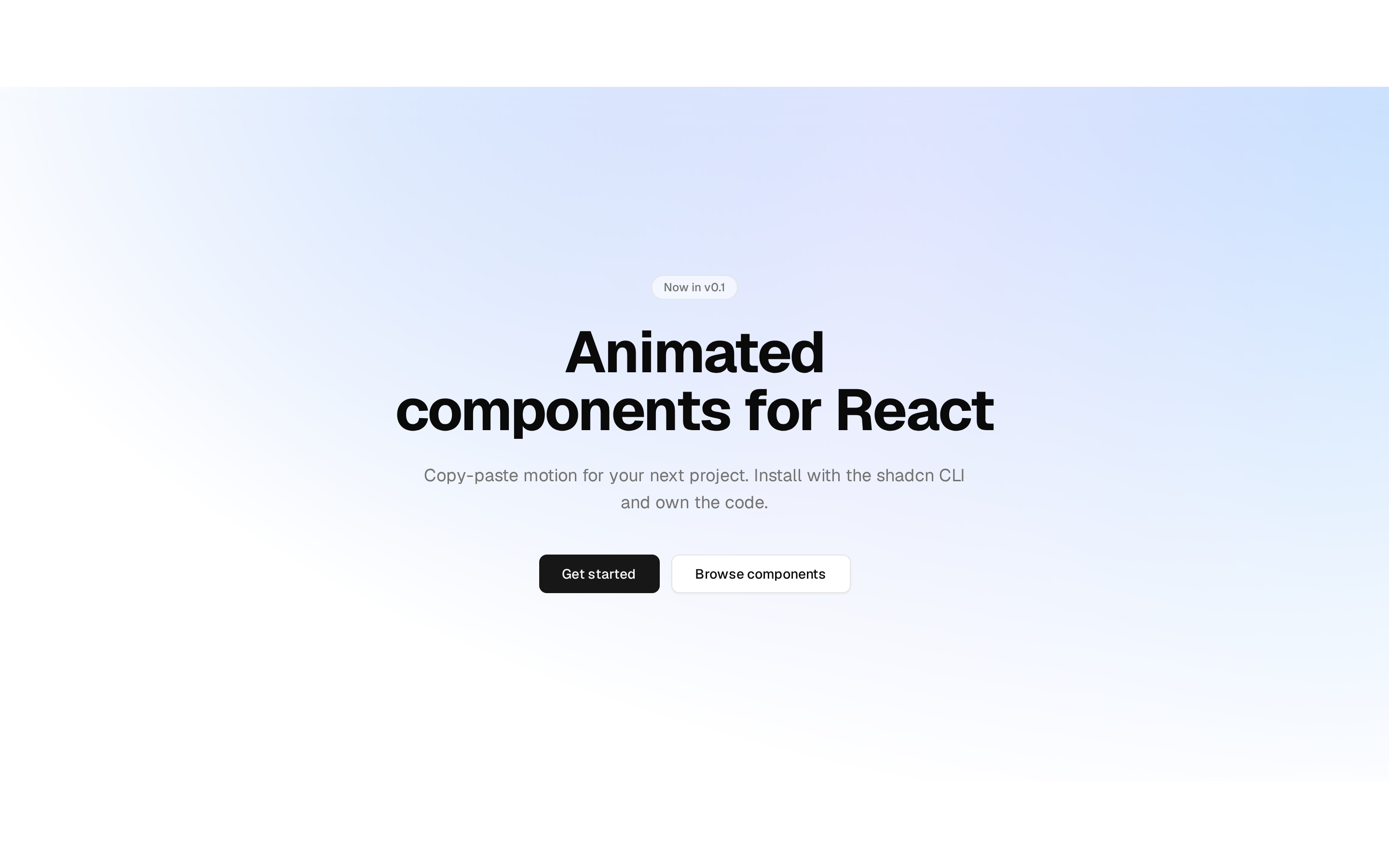
A dark, centered product hero whose image, gradient title, and glow change with the selected finish.
@esuiss
A dark, centered product hero whose image, gradient title, and glow change with the selected finish.
@esuiss
bases/radix/components/blocks/hero-cinematic.tsx
"use client"

import * as React from "react"

import { Button } from "@/components/ui/button"
import { ToggleGroup, ToggleGroupItem } from "@/components/ui/toggle-group"

const photo = (id: string) =>
  `https://images.unsplash.com/photo-${id}?w=1800&q=80&auto=format&fit=crop`

type Finish = {
  id: string
  label: string
  color: string
  image: string
  alt: string
}

const finishes: [Finish, ...Finish[]] = [
  {
    id: "orange",
    label: "Cosmic Orange",
    color: "var(--color-orange-500)",
    image: photo("1714972384975-fbd4f19b1bb3"),
    alt: "An orange phone on a warm gradient",
  },
  {
    id: "graphite",
    label: "Deep Graphite",
    color: "var(--color-zinc-500)",
    image: photo("1760978631841-f3754859ca59"),
    alt: "A dark textured surface with soft light",
  },
  {
    id: "silver",
    label: "Silver",
    color: "var(--foreground)",
    image: photo("1664883410931-2edffc8be5e6"),
    alt: "A silver phone on a light grey background",
  },
]

export function HeroCinematic() {
  const [selected, setSelected] = React.useState(finishes[0].id)
  const finish = finishes.find((item) => item.id === selected) ?? finishes[0]

  return (
    <section
      style={{ "--finish": finish.color } as React.CSSProperties}
      className="dark relative flex flex-col items-center overflow-hidden bg-background text-center text-foreground"
    >
      <div
        aria-hidden
        className="pointer-events-none absolute bottom-[-30%] left-1/2 h-[80%] w-[120%] -translate-x-1/2 bg-[radial-gradient(closest-side,var(--finish),transparent)] opacity-45 transition-[background-image] duration-1000"
      />
      <div className="relative flex flex-col items-center gap-2.5 px-6 pt-13 transition-[opacity,translate] duration-1000 ease-[cubic-bezier(0.45,0,0.2,1)] starting:translate-y-4.5 starting:opacity-0 motion-reduce:transition-none">
        <h1 className="bg-linear-to-r from-foreground from-20% to-(--finish) bg-clip-text text-6xl font-semibold tracking-tight text-transparent md:text-7xl">
          Pro.
        </h1>
        <p className="max-w-140 text-2xl text-balance text-muted-foreground md:text-3xl">
          Titanium design. S19 Pro chip. The most advanced camera system yet.
        </p>
      </div>
      <div className="relative mt-6 mb-2 aspect-[2] w-[calc(100%-2.5rem)] max-w-190 overflow-hidden rounded-[1.125rem]">
        {finishes.map((item) => (
          <img
            key={item.id}
            src={item.image}
            alt={item.alt}
            aria-hidden={item.id !== finish.id}
            data-active={item.id === finish.id ? "" : undefined}
            className="absolute inset-0 size-full scale-97 bg-secondary object-cover opacity-0 transition-[opacity,scale] duration-700 ease-[cubic-bezier(0.45,0,0.2,1)] data-active:scale-100 data-active:opacity-100 motion-reduce:transition-none"
          />
        ))}
      </div>
      <div className="relative flex flex-col items-center gap-3.5 pb-7">
        <p className="min-h-5 text-sm text-muted-foreground" aria-live="polite">
          {finish.label}
        </p>
        <ToggleGroup
          type="single"
          value={selected}
          onValueChange={(value: string) => {
            if (value) setSelected(value)
          }}
          aria-label="Finish"
          spacing={3.5}
        >
          {finishes.map((item) => (
            <ToggleGroupItem
              key={item.id}
              value={item.id}
              aria-label={item.label}
              style={{ "--swatch": item.color } as React.CSSProperties}
              className="size-5.5 min-w-0 rounded-full bg-(--swatch) p-0 ring-1 ring-foreground/20 transition-shadow duration-250 hover:bg-(--swatch) data-[state=on]:bg-(--swatch) data-[state=on]:ring-2 data-[state=on]:ring-foreground data-[state=on]:ring-offset-2 data-[state=on]:ring-offset-background data-[state=on]:hover:bg-(--swatch)"
            />
          ))}
        </ToggleGroup>
        <div className="mt-1.5 flex items-center gap-5.5">
          <Button>Buy</Button>
          <a href="#film" className="text-lg text-primary hover:underline">
            Watch the film ›
          </a>
        </div>
      </div>
    </section>
  )
}