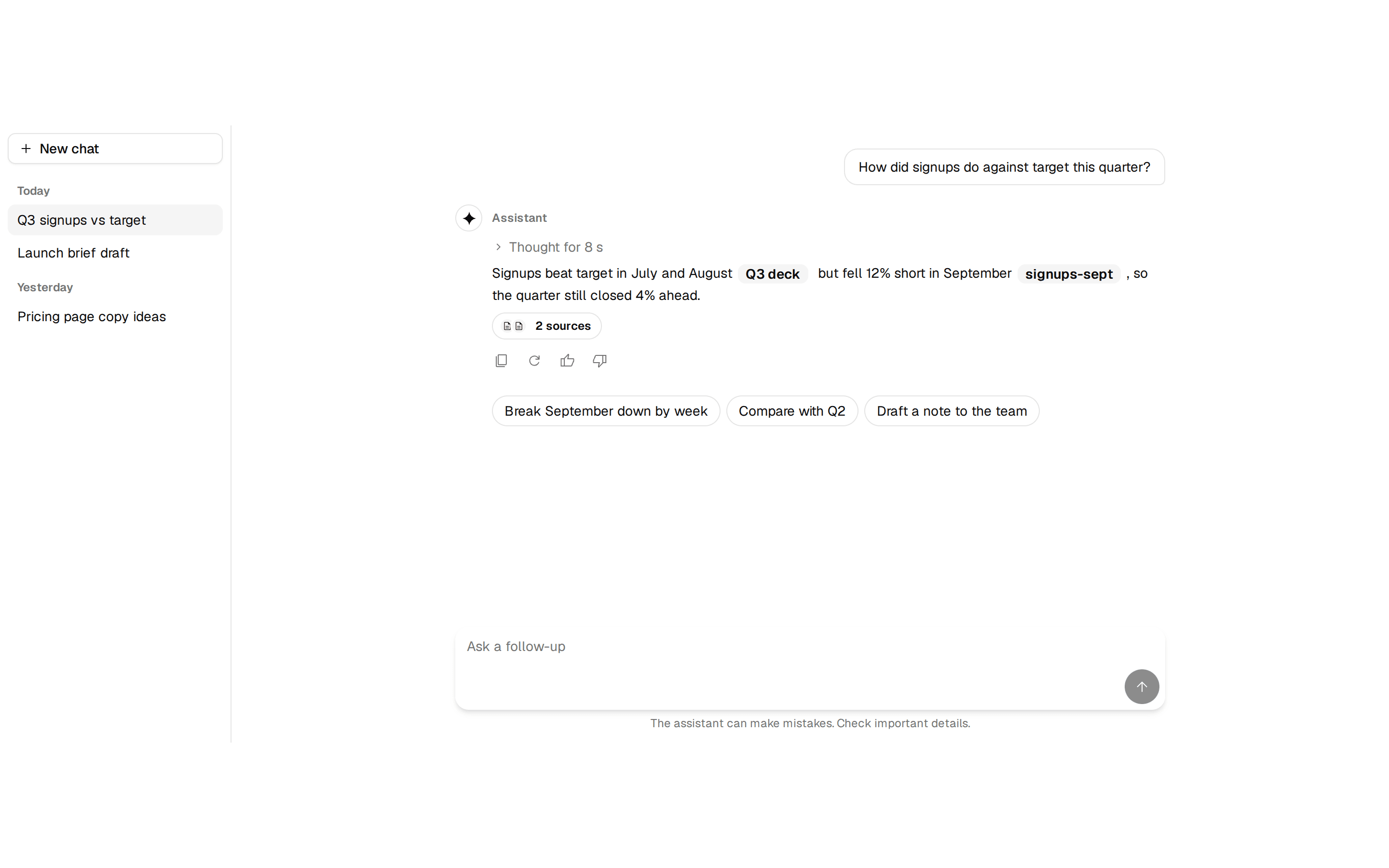
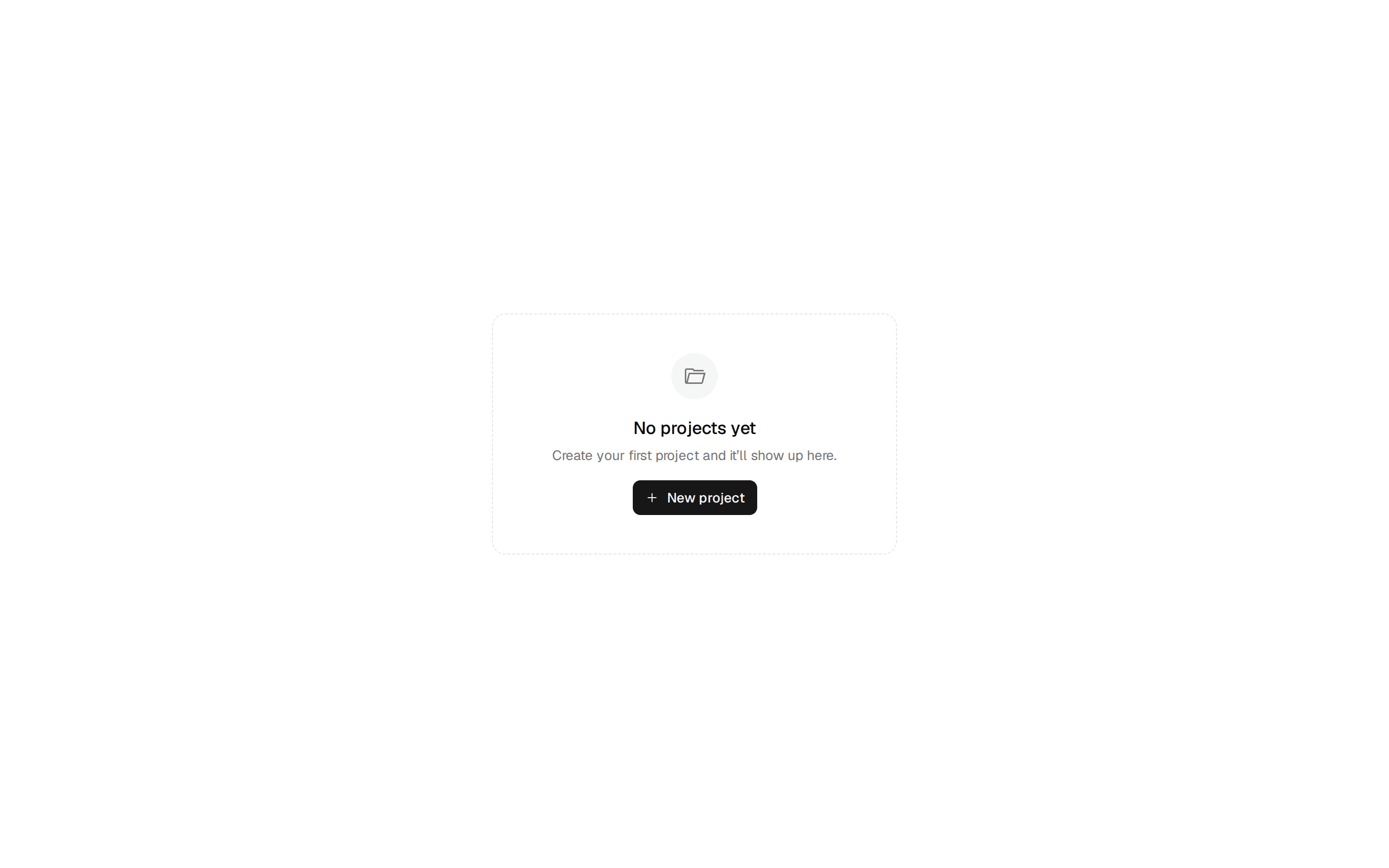
A full-page 404 error state with go-back and home recovery actions. Do: Offer both a contextual escape (Go back) and an absolute one (Take me home) — never strand the user with only one recovery path. Don't: Leave a 404 page with no action at all, or only a single 'Home' link buried in a header the user has to hunt for. Use empty-state when the resource exists but is legitimately empty (no items yet), not missing or misrouted. Use alerts when the error is recoverable inline on the current page, not a full-page dead end that needs its own route.
registry/blocks/error-404.tsx
import { Button } from '@/components/ui/button'
import { Icon } from '@/components/ui/icon'

/** A full-page 404 error state with go-back and home recovery actions. */
export function Error404() {
  return (
    <div className="flex h-[500px] w-full flex-col items-center justify-center gap-4 bg-background px-6 text-center text-foreground">
      <span className="font-heading text-6xl text-muted-foreground">
        404
      </span>
      <div className="flex flex-col gap-1">
        <h1 className="fraunces-text font-heading text-2xl">Page not found</h1>
        <p className="max-w-sm text-sm text-pretty text-muted-foreground">
          The page you’re looking for doesn’t exist or may have been moved.
        </p>
      </div>
      <div className="flex gap-2">
        <Button variant="outline">
          <Icon name="arrow_back" size={16} /> Go back
        </Button>
        <Button>Take me home</Button>
      </div>
    </div>
  )
}