AI home
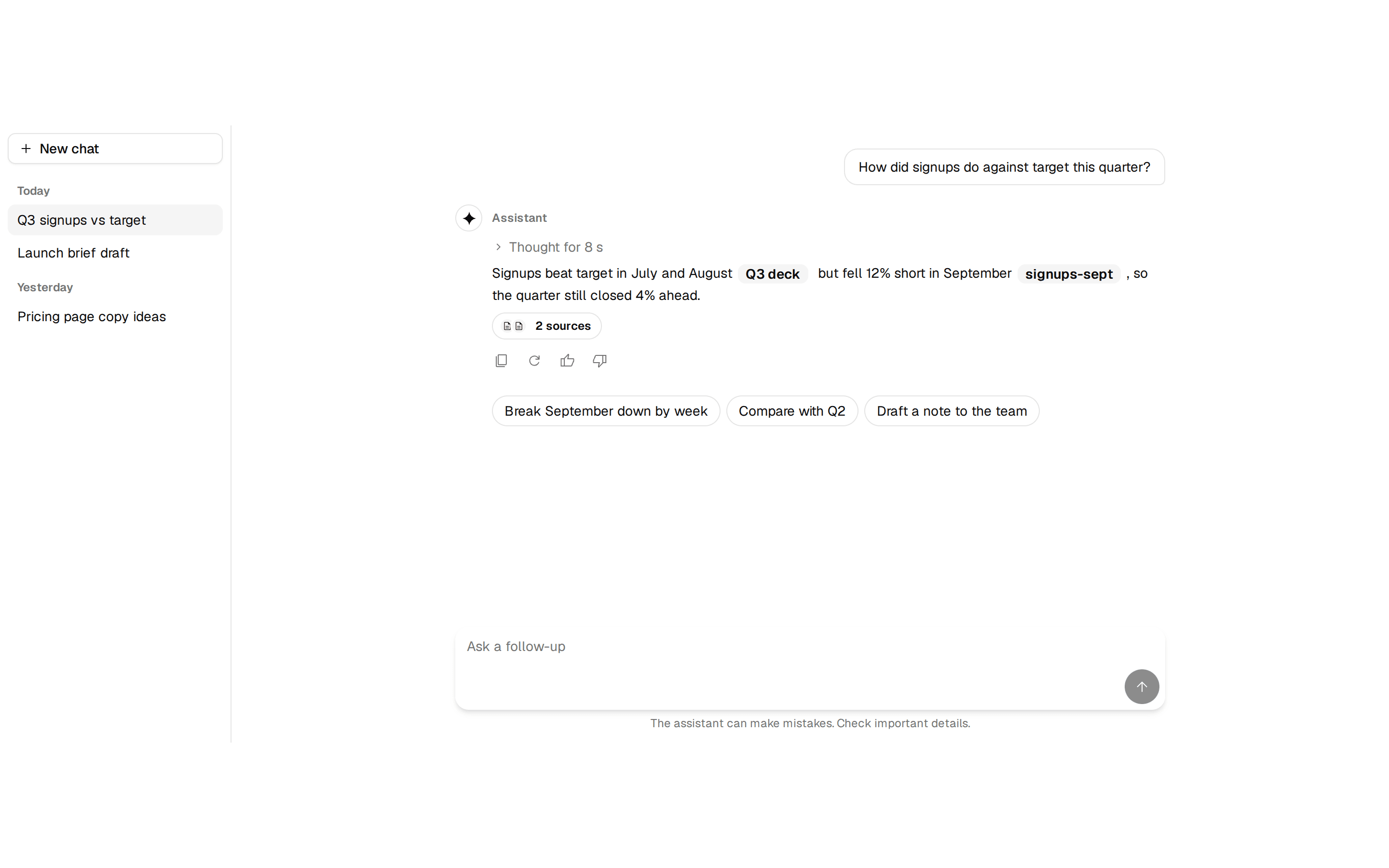
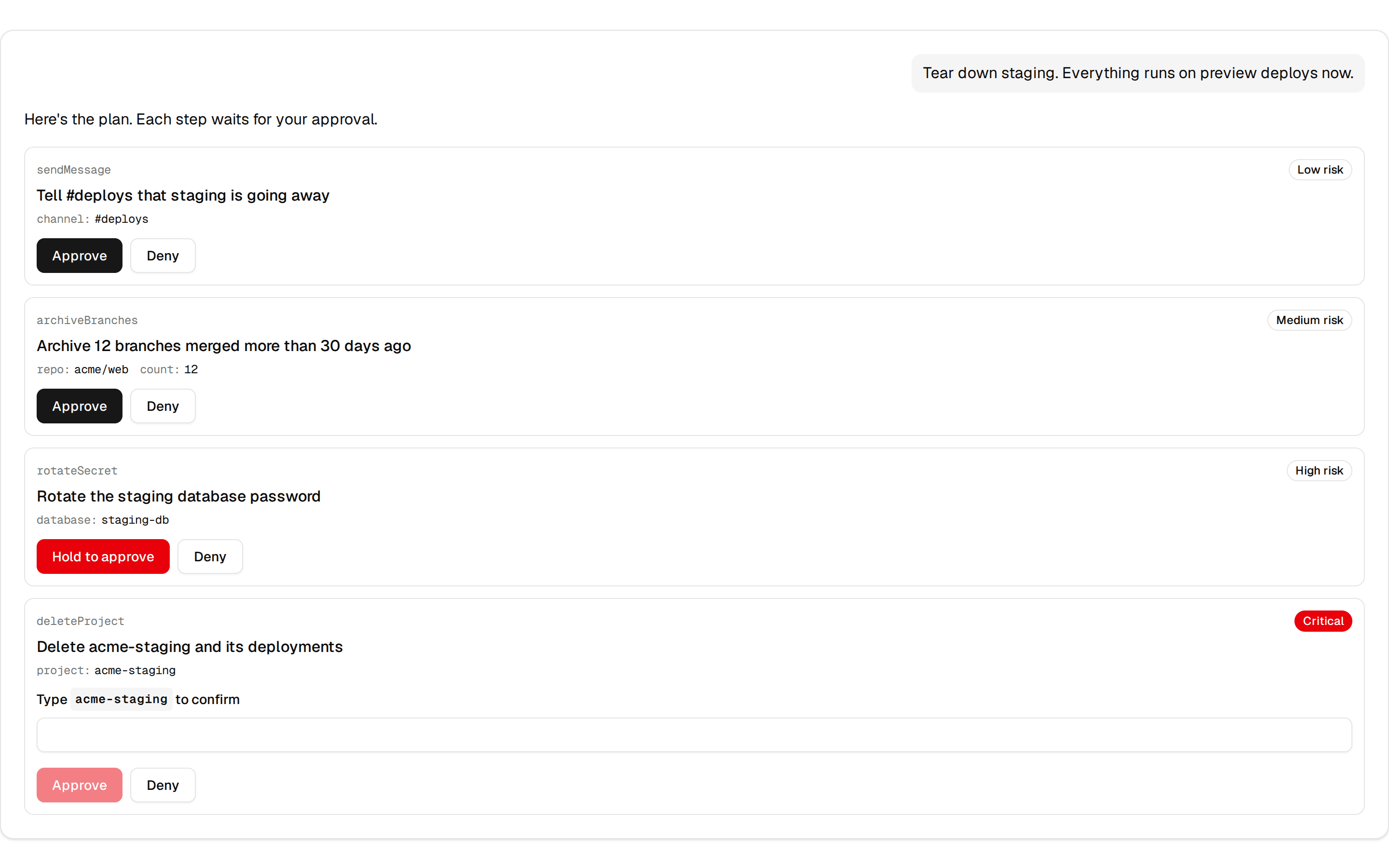
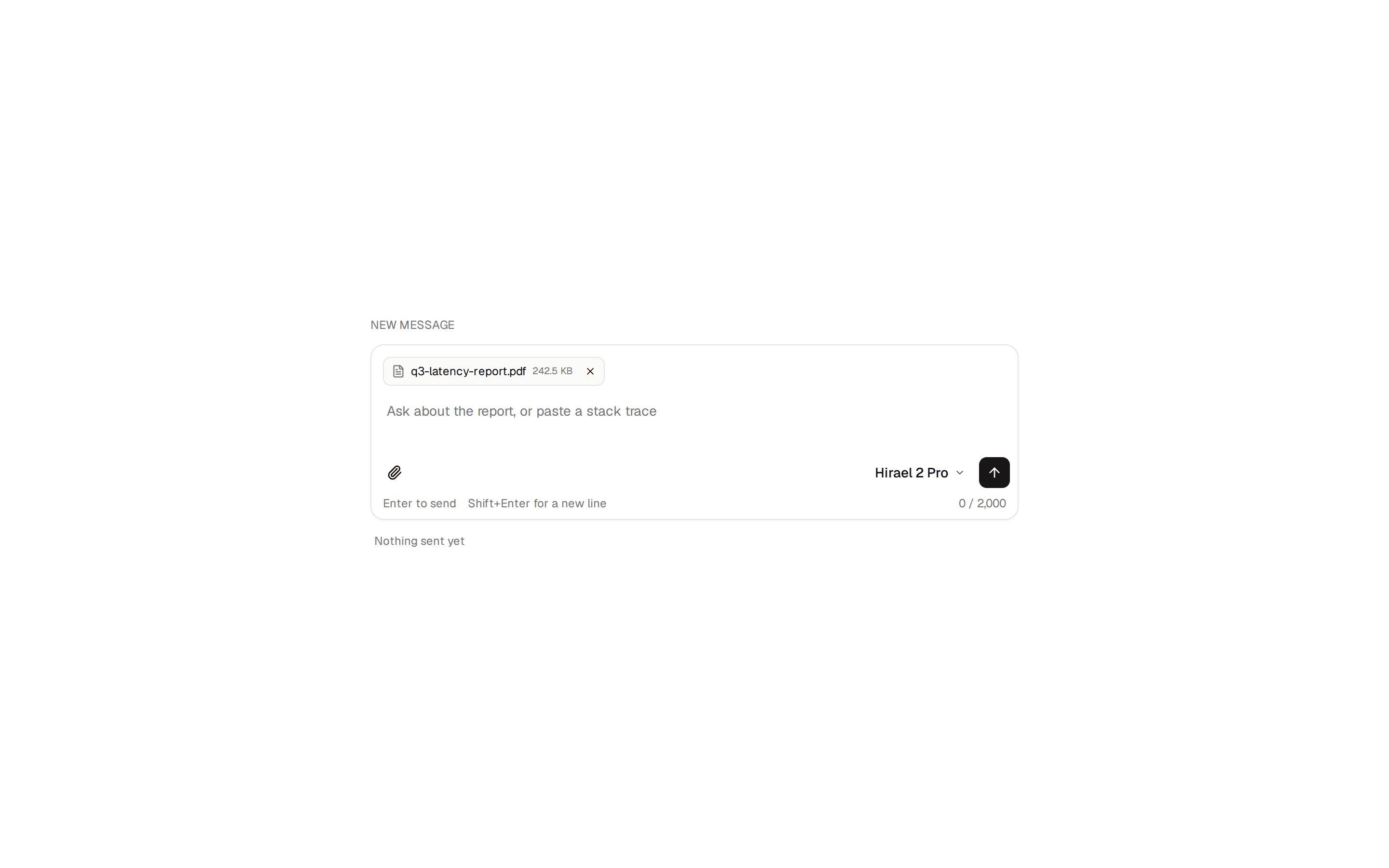
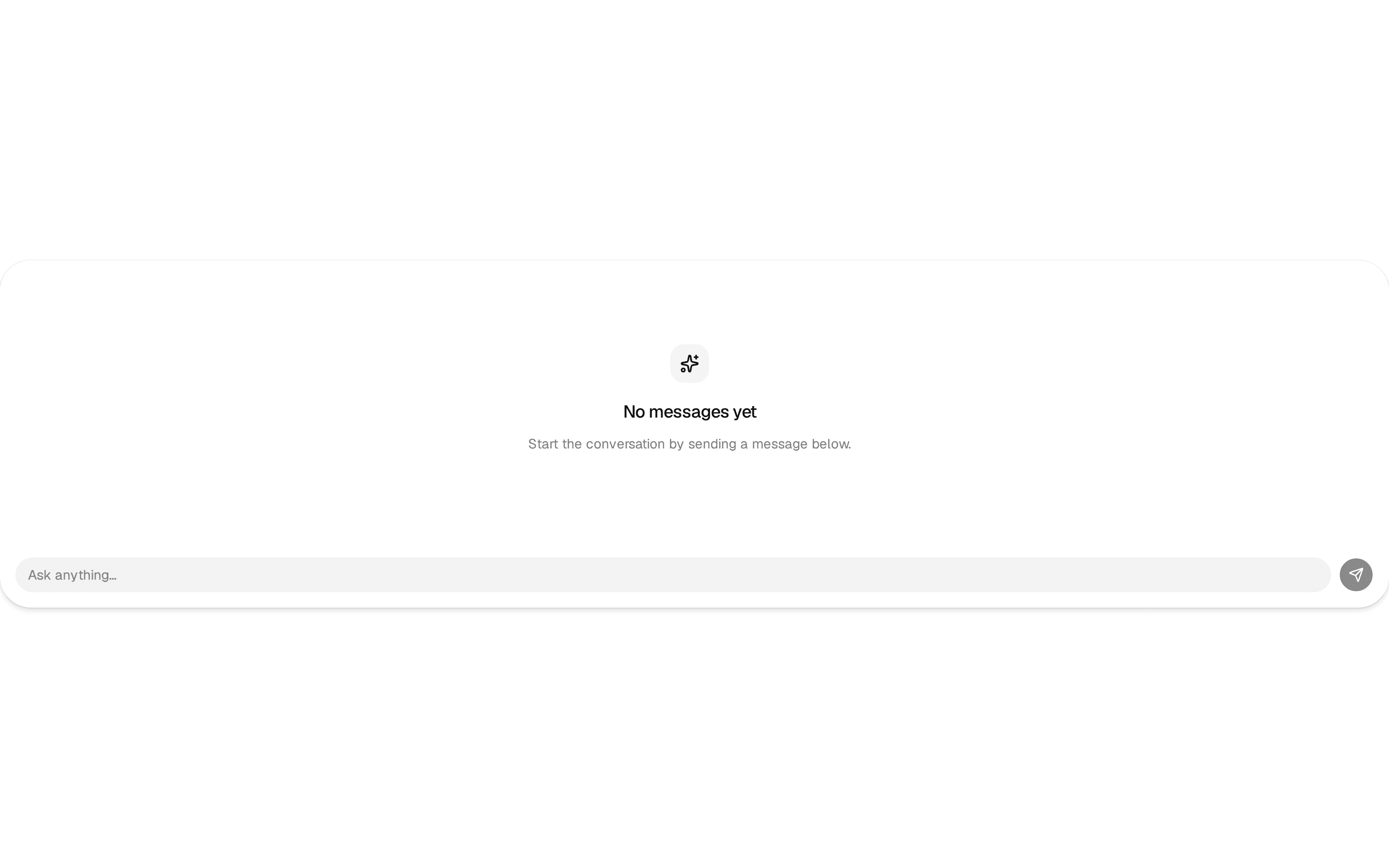
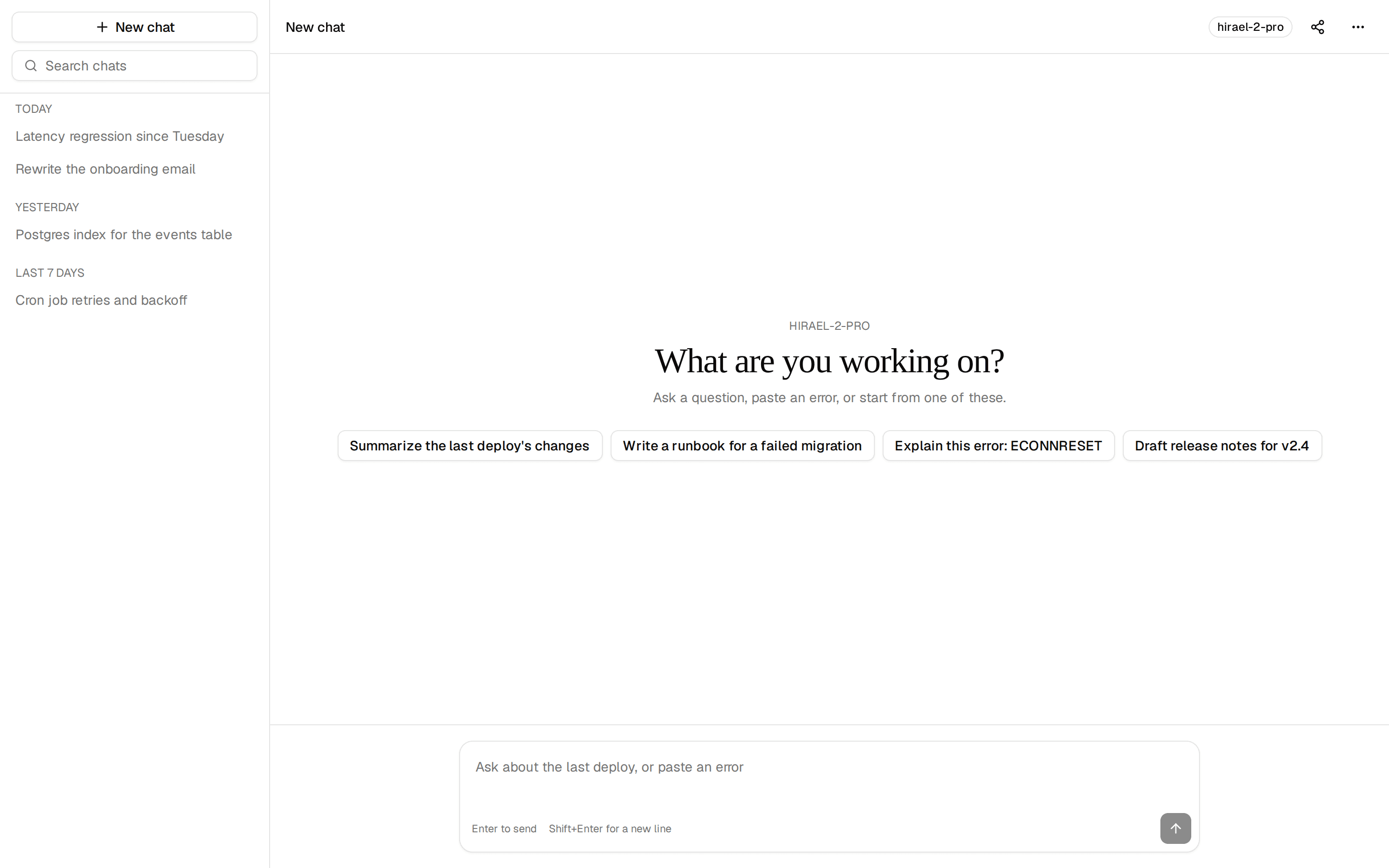
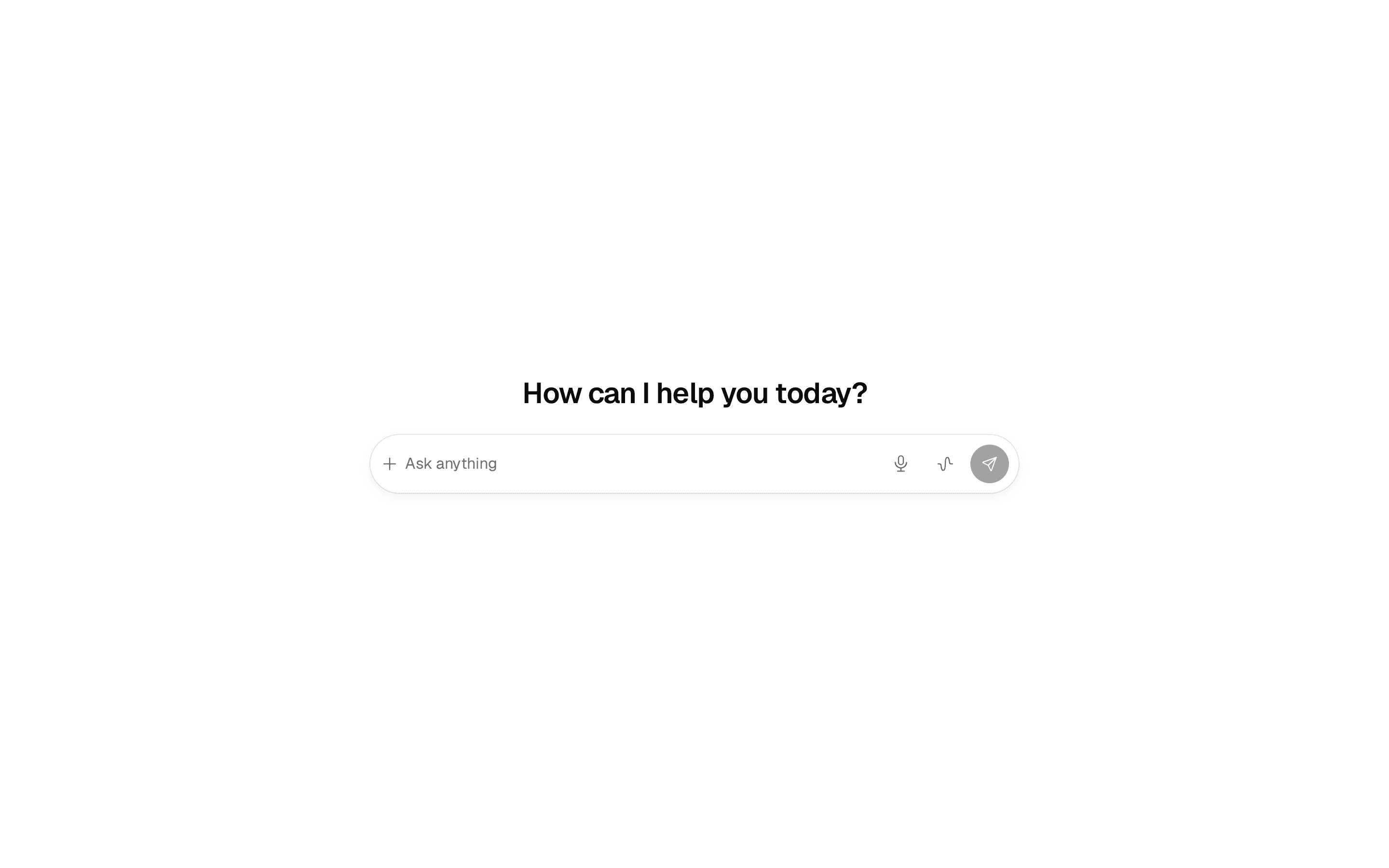
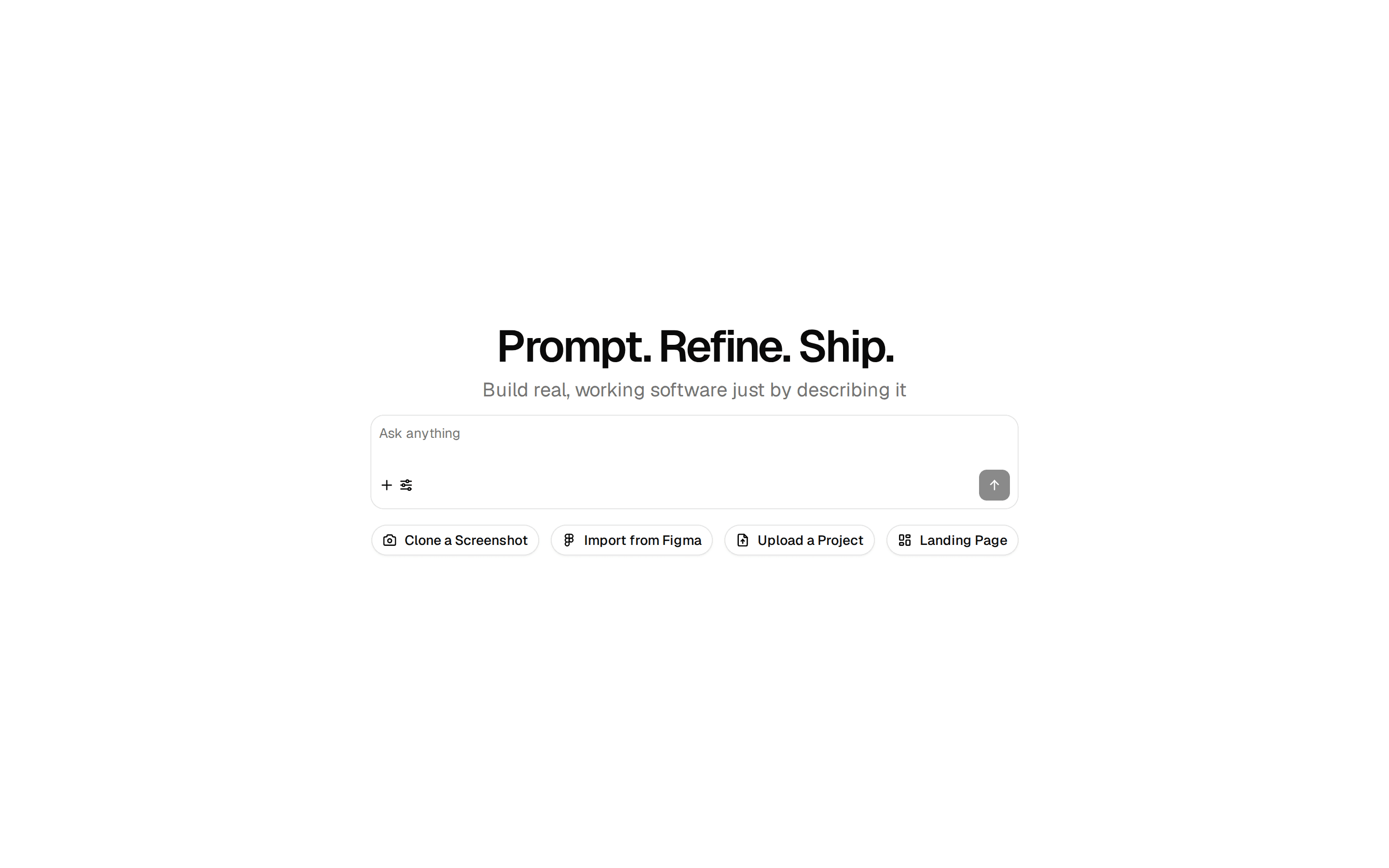
An AI assistant's start page — a soft AI glow, a greeting, the large composer with Ask/Agent modes, and starter cards.
@quill
An AI assistant's start page — a soft AI glow, a greeting, the large composer with Ask/Agent modes, and starter cards.
@quill
registry/blocks/ai-home.tsx
'use client'

import * as React from 'react'
import { PromptComposer } from '@/components/ui/prompt-composer'
import { Button } from '@/components/ui/button'
import { Icon } from '@/components/ui/icon'
import { SuggestedPrompts } from '@/components/ui/suggested-prompts'

const STARTERS = [
  { title: 'Brainstorm', detail: 'Ideas for a launch', prompt: 'Brainstorm ideas for our next launch' },
  { title: 'Draft a brief', detail: 'From my notes', prompt: 'Draft a brief from my notes' },
  { title: 'Plan my week', detail: 'Around my meetings', prompt: 'Plan my week around my meetings' },
  { title: 'Find', detail: 'Tasks due soon', prompt: 'Find tasks due soon' },
]

/** An AI assistant's start page — a soft AI glow, a greeting, the large composer with Ask/Agent modes, and starter cards. */
export function AiHome({
  greeting = 'What should we work on?',
  starters = STARTERS,
  onSubmit = () => {},
  onAdd,
  onMic,
}: {
  greeting?: string
  starters?: { title: string; detail: string; prompt: string }[]
  onSubmit?: (value: string) => void
  onAdd?: () => void // shows the + button (files, apps or context)
  onMic?: () => void // shows the mic while the box is empty
}) {
  const [value, setValue] = React.useState('')
  const composerRef = React.useRef<HTMLTextAreaElement>(null)
  return (
    // Not place-content-center: that sizes the one column to its widest child (the
    // starter row, 592px), so the composer's max-w-2xl never reached 672px.
    <section className="ai-glow grid min-h-[32rem] content-center justify-items-center gap-5 px-4 py-16">
      {/* The approved sketch's heading: Fraunces' text cut at 24px, normal tracking — calmer than h1's display preset. */}
      <h1 className="fraunces-text text-center font-heading text-xl font-medium tracking-normal">{greeting}</h1>
      <div className="w-full max-w-2xl">
        <PromptComposer
          ref={composerRef}
          size="lg"
          value={value}
          onValueChange={setValue}
          onSubmit={(v) => { onSubmit(v); setValue('') }}
          onMic={onMic}
          leading={onAdd ? (
            <Button type="button" size="icon" variant="ghost" className="rounded-full border border-border" aria-label="Add files or context" onClick={onAdd}>
              <Icon name="add" className="size-4" />
            </Button>
          ) : null}
          modes={[
            { value: 'ask', label: 'Ask', ai: true, placeholder: 'Ask anything. Type / for skills, @ to add context' },
            { value: 'agent', label: 'Agent', icon: <Icon name="person" />, placeholder: 'What should your agent take on?' },
          ]}
        />
      </div>
      <SuggestedPrompts
        layout="cards"
        label="Starters"
        className="w-full max-w-2xl"
        suggestions={starters.map((s) => ({ label: s.title, detail: s.detail, prompt: s.prompt }))}
        onPick={(prompt) => { setValue(prompt); composerRef.current?.focus() }}
      />
    </section>
  )
}
An AI assistant's start page — a soft AI glow, a greeting, the large composer with Ask/Agent modes, and starter cards. Do: Keep the AI glow to this one start page. Don't: Add the glow behind other sections or pages — it marks the AI home, and repeated it becomes decoration. Use prompt-composer when you only need the box, inside a page that is about something else. Use chat when two people are messaging; there is no AI.