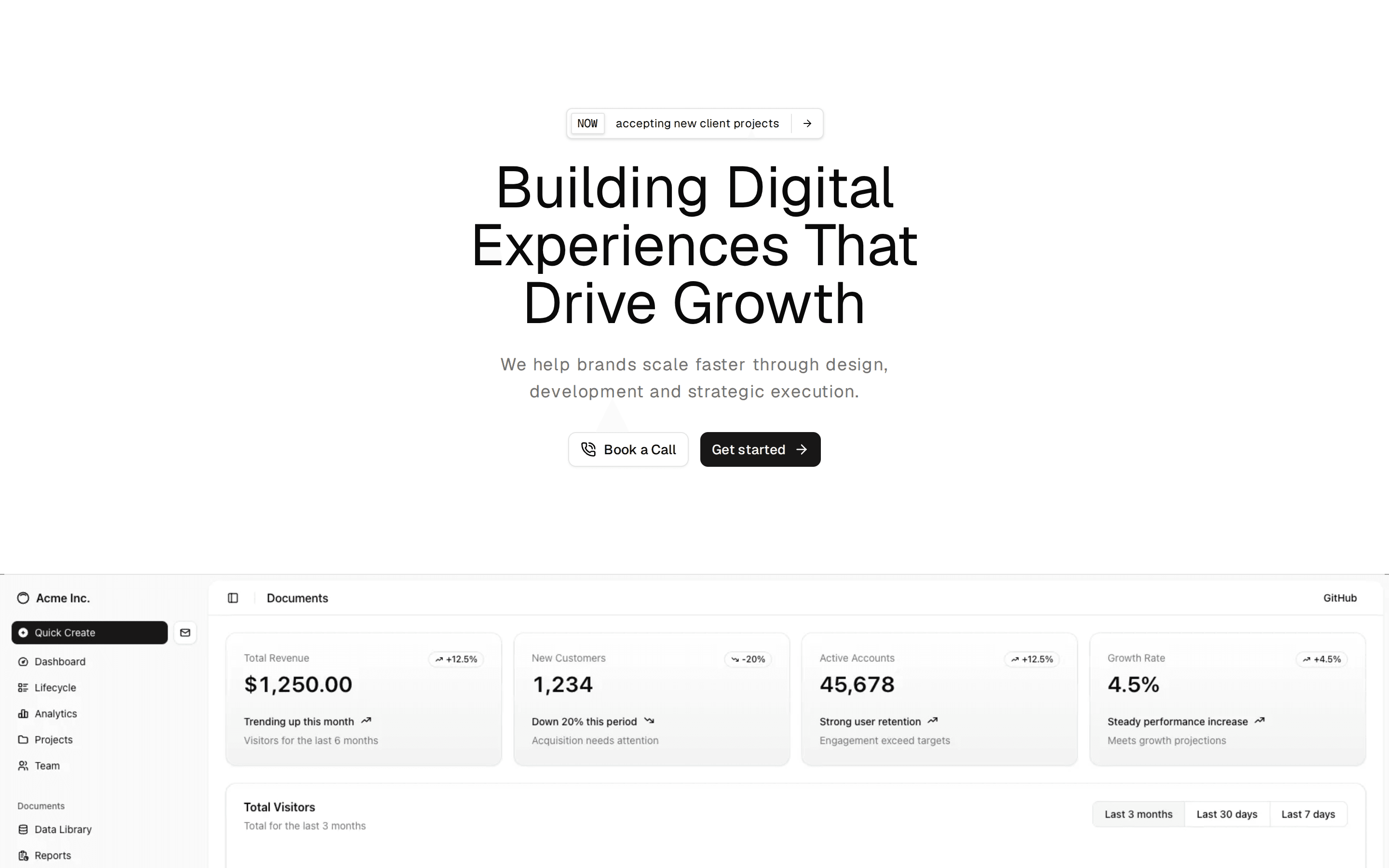
Hero 5: Mac app with opening laptop
Centered hero for a Mac app: shiny highlighted headline, download button and requirements, over a laptop whose lid opens into view on a live app window.
@ballmac
Centered hero for a Mac app: shiny highlighted headline, download button and requirements, over a laptop whose lid opens into view on a live app window.
@ballmac
registry/ballmac/components/blocks/hero-5/hero-5.tsx
// Ballmac UI: Hero 5. https://ui.ballmac.com/blocks/hero-5
import * as React from "react"
import { Check, Circle, Download, Inbox, ListTodo, Search, Star, Sun } from "lucide-react"

import { buttonVariants } from "@/components/ballmac/button"
import { GradientText } from "@/components/ballmac/gradient-text"
import { LaptopFrame } from "@/components/ballmac/laptop-frame"
import {
  MacWindow,
  MacWindowContent,
  MacWindowMain,
  MacWindowSidebar,
  MacWindowSidebarItem,
  MacWindowTitleBar,
  MacWindowToolbarButton,
} from "@/components/ballmac/mac-window"
import { cn } from "@/lib/utils"

type Action = { label: string; href: string }

type Hero5Props = Omit<React.ComponentProps<"section">, "title"> & {
  /** Headline before the highlighted phrase. */
  title?: string
  /** Phrase rendered with a shiny gradient at the end of the headline. */
  highlight?: string
  /** One or two sentences under the heading. */
  description?: string
  /** Download button. */
  primaryAction?: Action
  /** Secondary link, e.g. pricing or a tour. */
  secondaryAction?: Action
  /** Small print under the buttons, e.g. system requirements. */
  requirements?: string
  /** What the laptop shows. Defaults to a to-do app window; pass a screenshot or your own UI. */
  screen?: React.ReactNode
}

const lists = [
  { icon: Inbox, label: "Inbox", count: 4 },
  { icon: Sun, label: "Today", count: 6, selected: true },
  { icon: Star, label: "Planned", count: 12 },
  { icon: ListTodo, label: "Someday", count: 23 },
]

const tasks = [
  { title: "Review the launch checklist", tag: "Launch", done: true },
  { title: "Record the product walkthrough", tag: "Launch", done: true },
  { title: "Reply to beta feedback", tag: "Support" },
  { title: "Notarize and staple the build", tag: "Release" },
  { title: "Schedule the announcement for 9:00", tag: "Launch" },
]

/** Default screen: a wallpaper and a to-do app window, drawn with Ballmac components. */
function DefaultScreen() {
  return (
    <div className="relative size-full overflow-hidden">
      <div aria-hidden="true" className="absolute inset-0 bg-linear-to-br from-chart-1 via-chart-4 to-chart-5 dark:brightness-[0.55]" />
      <div aria-hidden="true" className="absolute inset-x-0 top-0 h-7 bg-white/30 backdrop-blur-xl dark:bg-black/30" />
      <MacWindow className="absolute inset-x-[7%] top-[9%] bottom-[7%] text-[15px]">
        <MacWindowSidebar>
          {lists.map((l) => (
            <MacWindowSidebarItem key={l.label} selected={l.selected}>
              <l.icon className="size-4" aria-hidden="true" />
              <span className="flex-1">{l.label}</span>
              <span className="text-xs text-muted-foreground tabular-nums">{l.count}</span>
            </MacWindowSidebarItem>
          ))}
        </MacWindowSidebar>
        <MacWindowMain>
          <MacWindowTitleBar title="Today" controls={false}>
            <MacWindowToolbarButton aria-label="Search">
              <Search />
            </MacWindowToolbarButton>
          </MacWindowTitleBar>
          <MacWindowContent className="px-8 py-6">
            <p className="text-3xl font-semibold tracking-tight">Today</p>
            <p className="mt-1 text-sm text-muted-foreground">Tuesday, September 29</p>
            <ul className="mt-6 divide-y">
              {tasks.map((t) => (
                <li key={t.title} className="flex items-center gap-3 py-3">
                  {t.done ? (
                    <span className="flex size-5 items-center justify-center rounded-full bg-primary text-primary-foreground">
                      <Check className="size-3" strokeWidth={3} aria-hidden="true" />
                    </span>
                  ) : (
                    <Circle className="size-5 text-muted-foreground/60" aria-hidden="true" />
                  )}
                  <span className={cn("flex-1", t.done && "text-muted-foreground line-through")}>{t.title}</span>
                  <span className="rounded-md bg-muted px-2 py-0.5 text-xs text-muted-foreground">{t.tag}</span>
                </li>
              ))}
            </ul>
          </MacWindowContent>
        </MacWindowMain>
      </MacWindow>
    </div>
  )
}

function Hero5({
  title = "Your day, planned in",
  highlight = "one calm place.",
  description = "A fast, native to-do app that lives in your menu bar, syncs through iCloud and never sends your tasks anywhere else.",
  primaryAction = { label: "Download for Mac", href: "#" },
  secondaryAction = { label: "See pricing", href: "#pricing" },
  requirements = "Free to try · macOS 14 or later · Apple silicon and Intel",
  screen,
  className,
  ...props
}: Hero5Props) {
  return (
    <section data-slot="hero-5" className={cn("relative isolate overflow-hidden", className)} {...props}>
      <div aria-hidden="true" className="absolute inset-x-0 top-0 -z-10 h-[520px] bg-[radial-gradient(60%_60%_at_50%_0%,color-mix(in_oklch,var(--chart-1)_22%,transparent),transparent)]" />
      <div className="mx-auto max-w-6xl px-4 pt-20 text-center sm:px-6 sm:pt-28">
        <h1 className="mx-auto max-w-3xl text-4xl leading-[1.04] font-semibold tracking-[-0.045em] text-balance sm:text-6xl lg:text-7xl">
          {title} <GradientText variant="shiny">{highlight}</GradientText>
        </h1>
        <p className="mx-auto mt-6 max-w-xl text-lg leading-relaxed text-pretty text-muted-foreground">{description}</p>
        <div className="mt-8 flex flex-wrap justify-center gap-3">
          <a href={primaryAction.href} className={buttonVariants({ size: "lg", shape: "pill" })}>
            <Download /> {primaryAction.label}
          </a>
          <a href={secondaryAction.href} className={buttonVariants({ size: "lg", shape: "pill", variant: "outline" })}>
            {secondaryAction.label}
          </a>
        </div>
        {requirements && <p className="mt-4 text-xs text-muted-foreground">{requirements}</p>}
        <div className="mx-auto mt-14 max-w-5xl sm:mt-20">
          <LaptopFrame openAnimation="in-view" screenWidth={1280}>
            {screen ?? <DefaultScreen />}
          </LaptopFrame>
        </div>
      </div>
    </section>
  )
}

export { Hero5, type Hero5Props }