Forgot password
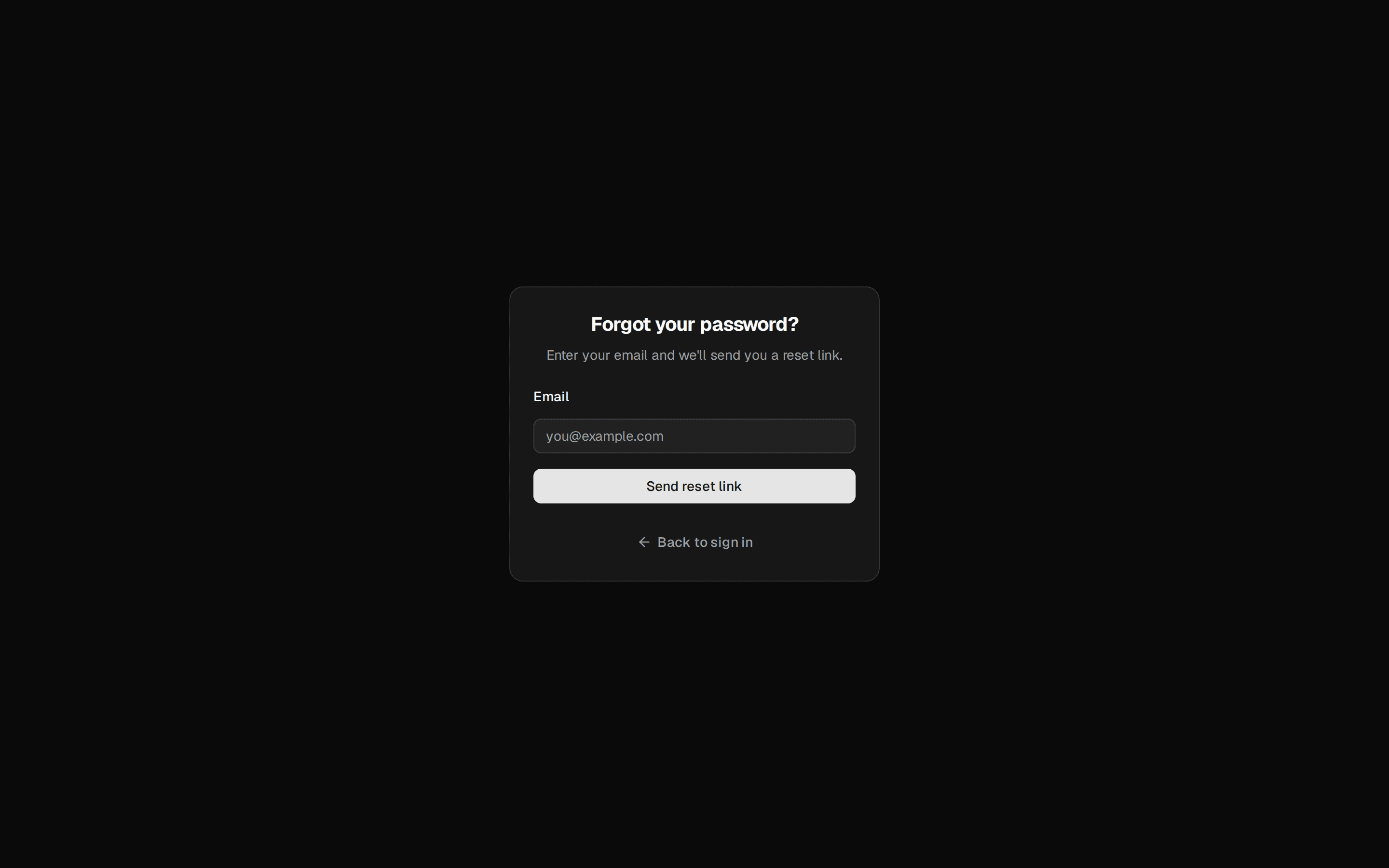
A password-reset request card — an email field, a send-link action, and a way back to sign in.
@quill
A password-reset request card — an email field, a send-link action, and a way back to sign in.
@quill
registry/blocks/forgot-password.tsx
import {
Card,
CardHeader,
CardTitle,
CardDescription,
CardContent,
CardFooter,
} from '@/components/ui/card'
import { Input } from '@/components/ui/input'
import { Label } from '@/components/ui/label'
import { Button } from '@/components/ui/button'
import { Icon } from '@/components/ui/icon'
/** A password-reset request card — an email field, a send-link action, and a way back to sign in. */
export function ForgotPassword() {
return (
<Card className="w-[380px]">
<CardHeader>
<CardTitle>Reset your password</CardTitle>
<CardDescription>
Enter the email you signed up with and we’ll send you a reset link.
</CardDescription>
</CardHeader>
<CardContent className="flex flex-col gap-4">
<div className="flex flex-col gap-1.5">
<Label htmlFor="forgot-email">Email</Label>
<Input id="forgot-email" type="email" placeholder="you@example.com" />
</div>
</CardContent>
<CardFooter className="flex-col gap-2">
<Button className="w-full">Send reset link</Button>
<Button variant="ghost" className="w-full">
<Icon name="arrow_back" size={16} /> Back to sign in
</Button>
</CardFooter>
</Card>
)
}
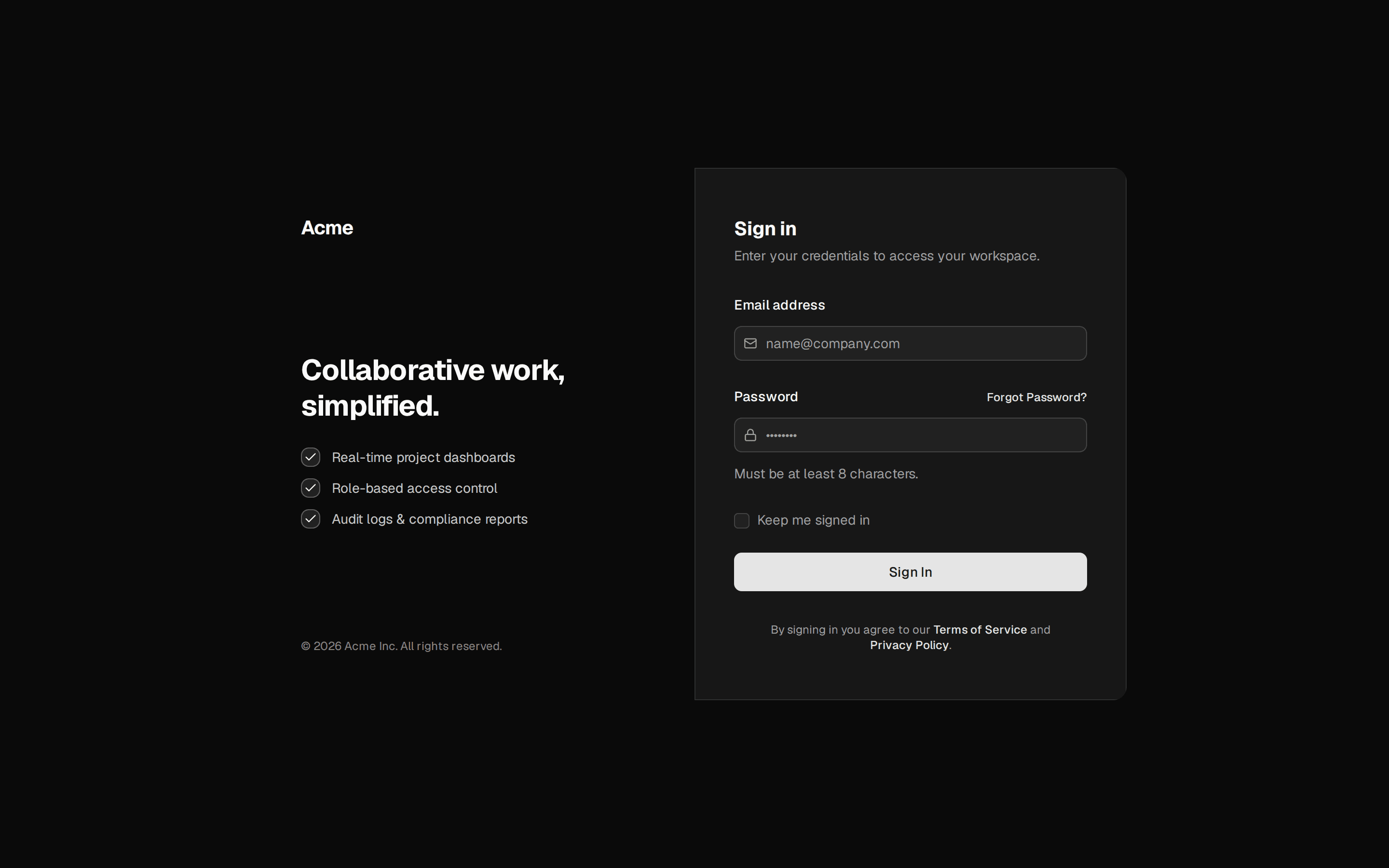
A password-reset request card — an email field, a send-link action, and a way back to sign in. Do: Keep the ghost "Back to sign in" button so a user who clicked in by mistake isn't stuck. Don't: Ship this card as a dead end with no return path to sign-in. Use otp-verification when recovery works by a typed one-time code rather than an emailed link. Use login when the user hasn't actually forgotten anything — this card is only the detour reached from login's "Forgot your password?" link.