registry/blocks/contact-form.tsx
import {
  Card,
  CardHeader,
  CardTitle,
  CardDescription,
  CardContent,
  CardFooter,
} from '@/components/ui/card'
import { Input } from '@/components/ui/input'
import { Label } from '@/components/ui/label'
import { Button } from '@/components/ui/button'
import { Textarea } from '@/components/ui/textarea'
import {
  Select,
  SelectContent,
  SelectItem,
  SelectTrigger,
  SelectValue,
} from '@/components/ui/select'

/** A get-in-touch card — name, email, a topic select, and a message field. */
export function ContactForm() {
  return (
    <Card className="w-[440px]">
      <CardHeader>
        <CardTitle>Get in touch</CardTitle>
        <CardDescription>We usually reply within one working day.</CardDescription>
      </CardHeader>
      <CardContent className="flex flex-col gap-4">
        <div className="grid grid-cols-2 gap-3">
          <div className="flex flex-col gap-1.5">
            <Label htmlFor="contact-first">First name</Label>
            <Input id="contact-first" placeholder="Ada" />
          </div>
          <div className="flex flex-col gap-1.5">
            <Label htmlFor="contact-last">Last name</Label>
            <Input id="contact-last" placeholder="Lovelace" />
          </div>
        </div>
        <div className="flex flex-col gap-1.5">
          <Label htmlFor="contact-email">Email</Label>
          <Input id="contact-email" type="email" placeholder="you@example.com" />
        </div>
        <div className="flex flex-col gap-1.5">
          <Label htmlFor="contact-topic">Topic</Label>
          <Select>
            <SelectTrigger id="contact-topic" className="w-full">
              <SelectValue placeholder="Choose a topic" />
            </SelectTrigger>
            <SelectContent>
              <SelectItem value="support">Support</SelectItem>
              <SelectItem value="billing">Billing</SelectItem>
              <SelectItem value="partnership">Partnership</SelectItem>
              <SelectItem value="other">Something else</SelectItem>
            </SelectContent>
          </Select>
        </div>
        <div className="flex flex-col gap-1.5">
          <Label htmlFor="contact-message">Message</Label>
          <Textarea id="contact-message" placeholder="Tell us a little about it…" rows={4} />
          <span className="text-xs text-muted-foreground">Markdown is welcome.</span>
        </div>
      </CardContent>
      <CardFooter className="justify-end gap-2">
        <Button variant="ghost">Cancel</Button>
        <Button>Send message</Button>
      </CardFooter>
    </Card>
  )
}
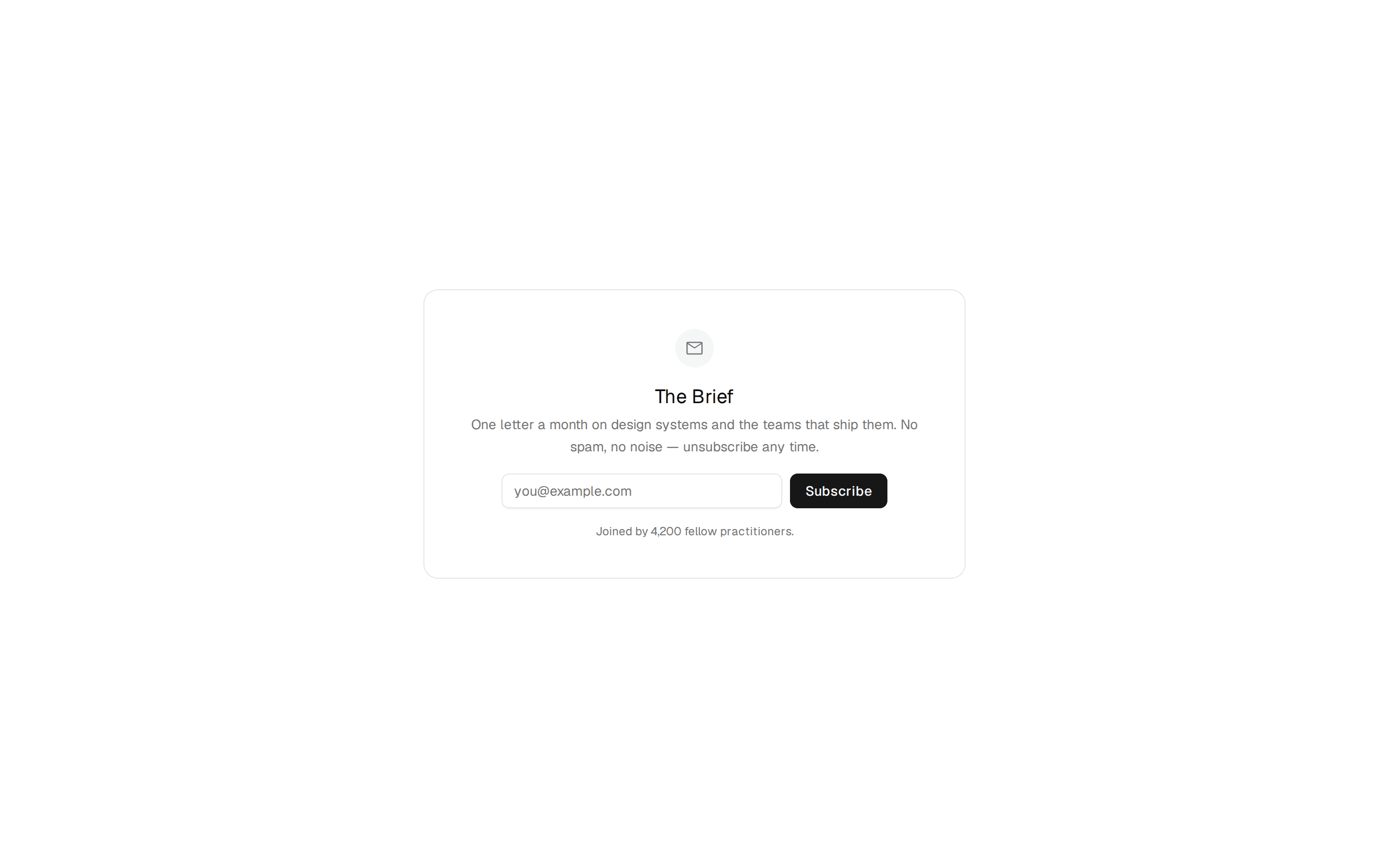
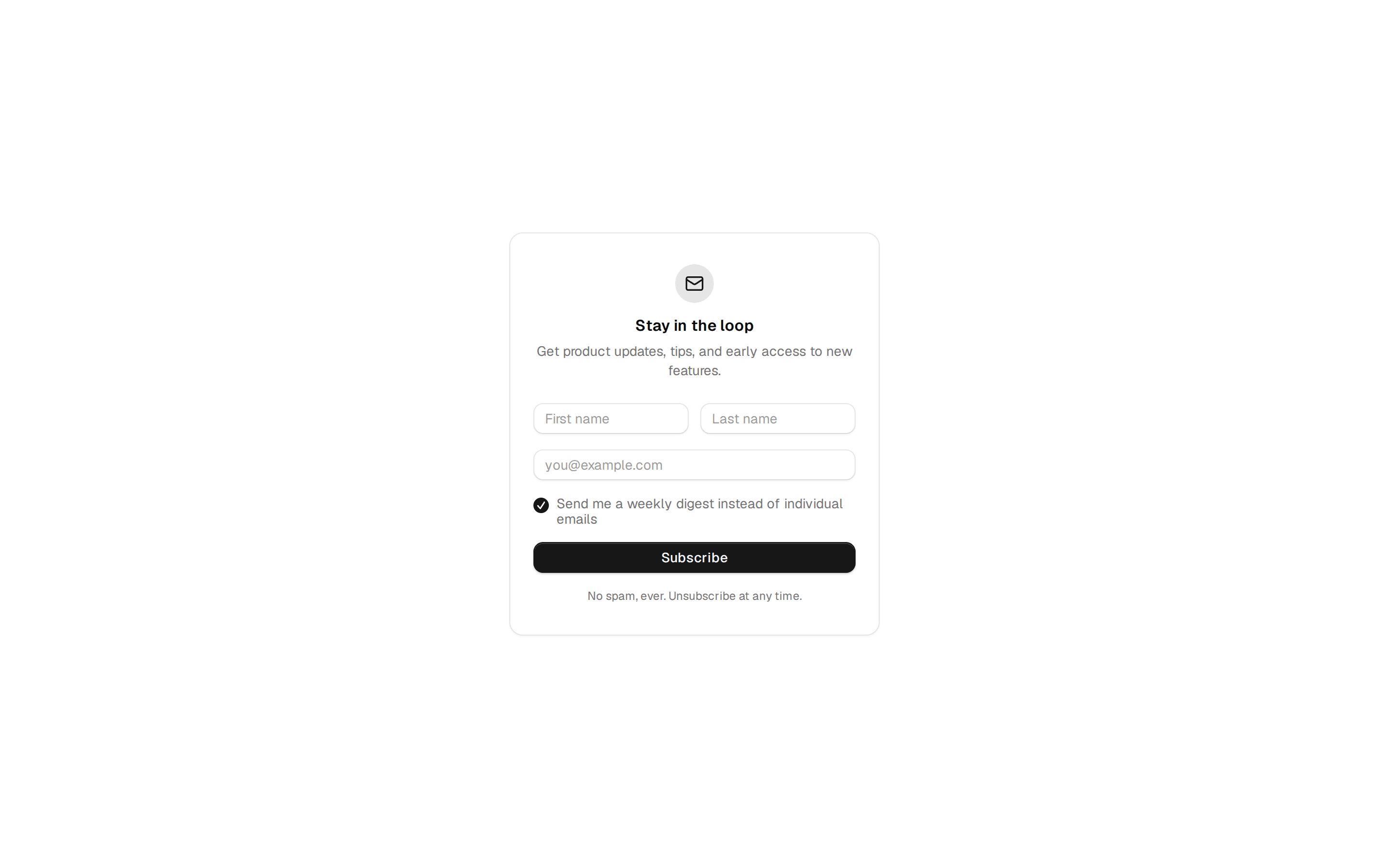
A get-in-touch card — name, email, a topic select, and a message field. Do: State a response-time expectation in the description ("We usually reply within one working day.") so the form doesn't feel like it disappears into a void. Don't: Leave users with no sense of whether or when they'll hear back. Use newsletter when you only need a single email field to grow a list, not a full multi-field inquiry form. Use settings when the fields are updating an existing profile, not sending a one-off message.