Contact Form
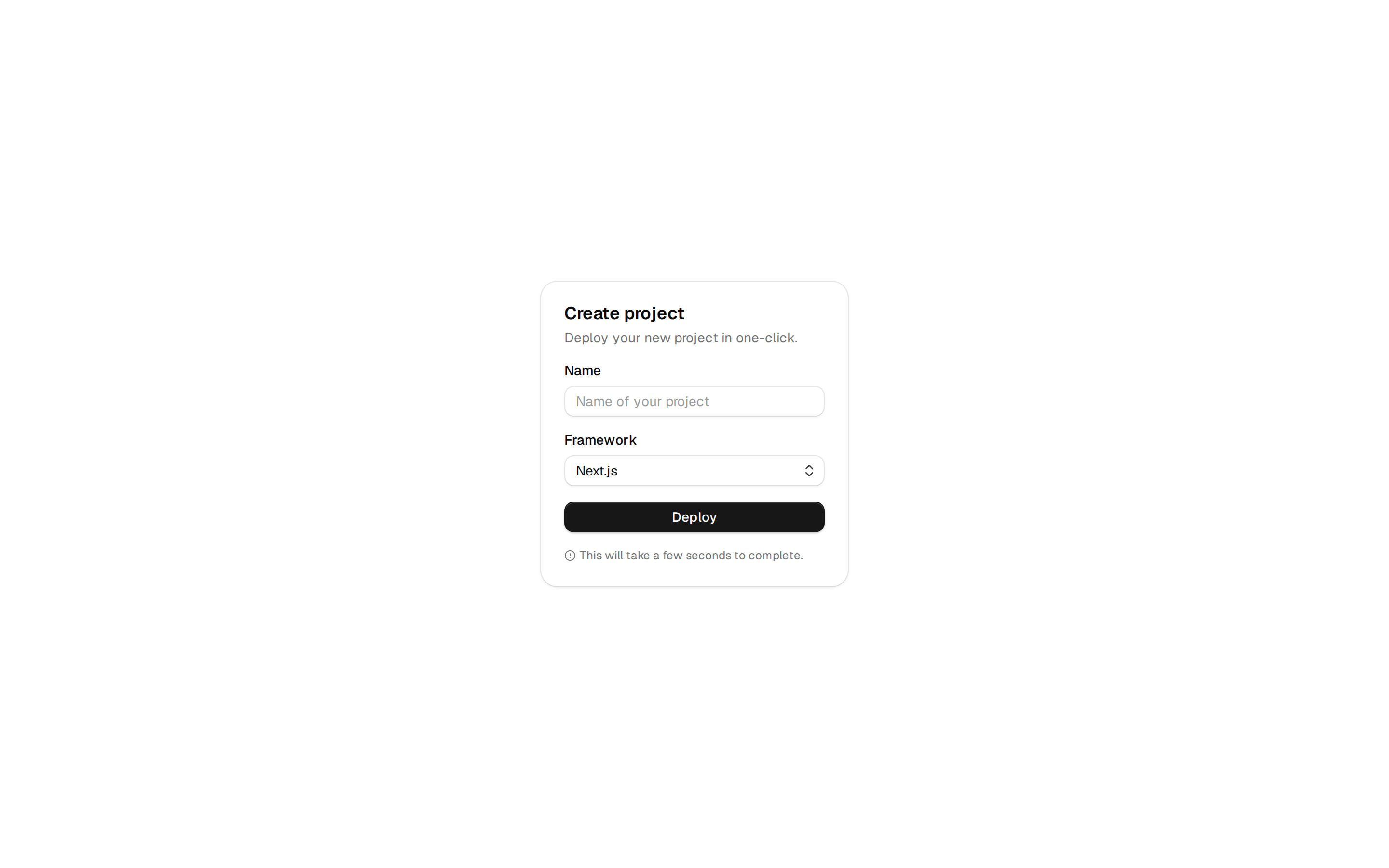
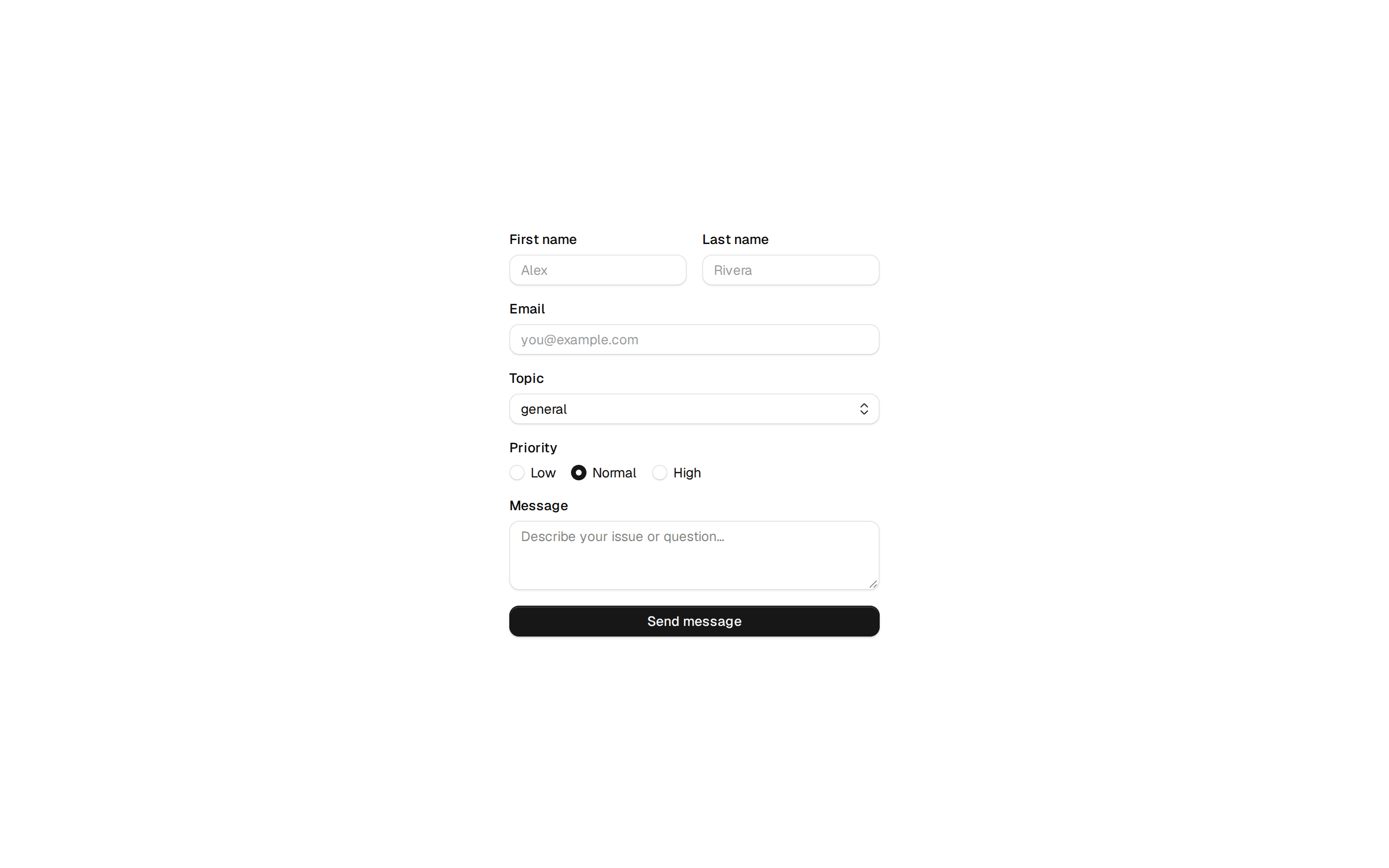
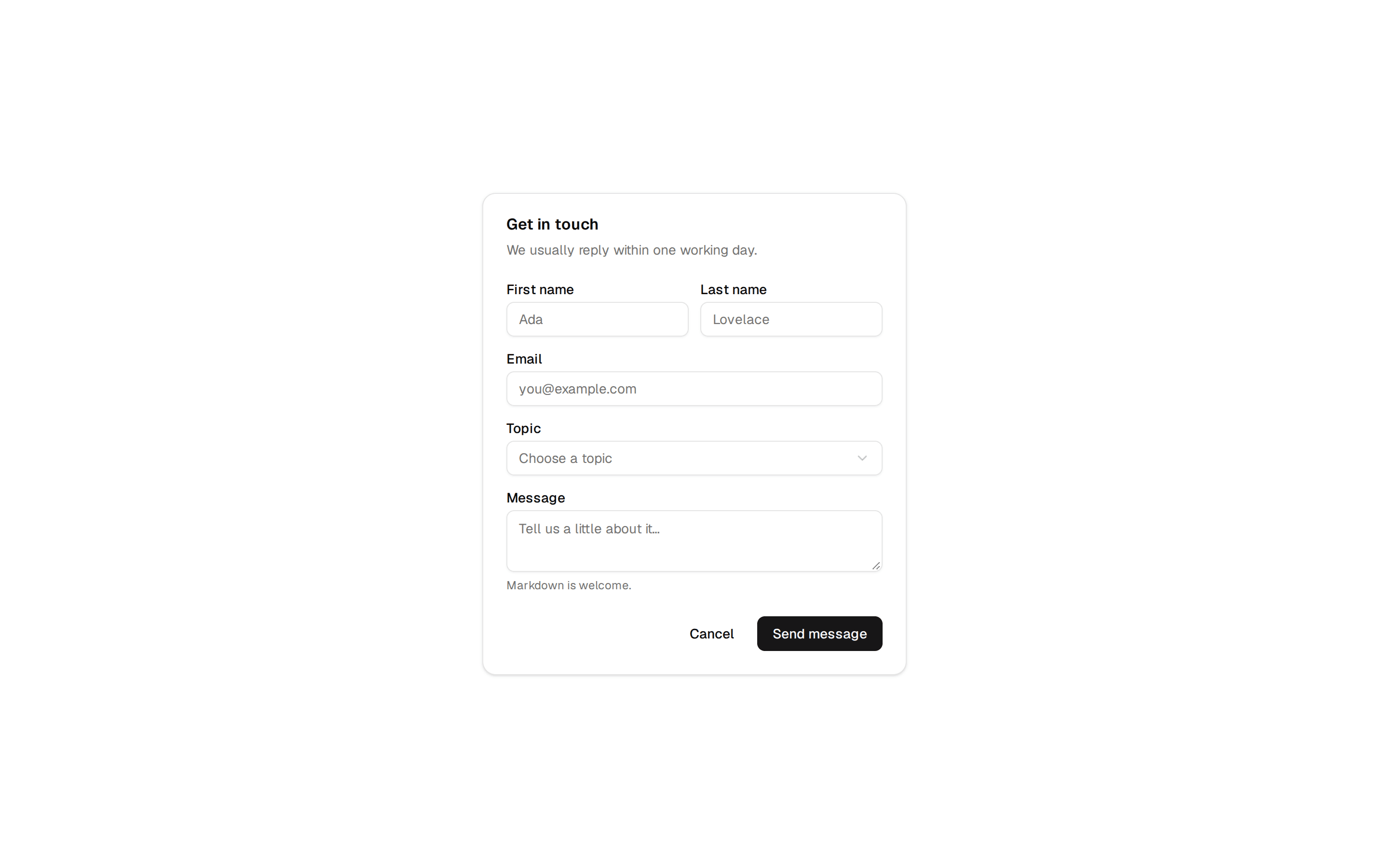
A complete contact form with name fields, phone with country selector, email, message textarea, and file attachment.
@manifest
A complete contact form with name fields, phone with country selector, email, message textarea, and file attachment.
@manifest
'use client';

import { Button } from '@/components/ui/button';
import { Input } from '@/components/ui/input';
import { Label } from '@/components/ui/label';
import { Popover, PopoverContent, PopoverTrigger } from '@/components/ui/popover';
import { cn } from '@/lib/utils';
import { ChevronDown, Paperclip, Search, Send, X } from 'lucide-react';
import { useEffect, useRef, useState } from 'react';
import { countries } from './countries';
import { demoContactFormData } from './demo/form';

/**
 * Data structure representing the contact form submission.
 * @interface ContactFormData
 * @property {string} firstName - The user's first name (required)
 * @property {string} lastName - The user's last name (required)
 * @property {string} [countryId] - The selected country identifier (e.g., 'us', 'fr')
 * @property {string} [countryCode] - The phone country code (e.g., '+1', '+33')
 * @property {string} [phoneNumber] - The user's phone number without country code
 * @property {string} [email] - The user's email address
 * @property {string} [message] - The message or project description
 * @property {File | null} [attachment] - An optional file attachment
 */
export interface ContactFormData {
  firstName?: string;
  lastName?: string;
  countryId?: string;
  countryCode?: string;
  phoneNumber?: string;
  email?: string;
  message?: string;
  attachment?: File | null;
}

/**
 * ═══════════════════════════════════════════════════════════════════════════
 * ContactFormProps
 * ═══════════════════════════════════════════════════════════════════════════
 *
 * Props for the ContactForm component with name fields, phone number with
 * country selector, email input, message textarea, and file attachment support.
 */
export interface ContactFormProps {
  data?: {
    /** The form title displayed at the top. */
    title?: string;
    /** Descriptive text below the title. */
    subtitle?: string;
    /** Custom label for the submit button. */
    submitLabel?: string;
    /** Pre-filled form values. */
    initialValues?: Partial<ContactFormData>;
  };
  actions?: {
    /** Called when the form is submitted with form data. */
    onSubmit?: (data: ContactFormData) => void;
  };
  appearance?: {
    /**
     * Whether to display the title section.
     * @default true
     */
    showTitle?: boolean;
  };
  control?: {
    /**
     * Shows loading state on submit button.
     * @default false
     */
    isLoading?: boolean;
  };
}


/**
 * A complete contact form component with name fields, phone number with country selector,
 * email input, message textarea, and file attachment support.
 *
 * Features:
 * - First and last name fields
 * - Phone number with searchable country code dropdown
 * - Email input with validation
 * - Message textarea for project descriptions
 * - File attachment with preview and removal
 * - Loading state support
 * - Customizable title and submit button text
 *
 * @component
 * @example
 * ```tsx
 * <ContactForm
 *   data={{
 *     title: "Get in Touch",
 *     subtitle: "We'd love to hear from you",
 *     submitLabel: "Send"
 *   }}
 *   actions={{
 *     onSubmit: (data) => console.log("Form submitted:", data)
 *   }}
 *   appearance={{ showTitle: true }}
 *   control={{ isLoading: false }}
 * />
 * ```
 */
export function ContactForm({ data, actions, appearance, control }: ContactFormProps) {
  const resolved: NonNullable<ContactFormProps['data']> = data ?? demoContactFormData
  const title = resolved.title
  const subtitle = resolved.subtitle
  const submitLabel = resolved.submitLabel ?? 'Submit'
  const initialValues = resolved.initialValues
  const { onSubmit } = actions ?? {};
  const { showTitle = true } = appearance ?? {};
  const { isLoading = false } = control ?? {};

  const fileInputRef = useRef<HTMLInputElement>(null);
  const searchInputRef = useRef<HTMLInputElement>(null);
  const [formData, setFormData] = useState<ContactFormData>({
    firstName: initialValues?.firstName ?? '',
    lastName: initialValues?.lastName ?? '',
    countryId: initialValues?.countryId ?? 'us',
    countryCode: initialValues?.countryCode ?? '+1',
    phoneNumber: initialValues?.phoneNumber ?? '',
    email: initialValues?.email ?? '',
    message: initialValues?.message ?? '',
    attachment: initialValues?.attachment ?? null,
  });
  const [countrySearch, setCountrySearch] = useState('');
  const [countryDropdownOpen, setCountryDropdownOpen] = useState(false);

  const selectedCountry = countries.find((c) => c.id === formData.countryId);

  const filteredCountries = countries.filter(
    (country) =>
      country.name.toLowerCase().includes(countrySearch.toLowerCase()) ||
      country.code.includes(countrySearch)
  );

  useEffect(() => {
    if (countryDropdownOpen && searchInputRef.current) {
      searchInputRef.current.focus();
    }
  }, [countryDropdownOpen]);

  const handleCountrySelect = (country: (typeof countries)[0]) => {
    setFormData((prev) => ({
      ...prev,
      countryId: country.id,
      countryCode: country.code,
    }));
    setCountryDropdownOpen(false);
    setCountrySearch('');
  };

  const handleChange = (field: keyof ContactFormData, value: string | File | null) => {
    setFormData((prev) => ({ ...prev, [field]: value }));
  };

  const handleFileChange = (e: React.ChangeEvent<HTMLInputElement>) => {
    const file = e.target.files?.[0] || null;
    handleChange('attachment', file);
  };

  const handleRemoveFile = () => {
    handleChange('attachment', null);
    if (fileInputRef.current) {
      fileInputRef.current.value = '';
    }
  };

  const handleSubmit = (e: React.FormEvent) => {
    e.preventDefault();
    onSubmit?.(formData);
  };

  return (
    <div className="w-full bg-card rounded-xl p-6">
      {showTitle && (title || subtitle) && (
        <div className="mb-6">
          {title && <h2 className="text-xl font-semibold text-foreground">{title}</h2>}
          {subtitle && <p className="text-sm text-muted-foreground mt-1">{subtitle}</p>}
        </div>
      )}

      <form onSubmit={handleSubmit} className="space-y-4">
        {/* First Name & Last Name */}
        <div className="grid grid-cols-2 gap-4">
          <div className="space-y-2">
            <Label htmlFor="firstName">First Name</Label>
            <Input
              id="firstName"
              placeholder="John"
              value={formData.firstName}
              onChange={(e) => handleChange('firstName', e.target.value)}
              required
            />
          </div>
          <div className="space-y-2">
            <Label htmlFor="lastName">Last Name</Label>
            <Input
              id="lastName"
              placeholder="Doe"
              value={formData.lastName}
              onChange={(e) => handleChange('lastName', e.target.value)}
              required
            />
          </div>
        </div>

        {/* Phone Number & Email */}
        <div className="grid grid-cols-1 md:grid-cols-2 gap-4">
          <div className="space-y-2">
            <Label htmlFor="phone">Phone Number</Label>
            <div className="flex gap-2">
              <Popover open={countryDropdownOpen} onOpenChange={setCountryDropdownOpen}>
                <PopoverTrigger asChild>
                  <button
                    type="button"
                    className={cn(
                      'flex items-center gap-1.5 h-9 px-3 rounded-lg border border-input bg-transparent text-sm transition-colors',
                      'hover:bg-muted focus-visible:border-foreground focus-visible:outline-none'
                    )}
                  >
                    {selectedCountry && (
                      <>
                        <span>{selectedCountry.flag}</span>
                        <span>{selectedCountry.code}</span>
                      </>
                    )}
                    <ChevronDown className="h-3.5 w-3.5 text-muted-foreground" />
                  </button>
                </PopoverTrigger>
                <PopoverContent className="w-[280px] p-0" align="start">
                  <div className="p-2 border-b border-border">
                    <div className="relative">
                      <Search className="absolute left-2.5 top-1/2 -translate-y-1/2 h-4 w-4 text-muted-foreground" />
                      <input
                        ref={searchInputRef}
                        type="text"
                        placeholder="Search country..."
                        value={countrySearch}
                        onChange={(e) => setCountrySearch(e.target.value)}
                        className="w-full h-9 pl-9 pr-3 rounded-md border border-input bg-transparent text-sm placeholder:text-muted-foreground focus-visible:border-foreground focus-visible:outline-none"
                      />
                    </div>
                  </div>
                  <div className="max-h-[240px] overflow-y-auto p-1">
                    {filteredCountries.length === 0 ? (
                      <p className="text-sm text-muted-foreground text-center py-4">
                        No country found
                      </p>
                    ) : (
                      filteredCountries.map((country) => (
                        <button
                          key={country.id}
                          type="button"
                          onClick={() => handleCountrySelect(country)}
                          className={cn(
                            'w-full flex items-center gap-2 px-2 py-1.5 rounded-md text-sm transition-colors text-left',
                            'hover:bg-muted',
                            formData.countryId === country.id && 'bg-muted'
                          )}
                        >
                          <span>{country.flag}</span>
                          <span className="flex-1">{country.name}</span>
                          <span className="text-muted-foreground">{country.code}</span>
                        </button>
                      ))
                    )}
                  </div>
                </PopoverContent>
              </Popover>
              <Input
                id="phone"
                type="tel"
                placeholder="(555) 123-4567"
                value={formData.phoneNumber}
                onChange={(e) => handleChange('phoneNumber', e.target.value)}
                className="flex-1"
              />
            </div>
          </div>

          <div className="space-y-2">
            <Label htmlFor="email">Email</Label>
            <Input
              id="email"
              type="email"
              placeholder="john@example.com"
              value={formData.email}
              onChange={(e) => handleChange('email', e.target.value)}
              required
            />
          </div>
        </div>

        {/* Message */}
        <div className="space-y-2">
          <Label htmlFor="message">Tell us about your project</Label>
          <textarea
            id="message"
            placeholder="Describe your project, goals, and timeline..."
            value={formData.message}
            onChange={(e) => handleChange('message', e.target.value)}
            rows={4}
            required
            className={cn(
              'border-input placeholder:text-muted-foreground flex w-full rounded-lg border bg-transparent px-3 py-2 text-base transition-colors outline-none md:text-sm resize-none',
              'focus-visible:border-foreground'
            )}
          />
        </div>

        {/* Actions */}
        <div className="flex flex-col sm:flex-row sm:items-center sm:justify-between gap-2">
          <input
            ref={fileInputRef}
            type="file"
            onChange={handleFileChange}
            className="hidden"
            accept=".pdf,.doc,.docx,.txt,.png,.jpg,.jpeg"
          />

          {formData.attachment ? (
            <div className="flex items-center justify-center gap-2 px-3 py-2 bg-muted rounded-lg w-full sm:w-auto">
              <Paperclip className="h-4 w-4 text-muted-foreground flex-shrink-0" />
              <span className="text-sm text-foreground truncate max-w-[150px]">
                {formData.attachment.name}
              </span>
              <button
                type="button"
                onClick={handleRemoveFile}
                aria-label="Remove attachment"
                className="p-1 hover:bg-background rounded transition-colors"
              >
                <X className="h-4 w-4 text-muted-foreground" />
              </button>
            </div>
          ) : (
            <Button
              type="button"
              variant="outline"
              size="sm"
              onClick={() => fileInputRef.current?.click()}
              className="w-full sm:w-auto"
            >
              <Paperclip className="h-4 w-4 mr-2" />
              Attach a file
            </Button>
          )}

          <Button type="submit" size="sm" disabled={isLoading} className="w-full sm:w-auto">
            {isLoading ? (
              'Sending...'
            ) : (
              <>
                <Send className="h-4 w-4 mr-2" />
                {submitLabel}
              </>
            )}
          </Button>
        </div>
      </form>
    </div>
  );
}