Settings page
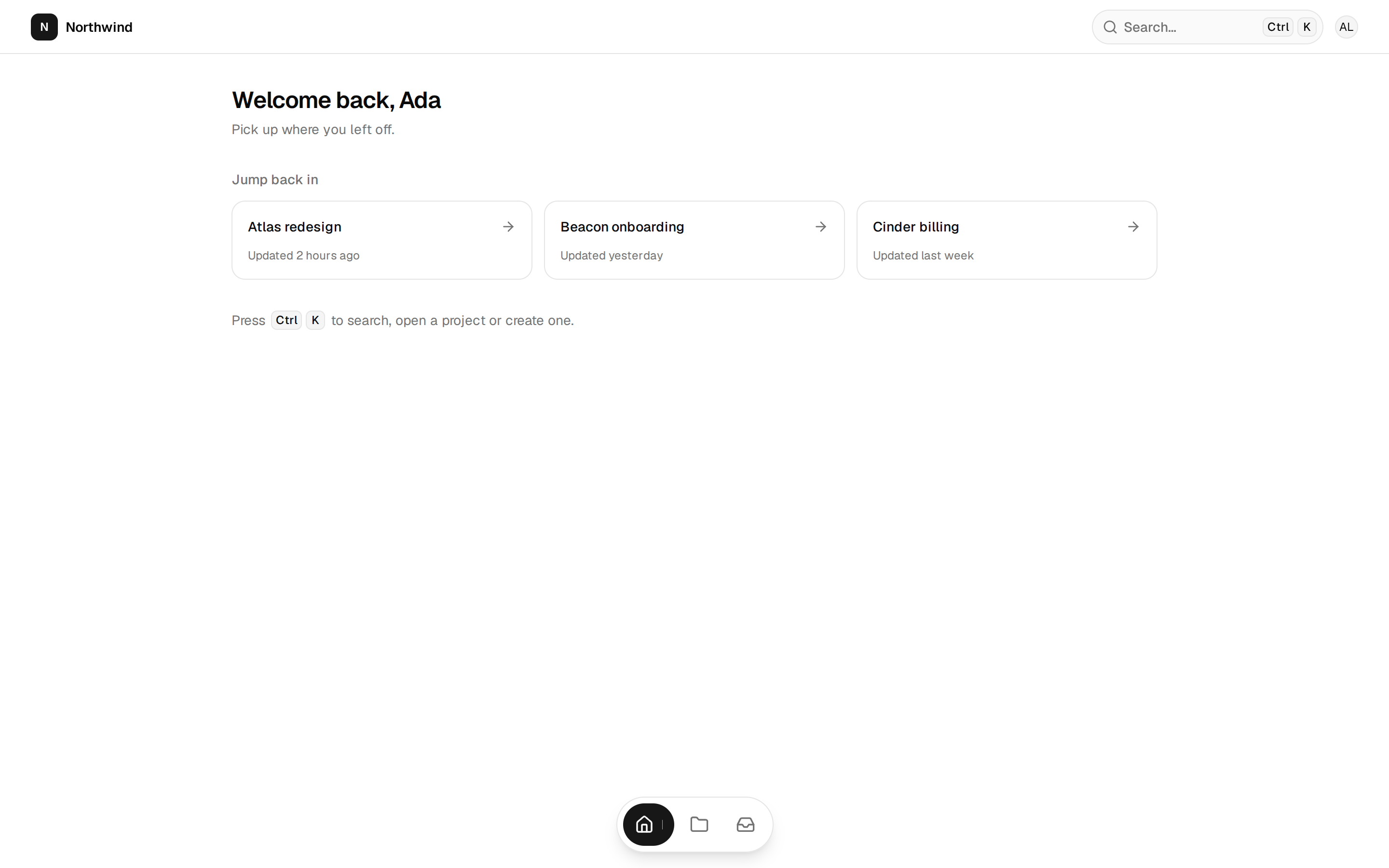
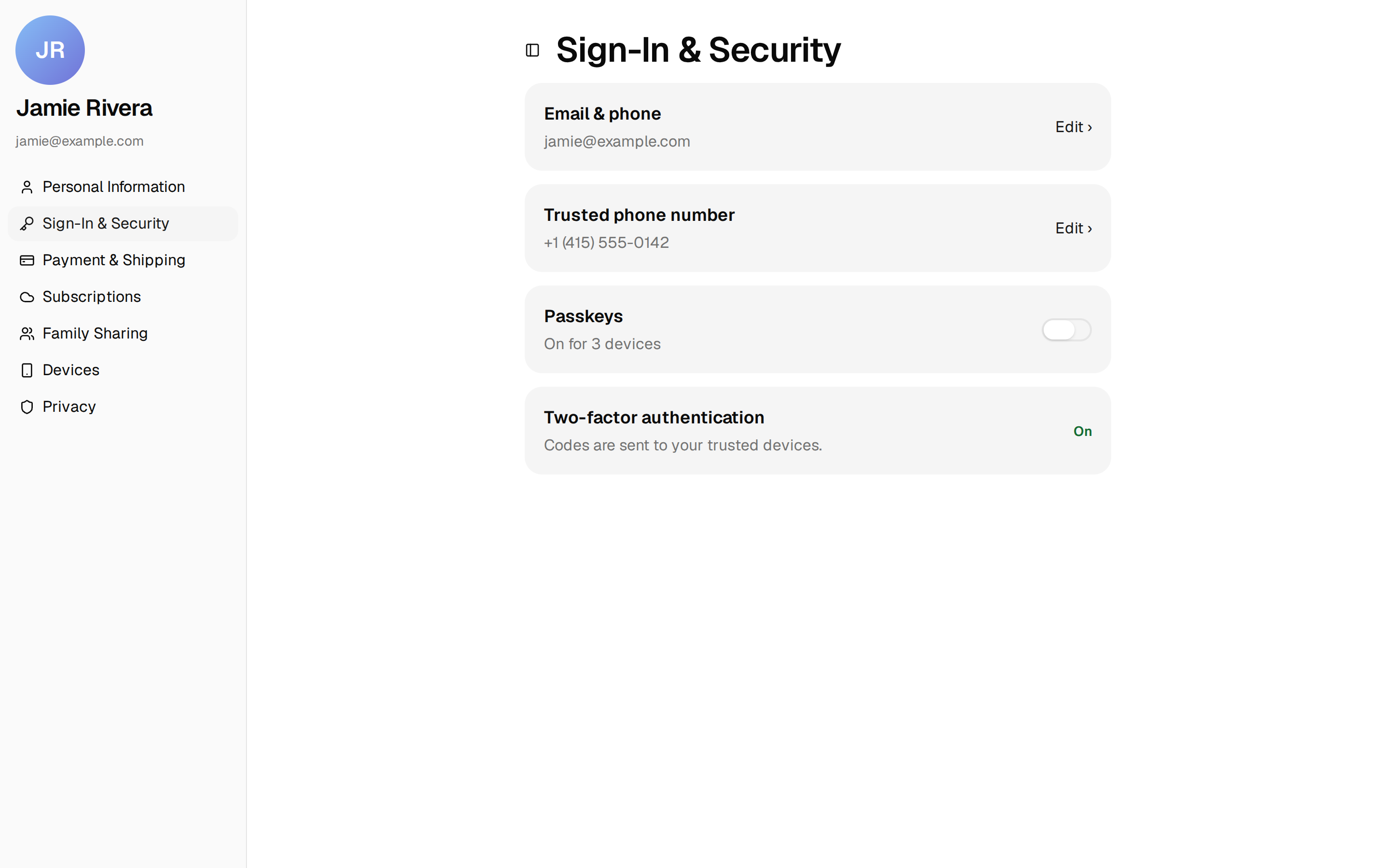
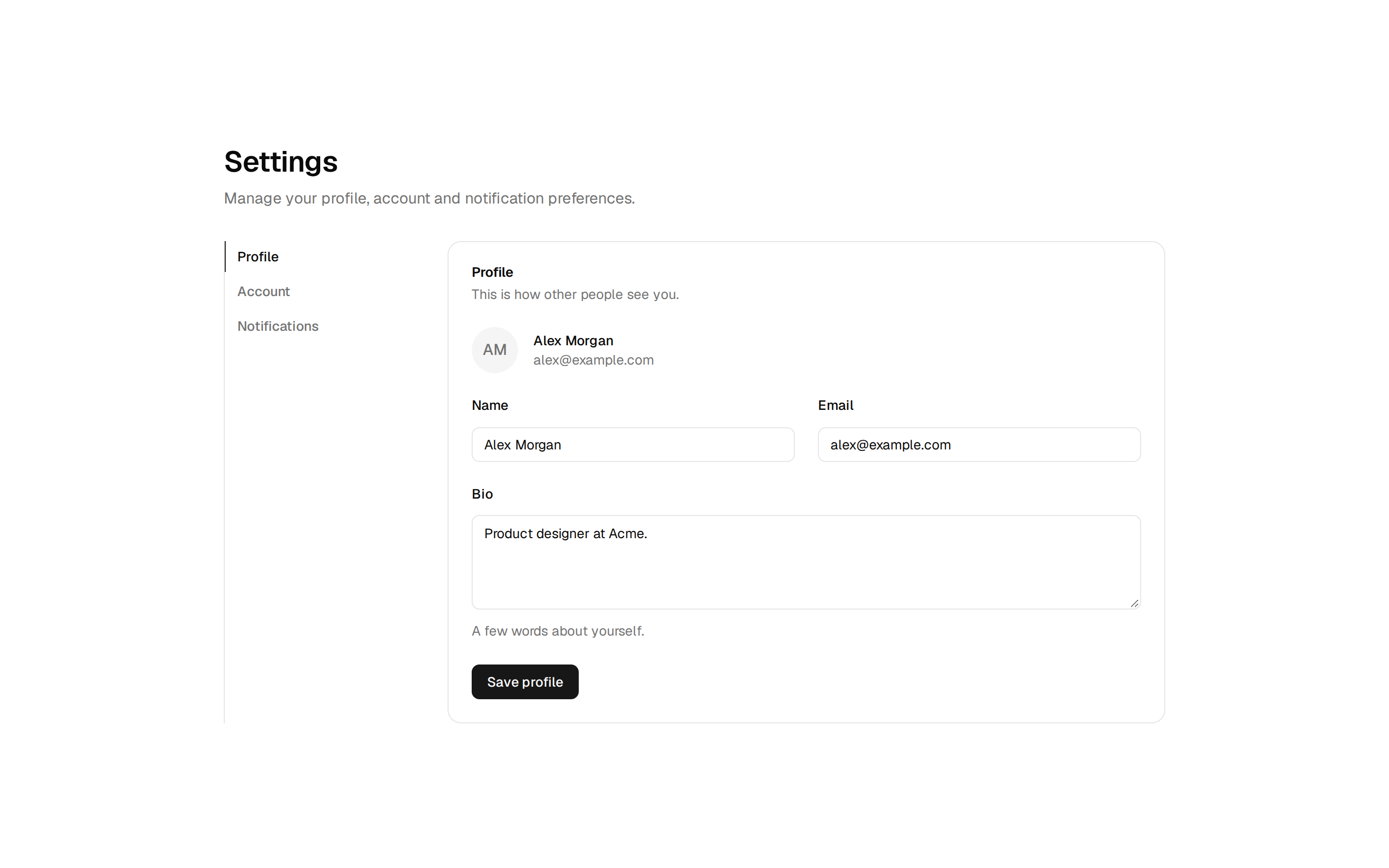
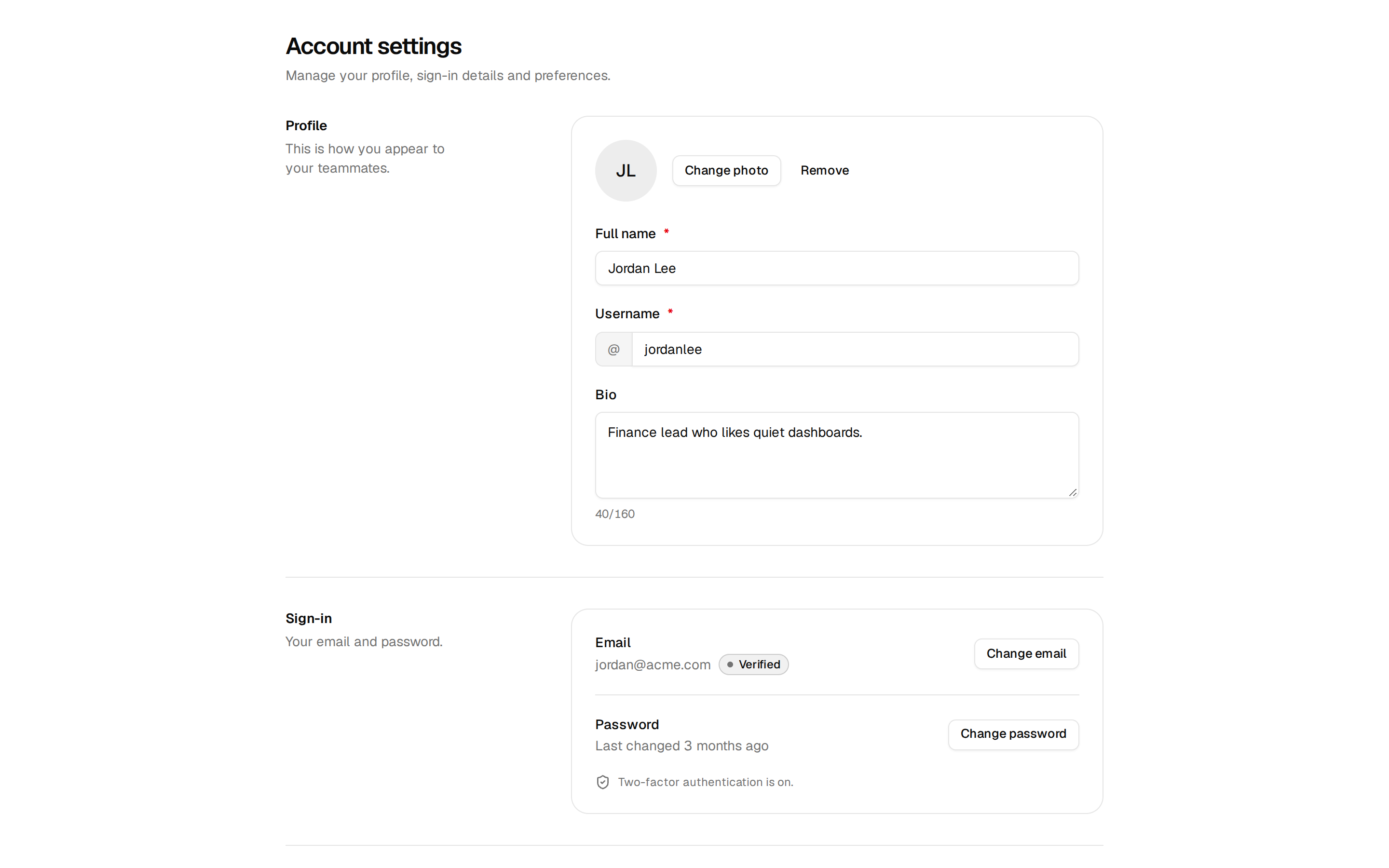
A settings screen in tabs for profile, notifications and account, with a save bar that appears on change and a confirmed danger zone.
A settings screen in tabs for profile, notifications and account, with a save bar that appears on change and a confirmed danger zone.
// Placeholder settings for the Settings page block. Swap `initialSettings`
// for what your app loads, and save where `onSave` is called.

type PushSetting = "all" | "mentions" | "none"

type Settings = {
  name: string
  username: string
  bio: string
  email: string
  language: string
  mentionEmails: boolean
  weeklyDigest: boolean
  productUpdates: boolean
  push: PushSetting
}

const initialSettings: Settings = {
  name: "Ada Lovelace",
  username: "ada",
  bio: "Writes the first programs for engines that don't exist yet.",
  email: "ada@northwind.dev",
  language: "en",
  mentionEmails: true,
  weeklyDigest: false,
  productUpdates: true,
  push: "mentions",
}

const languages = [
  { value: "en", label: "English" },
  { value: "es", label: "Español" },
  { value: "fr", label: "Français" },
  { value: "de", label: "Deutsch" },
  { value: "ja", label: "日本語" },
]

const pushOptions: {
  value: PushSetting
  label: string
  description: string
}[] = [
  {
    value: "all",
    label: "Everything",
    description: "Comments, mentions and updates.",
  },
  {
    value: "mentions",
    label: "Mentions only",
    description: "When someone mentions you or replies.",
  },
  {
    value: "none",
    label: "Nothing",
    description: "Turn push notifications off.",
  },
]

export { initialSettings, languages, pushOptions }
export type { PushSetting, Settings }
Installed into components/blocks/settings-page. Render <SettingsPage /> where the screen goes, then edit it: it's yours. Docs: https://fibo.toribryan.com/?path=/docs/blocks-settings-page--docs