// Ballmac UI: Settings 1. https://ui.ballmac.com/blocks/settings-1
"use client"

import * as React from "react"
import { Check, Loader2, ShieldCheck, Trash2 } from "lucide-react"

import { AlertDialog, AlertDialogAction, AlertDialogCancel, AlertDialogContent, AlertDialogDescription, AlertDialogFooter, AlertDialogHeader, AlertDialogTitle, AlertDialogTrigger } from "@/components/ballmac/alert-dialog"
import { Avatar, AvatarFallback } from "@/components/ballmac/avatar"
import { Badge } from "@/components/ballmac/badge"
import { Button, buttonVariants } from "@/components/ballmac/button"
import { Dialog, DialogContent, DialogDescription, DialogFooter, DialogHeader, DialogTitle, DialogTrigger } from "@/components/ballmac/dialog"
import { Field, FieldDescription, FieldError, FieldGroup, FieldLabel, useFieldControl } from "@/components/ballmac/field"
import { Input } from "@/components/ballmac/input"
import { PasswordInput } from "@/components/ballmac/password-input"
import { SegmentedControl, SegmentedControlItem } from "@/components/ballmac/segmented-control"
import { Select, SelectContent, SelectItem, SelectTrigger, SelectValue } from "@/components/ballmac/select"
import { Textarea } from "@/components/ballmac/textarea"
import { formPhase, type FormStateProps } from "@/lib/ballmac/use-resource"
import { Skeleton } from "@/components/ballmac/skeleton"
import { frameProps, StateView } from "@/components/ballmac/state-view"
import { cn } from "@/lib/utils"

type Settings1Values = {
  name: string
  username: string
  bio: string
  language: string
  timezone: string
  theme: "light" | "dark" | "system"
}

type Settings1Props = Omit<React.ComponentProps<"section">, "title" | "onSubmit"> & FormStateProps & {
  /** Page heading. */
  title?: string
  /** One line under the heading. */
  description?: string
  /** Saved values. Edit them and the Save bar appears. */
  defaultValues?: Settings1Values
  /** The account email, shown read-only with a verified badge. */
  email?: string
  /** Usernames that are already taken, used for the availability hint. */
  takenUsernames?: string[]
  /** Languages offered. */
  languages?: string[]
  /** Time zones offered. */
  timezones?: string[]
  /** Called with the new values. Throw to show an error; resolve to confirm. Defaults to a short simulated save. */
  onSave?: (values: Settings1Values) => void | Promise<void>
  /** Called after the person confirms deleting their account. */
  onDeleteAccount?: () => void | Promise<void>
}

const defaults: Settings1Values = {
  name: "Jordan Lee",
  username: "jordanlee",
  bio: "Finance lead who likes quiet dashboards.",
  language: "English",
  timezone: "Europe/Lisbon (WET)",
  theme: "system",
}

function FieldInput(props: React.ComponentProps<typeof Input>) {
  return <Input {...useFieldControl()} {...props} />
}
function FieldPassword(props: React.ComponentProps<typeof PasswordInput>) {
  return <PasswordInput {...useFieldControl()} {...props} />
}
function FieldTextarea(props: React.ComponentProps<typeof Textarea>) {
  return <Textarea {...useFieldControl()} {...props} />
}
function FieldSelectTrigger(props: React.ComponentProps<typeof SelectTrigger>) {
  const { id, disabled, ...aria } = useFieldControl()
  return <SelectTrigger id={id} disabled={disabled} className="w-full" {...aria} {...props} />
}

/** A settings group: title and help text on the left, the controls in a card on the right. */
function Group({ title, description, children, tone }: { title: string; description: string; children: React.ReactNode; tone?: "danger" }) {
  return (
    <div className="grid gap-4 border-t py-8 first:border-t-0 first:pt-0 lg:grid-cols-[16rem_1fr] lg:gap-10">
      <div>
        <h3 className="text-sm font-semibold">{title}</h3>
        <p className="text-muted-foreground mt-1 text-sm text-pretty">{description}</p>
      </div>
      <div className={cn("bg-card min-w-0 rounded-2xl border p-5 sm:p-6", tone === "danger" && "border-destructive/40")}>{children}</div>
    </div>
  )
}

function Settings1Inner({
  title = "Account settings",
  description = "Manage your profile, sign-in details and preferences.",
  defaultValues = defaults,
  email = "jordan@acme.com",
  takenUsernames = ["admin", "support", "jordan"],
  languages = ["English", "Español", "Português", "Deutsch", "Français"],
  timezones = ["Europe/Lisbon (WET)", "America/New_York (EST)", "America/Los_Angeles (PST)", "Asia/Tokyo (JST)"],
  onSave,
  onDeleteAccount,
  state: stateProp,
  errorState,
  className,
  ...props
}: Settings1Props) {
  const [saved, setSaved] = React.useState(defaultValues)
  const [v, setV] = React.useState(defaultValues)
  const [internal, setState] = React.useState<"idle" | "saving" | "saved" | "error">("idle")
  // a `state` prop drives the save bar (submitting is a save in flight, success the confirmation); without it the form runs by itself
  const phase = formPhase(stateProp)
  const state = phase === undefined ? internal : phase === "sending" ? "saving" : phase === "done" ? "saved" : phase
  const [confirm, setConfirm] = React.useState("")
  const [pwOpen, setPwOpen] = React.useState(false)
  const [pw, setPw] = React.useState({ current: "", next: "" })
  const dirty = (Object.keys(v) as (keyof Settings1Values)[]).some((k) => v[k] !== saved[k])
  const set = <K extends keyof Settings1Values>(k: K, value: Settings1Values[K]) => {
    setV((p) => ({ ...p, [k]: value }))
    if (state === "saved" || state === "error") setState("idle")
  }
  const nameError = !v.name.trim() ? "Your name can’t be empty." : undefined
  const handle = v.username.trim().toLowerCase()
  const taken = handle !== saved.username && takenUsernames.includes(handle)
  const usernameError = !handle ? "Choose a username." : taken ? `@${handle} is already taken.` : undefined
  const invalid = !!nameError || !!usernameError

  async function save() {
    if (invalid) return
    setState("saving")
    try {
      if (onSave) await onSave(v)
      else await new Promise((r) => setTimeout(r, 800))
      setSaved(v)
      setState("saved")
    } catch {
      setState("error")
    }
  }

  const initials = v.name.split(" ").map((w) => w[0]).join("").slice(0, 2)
  return (
    <section data-slot="settings-1" className={cn("mx-auto w-full max-w-4xl px-4 py-8 sm:px-6", className)} {...props}>
      <h2 className="text-2xl font-semibold tracking-[-0.03em]">{title}</h2>
      <p className="text-muted-foreground mt-1 text-sm">{description}</p>

      <div className="mt-8">
        <Group title="Profile" description="This is how you appear to your teammates.">
          <div className="flex items-center gap-4">
            <Avatar className="size-16"><AvatarFallback className="bg-chart-1/25 text-foreground text-lg font-semibold">{initials}</AvatarFallback></Avatar>
            <div className="flex flex-wrap gap-2">
              <Button variant="outline" size="sm">Change photo</Button>
              <Button variant="ghost" size="sm">Remove</Button>
            </div>
          </div>
          <FieldGroup className="mt-6">
            <Field invalid={!!nameError}>
              <FieldLabel required>Full name</FieldLabel>
              <FieldInput autoComplete="name" value={v.name} onChange={(e) => set("name", e.target.value)} />
              <FieldError errors={[nameError]} />
            </Field>
            <Field invalid={!!usernameError}>
              <FieldLabel required>Username</FieldLabel>
              <div className="flex">
                <span className="bg-muted text-muted-foreground flex items-center rounded-s-md border border-e-0 px-3 text-sm">@</span>
                <FieldInput className="rounded-s-none" autoCapitalize="none" spellCheck={false} value={v.username} onChange={(e) => set("username", e.target.value.replace(/\s/g, ""))} />
              </div>
              <FieldError errors={[usernameError]} />
              {!usernameError && handle !== saved.username && <p role="status" className="text-sm"><Check className="text-chart-2 me-1 inline size-4" aria-hidden="true" />@{handle} is available.</p>}
            </Field>
            <Field>
              <FieldLabel>Bio</FieldLabel>
              <FieldTextarea rows={3} maxLength={160} value={v.bio} onChange={(e) => set("bio", e.target.value)} />
              <FieldDescription className="text-xs tabular-nums">{v.bio.length}/160</FieldDescription>
            </Field>
          </FieldGroup>
        </Group>

        <Group title="Sign-in" description="Your email and password.">
          <div className="flex flex-wrap items-center justify-between gap-3">
            <div>
              <p className="text-sm font-medium">Email</p>
              <p className="text-muted-foreground mt-0.5 flex items-center gap-2 text-sm break-all">{email} <Badge status="success">Verified</Badge></p>
            </div>
            <Button variant="outline" size="sm">Change email</Button>
          </div>
          <div className="my-5 border-t" />
          <div className="flex flex-wrap items-center justify-between gap-3">
            <div>
              <p className="text-sm font-medium">Password</p>
              <p className="text-muted-foreground mt-0.5 text-sm">Last changed 3 months ago</p>
            </div>
            <Dialog open={pwOpen} onOpenChange={setPwOpen}>
              <DialogTrigger className={buttonVariants({ variant: "outline", size: "sm" })}>Change password</DialogTrigger>
              <DialogContent>
                <DialogHeader>
                  <DialogTitle>Change password</DialogTitle>
                  <DialogDescription>You’ll stay signed in on this device and be signed out everywhere else.</DialogDescription>
                </DialogHeader>
                <FieldGroup>
                  <Field><FieldLabel>Current password</FieldLabel><FieldPassword label="Current password" showStrength={false} autoComplete="current-password" value={pw.current} onValueChange={(current) => setPw((p) => ({ ...p, current }))} /></Field>
                  <Field><FieldLabel>New password</FieldLabel><FieldPassword label="New password" value={pw.next} onValueChange={(next) => setPw((p) => ({ ...p, next }))} /></Field>
                </FieldGroup>
                <DialogFooter>
                  <Button variant="ghost" onClick={() => setPwOpen(false)}>Cancel</Button>
                  <Button disabled={!pw.current || pw.next.length < 8} onClick={() => { setPwOpen(false); setPw({ current: "", next: "" }) }}>Update password</Button>
                </DialogFooter>
              </DialogContent>
            </Dialog>
          </div>
          <p className="text-muted-foreground mt-5 flex items-center gap-2 text-xs"><ShieldCheck className="size-4" aria-hidden="true" />Two-factor authentication is on.</p>
        </Group>

        <Group title="Preferences" description="Language, time zone and appearance.">
          <FieldGroup>
            <div className="grid gap-5 sm:grid-cols-2">
              <Field>
                <FieldLabel>Language</FieldLabel>
                <Select value={v.language} onValueChange={(x) => set("language", x)}>
                  <FieldSelectTrigger><SelectValue /></FieldSelectTrigger>
                  <SelectContent>{languages.map((l) => <SelectItem key={l} value={l}>{l}</SelectItem>)}</SelectContent>
                </Select>
              </Field>
              <Field>
                <FieldLabel>Time zone</FieldLabel>
                <Select value={v.timezone} onValueChange={(x) => set("timezone", x)}>
                  <FieldSelectTrigger><SelectValue /></FieldSelectTrigger>
                  <SelectContent>{timezones.map((l) => <SelectItem key={l} value={l}>{l}</SelectItem>)}</SelectContent>
                </Select>
              </Field>
            </div>
            <div>
              <p className="mb-2 text-sm font-medium">Appearance</p>
              <SegmentedControl aria-label="Appearance" value={v.theme} onValueChange={(x) => set("theme", x as Settings1Values["theme"])}>
                <SegmentedControlItem value="light">Light</SegmentedControlItem>
                <SegmentedControlItem value="dark">Dark</SegmentedControlItem>
                <SegmentedControlItem value="system">System</SegmentedControlItem>
              </SegmentedControl>
            </div>
          </FieldGroup>
        </Group>

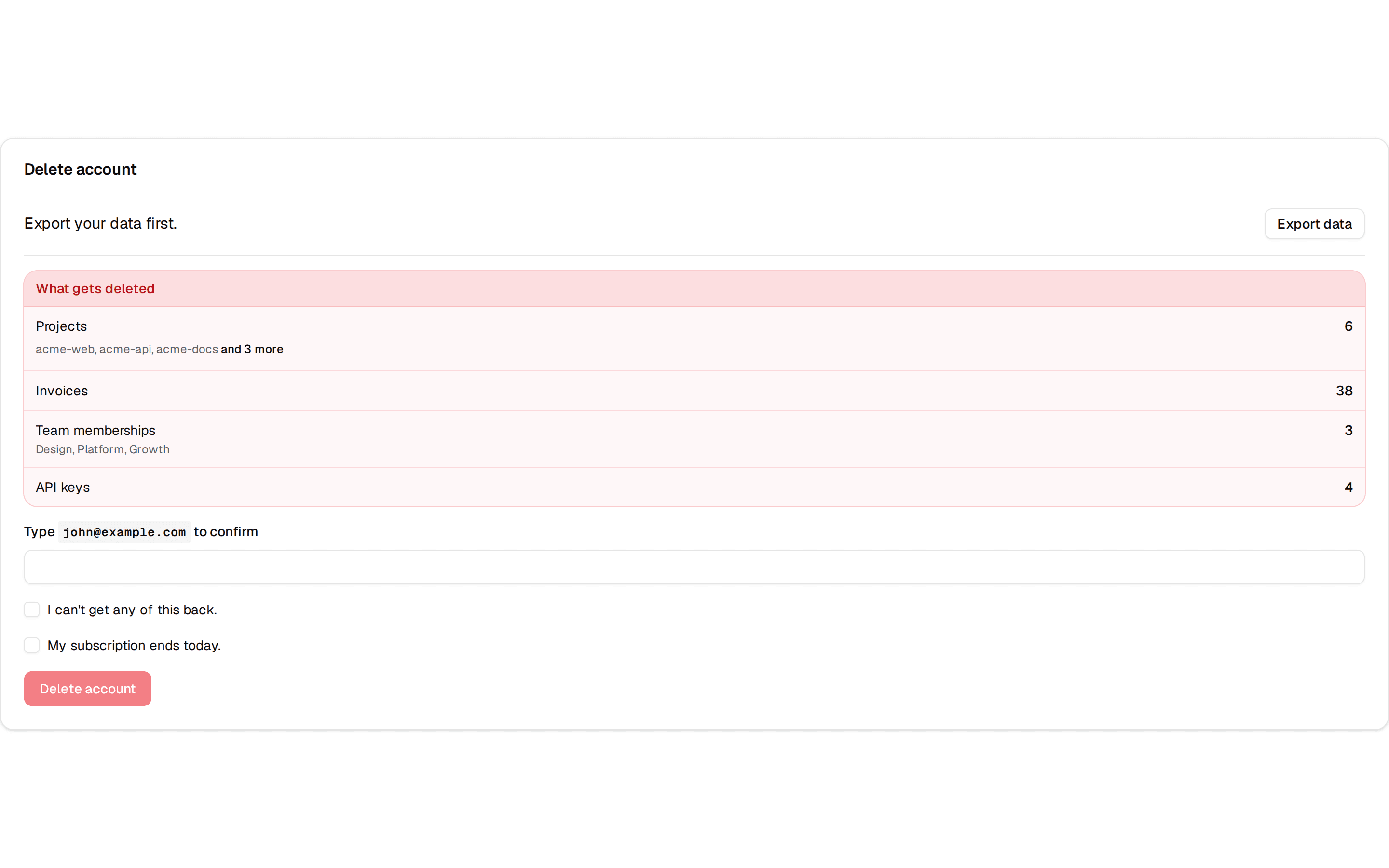
        <Group title="Danger zone" description="Permanent actions that can’t be undone." tone="danger">
          <div className="flex flex-wrap items-center justify-between gap-3">
            <div>
              <p className="text-sm font-medium">Delete account</p>
              <p className="text-muted-foreground mt-0.5 text-sm">Removes your profile and all personal data.</p>
            </div>
            <AlertDialog onOpenChange={() => setConfirm("")}>
              <AlertDialogTrigger className={buttonVariants({ variant: "outline", size: "sm", className: "text-destructive border-destructive/40" })}><Trash2 /> Delete account</AlertDialogTrigger>
              <AlertDialogContent>
                <AlertDialogHeader>
                  <AlertDialogTitle>Delete your account?</AlertDialogTitle>
                  <AlertDialogDescription>This permanently deletes {v.name}’s profile and personal data. Type <span className="text-foreground font-mono">delete</span> to confirm.</AlertDialogDescription>
                </AlertDialogHeader>
                <Input aria-label="Type delete to confirm" value={confirm} onChange={(e) => setConfirm(e.target.value)} placeholder="delete" autoComplete="off" />
                <AlertDialogFooter>
                  <AlertDialogCancel>Keep my account</AlertDialogCancel>
                  <AlertDialogAction destructive disabled={confirm !== "delete"} onClick={() => onDeleteAccount?.()}>Delete account</AlertDialogAction>
                </AlertDialogFooter>
              </AlertDialogContent>
            </AlertDialog>
          </div>
        </Group>
      </div>

      {/* The save bar appears only when something changed, and stays on screen while you scroll. */}
      <div
        aria-hidden={!dirty && state === "idle" ? true : undefined}
        className={cn(
          "sticky bottom-4 z-10 mt-4 flex items-center justify-between gap-3 rounded-2xl border bg-background/90 p-3 ps-5 shadow-[0_20px_50px_-20px_rgb(0_0_0/0.35)] backdrop-blur-xl transition-all duration-300 motion-reduce:transition-none",
          dirty || state !== "idle" ? "translate-y-0 opacity-100" : "pointer-events-none translate-y-4 opacity-0"
        )}
      >
        <p role="status" className="flex items-center gap-2 text-sm">
          {state === "saving" && <><Loader2 className="size-4 animate-spin motion-reduce:animate-none" aria-hidden="true" />Saving…</>}
          {state === "saved" && !dirty && <><Check className="text-chart-2 size-4" aria-hidden="true" />All changes saved</>}
          {state === "error" && <span className="text-destructive">{errorState?.description ?? "We couldn’t save your changes. Try again."}</span>}
          {dirty && state !== "saving" && state !== "error" && "You have unsaved changes"}
        </p>
        {dirty && (
          <div className="flex gap-2">
            <Button variant="ghost" size="sm" disabled={state === "saving"} onClick={() => { setV(saved); setState("idle") }}>Discard</Button>
            <Button size="sm" shape="pill" disabled={invalid} loading={state === "saving"} onClick={save}>Save changes</Button>
          </div>
        )}
      </div>
    </section>
  )
}


/** The same shapes as the ready form, so nothing jumps when the values arrive. */
function Settings1Skeleton() {
  return (
    <div className="grid" aria-hidden="true">
      {[
        { rows: 3, avatar: true },
        { rows: 2, avatar: false },
        { rows: 2, avatar: false },
      ].map((g, i) => (
        <div key={i} className="grid gap-4 border-t py-8 first:border-t-0 first:pt-0 lg:grid-cols-[16rem_1fr] lg:gap-10">
          <div className="grid content-start gap-2">
            <Skeleton className="h-4 w-24" />
            <Skeleton className="h-3.5 w-44" />
          </div>
          <div className="grid gap-5">
            {g.avatar ? (
              <div className="flex items-center gap-4">
                <Skeleton className="size-16 rounded-full" />
                <Skeleton className="h-8 w-28 rounded-md" />
              </div>
            ) : null}
            {Array.from({ length: g.rows }).map((_, r) => (
              <div key={r} className="grid gap-2">
                <Skeleton className="h-3.5 w-20" />
                <Skeleton className="h-9 w-full rounded-md" />
              </div>
            ))}
          </div>
        </div>
      ))}
    </div>
  )
}

/**
 * With `state="loading"` this shows a skeleton of the form under the real heading while its values are fetched. The other states
 * drive the form itself: `submitting` is a save in flight, `success` the confirmation, `error` the failure.
 */
function Settings1({ state, title = "Account settings", description = "Manage your profile, sign-in details and preferences.", className, ...props }: Settings1Props) {
  if (state !== "loading") return <Settings1Inner state={state} title={title} description={description} className={className} {...props} />
  return (
    <section data-slot="settings-1" data-state="loading" className={cn("mx-auto w-full max-w-4xl px-4 py-8 sm:px-6", className)} {...frameProps(props)}>
      <h2 className="text-2xl font-semibold tracking-[-0.03em]">{title}</h2>
      <p className="text-muted-foreground mt-1 text-sm">{description}</p>
      <StateView state="loading" className="mt-8" loading={<Settings1Skeleton />} label="Loading your settings">
        {null}
      </StateView>
    </section>
  )
}

export { Settings1, type Settings1Props, type Settings1Values }