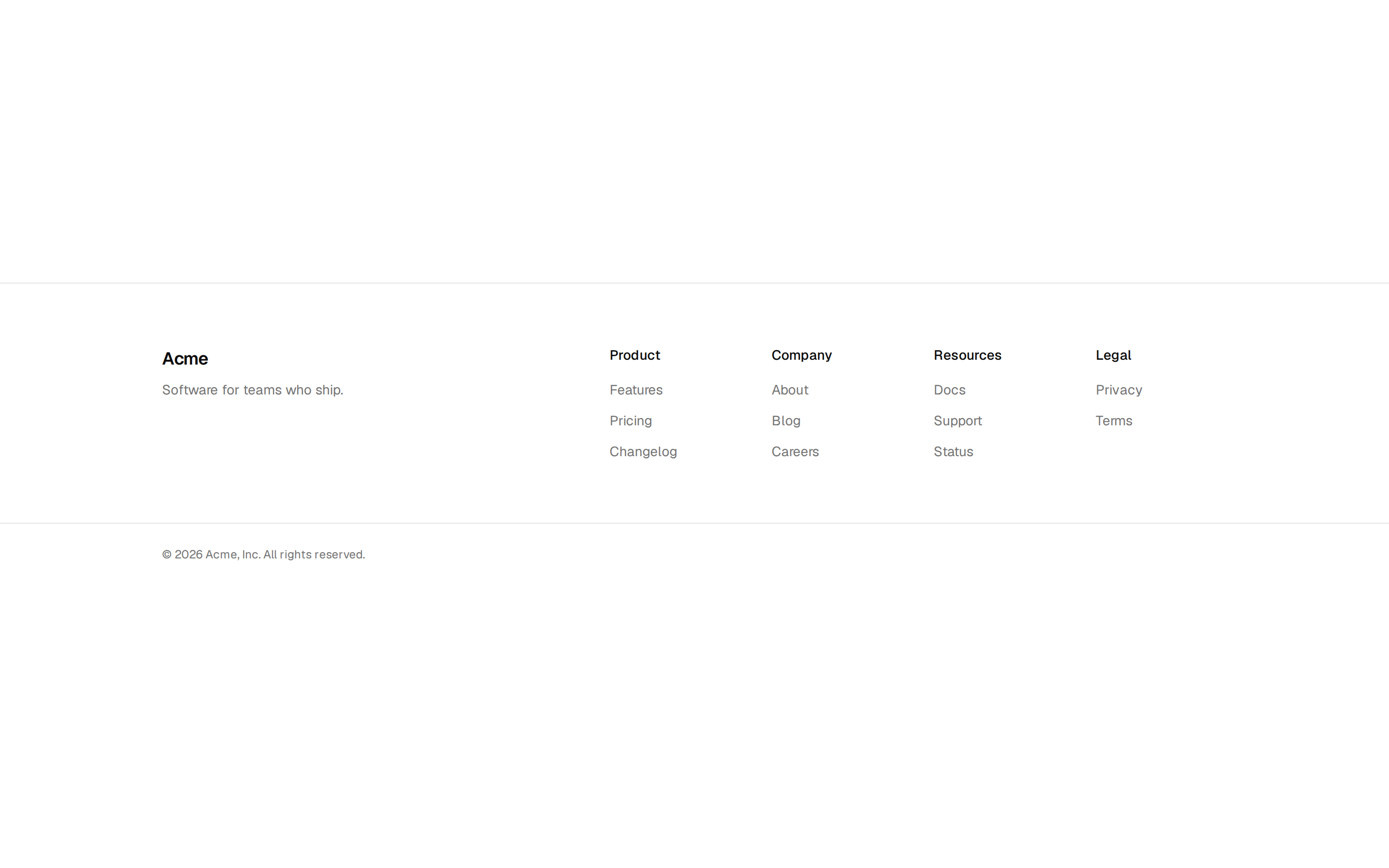
Floating Footer Block
A Floating Footer Block component for displaying a floating footer section.
A Floating Footer Block component for displaying a floating footer section.
src/registry/blocks/floating-footer.tsx
import type { ComponentProps } from "react";

import { cn } from "@/lib/utils";

export type FloatingFooterLink = { label: string; href: string };

export type FloatingFooterProps = {
  wordmark?: string;
  version?: string;
  links?: FloatingFooterLink[];
  socialLinks?: FloatingFooterLink[];
  status?: { label: string; href: string };
  year?: number;
} & ComponentProps<"footer">;

const DEFAULT_LINKS: FloatingFooterLink[] = [
  { label: "Docs", href: "#" },
  { label: "Changelog", href: "#" },
  { label: "Pricing", href: "#" },
  { label: "Privacy", href: "#" },
];

const DEFAULT_SOCIAL: FloatingFooterLink[] = [
  { label: "GitHub", href: "#" },
  { label: "Mastodon", href: "#" },
  { label: "RSS", href: "#" },
];

const linkClass =
  "underline-offset-4 outline-none hover:text-foreground hover:underline focus-visible:text-foreground focus-visible:ring-2 focus-visible:ring-ring";

/**
 * Minimal single-row footer for apps and docs: wordmark, a few links,
 * a system status line and social links as plain text.
 */
export function FloatingFooter({
  wordmark = "Kiln",
  version = "v2.8.1",
  links = DEFAULT_LINKS,
  socialLinks = DEFAULT_SOCIAL,
  status = { label: "All systems normal", href: "#" },
  year = 2026,
  className,
  ...props
}: FloatingFooterProps) {
  return (
    <footer
      data-slot="floating-footer"
      className={cn("w-full border-t bg-background text-foreground", className)}
      {...props}
    >
      <div className="mx-auto flex max-w-6xl flex-col gap-4 px-6 py-6 text-sm text-muted-foreground lg:flex-row lg:items-center lg:gap-8">
        <div className="flex items-baseline gap-2">
          <h2 className="text-sm font-semibold tracking-tight text-foreground">
            {wordmark}
          </h2>
          <span className="font-mono text-xs tabular-nums">{version}</span>
          <span className="text-xs tabular-nums">© {year}</span>
        </div>

        <nav aria-label="Footer">
          <ul className="flex flex-wrap gap-x-5 gap-y-2">
            {links.map((link) => (
              <li key={link.label}>
                <a href={link.href} className={linkClass}>
                  {link.label}
                </a>
              </li>
            ))}
          </ul>
        </nav>

        <a
          href={status.href}
          className={cn(
            linkClass,
            "inline-flex items-center gap-2 font-mono text-xs uppercase tracking-wider lg:ml-auto"
          )}
        >
          <span aria-hidden className="size-2 bg-primary" />
          {status.label}
        </a>

        <nav aria-label="Social">
          <ul className="flex gap-4">
            {socialLinks.map((link) => (
              <li key={link.label}>
                <a href={link.href} className={linkClass}>
                  {link.label}
                </a>
              </li>
            ))}
          </ul>
        </nav>
      </div>
    </footer>
  );
}