"use client";

import { useState } from "react";

import { Icons } from "@/components/icons";
import {
  Accordion,
  AccordionContent,
  AccordionItem,
  AccordionTrigger,
} from "@/components/ui/accordion";
import { Badge } from "@/components/ui/badge";

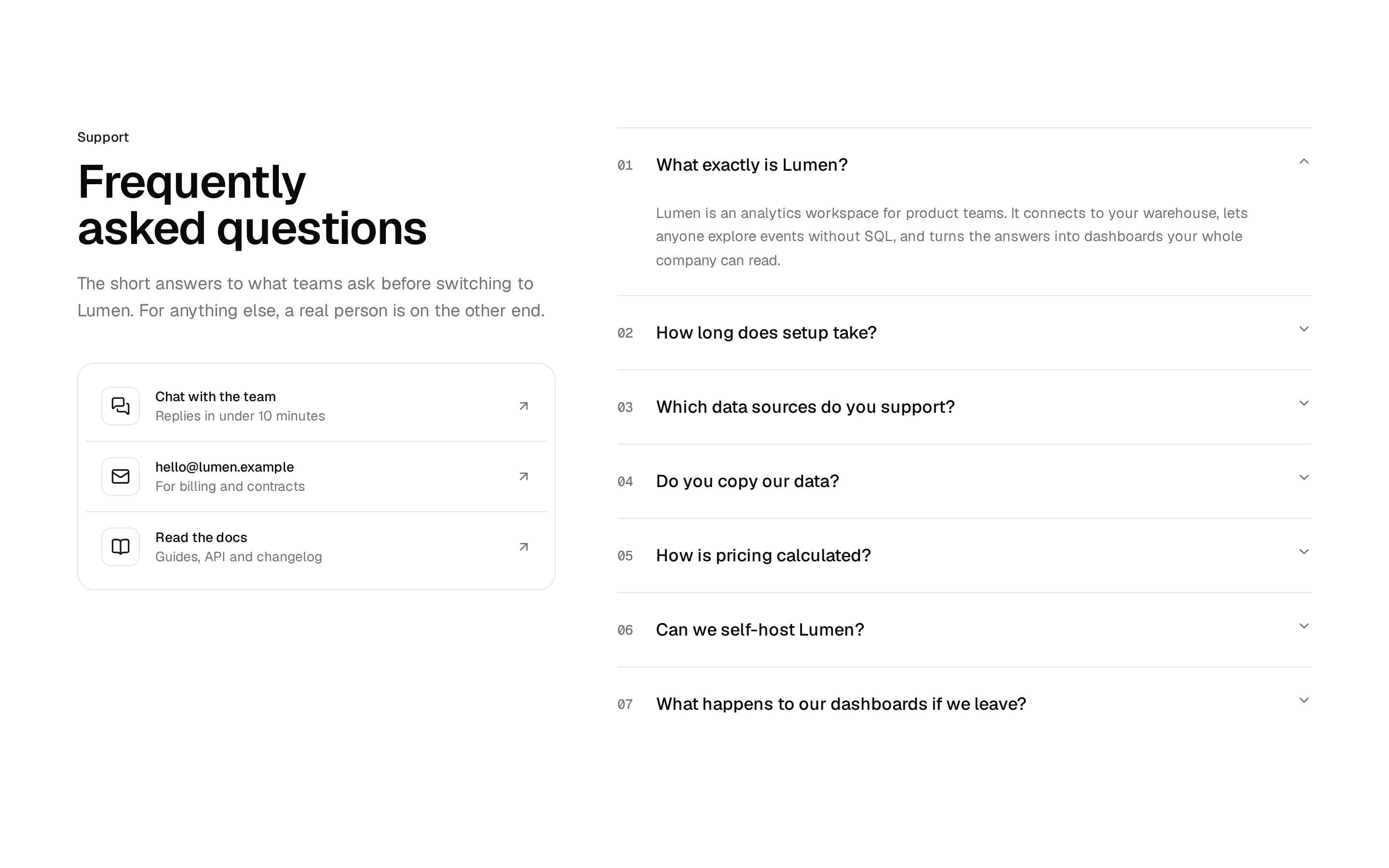
const faqs = [
  {
    description:
      "Yes, VoxFlow connects with the tools your team already uses—including Google Workspace, Microsoft 365, Slack, Jira, and more. Our open API and native integrations make it simple to embed VoxFlow into any existing workflow.",
    id: "01",
    title: "Does VoxFlow integrate with our existing tools?",
  },
  {
    description:
      "Absolutely. VoxFlow is fully optimized for web, desktop (Mac & Windows), and mobile (iOS & Android). Your team gets a consistent, high-quality experience whether they're at a desk or on the go.",
    id: "02",
    title: "Is VoxFlow available on mobile and desktop?",
  },
  {
    description:
      "Security is core to VoxFlow. Every conversation is protected with end-to-end encryption, and we offer waiting rooms, admin controls, data retention policies, and SOC 2 compliance to keep your organization's data safe.",
    id: "03",
    title: "How does VoxFlow protect our communications?",
  },
  {
    description:
      "VoxFlow offers flexible plans for teams of all sizes, from startups to enterprise. All plans include a free 7-day trial, and we offer monthly or annual billing with no long-term contracts required.",
    id: "04",
    title: "What pricing plans does VoxFlow offer?",
  },
];

export default function Component() {
  const [expandedItem, setExpandedItem] = useState<string[]>(["01"]);

  return (
    <section className="w-full bg-white py-12 md:py-24 dark:bg-background">
      <div className="mx-auto max-w-5xl px-6 lg:px-0">
        <div className="mb-16 grid grid-cols-1 gap-8 lg:grid-cols-2 lg:gap-20">
          <div className="space-y-6">
            <Badge
              className="border-none bg-white py-0.5 font-medium shadow dark:bg-neutral-800"
              variant="secondary"
            >
              <Icons.zap className="size-3 fill-neutral-400 text-neutral-400" />
              Common Questions
            </Badge>

            <h1 className="font-medium text-4xl tracking-tight sm:text-5xl xl:text-5xl">
              Everything you need to know about VoxFlow
            </h1>
          </div>

          <div className="flex flex-col justify-end">
            <div className="relative mb-6">
              <div className="relative z-10">
                <Icons.cursor className="size-7 text-neutral-900 dark:text-neutral-100" />
              </div>
              <div className="absolute -top-1 -left-1">
                <svg
                  className="text-neutral-200 dark:text-neutral-700"
                  fill="none"
                  height="27"
                  viewBox="0 0 27 27"
                  width="27"
                  xmlns="http://www.w3.org/2000/svg"
                >
                  <g clipPath="url(#clip0_444_3357)">
                    <path
                      d="M21.6667 0.333338C24.6123 0.333338 27.0537 2.74441 26.4685 5.63122C26.1288 7.30722 25.6278 8.95069 24.9702 10.5382C23.6301 13.7736 21.6658 16.7133 19.1896 19.1895C16.7134 21.6657 13.7737 23.63 10.5383 24.9701C8.95076 25.6277 7.3073 26.1287 5.63129 26.4684C2.74449 27.0536 0.333413 24.6122 0.333413 21.6667L0.333413 15.1888C0.333414 12.8754 2.27808 11.0733 4.41537 10.1881V10.1881C5.70951 9.652 6.88539 8.8663 7.87589 7.87581C8.86638 6.88532 9.65208 5.70943 10.1881 4.41529V4.41529C11.0734 2.278 12.8755 0.333338 15.1888 0.333338H21.6667Z"
                      fill="currentColor"
                    />
                  </g>
                  <defs>
                    <clipPath id="clip0_444_3357">
                      <rect fill="white" height="27" width="27" />
                    </clipPath>
                  </defs>
                </svg>
              </div>
            </div>
            <p className="max-w-sm text-neutral-600 dark:text-neutral-400">
              Have a question about VoxFlow? Our team is ready to help you find
              the right plan and get your team connected from day one.
            </p>
          </div>
        </div>

        <div className="max-w-full">
          <Accordion
            className="space-y-0"
            onValueChange={(value) => setExpandedItem(value)}
            value={expandedItem}
          >
            {faqs.map((faq) => (
              <AccordionItem
                className={
                  "overflow-hidden rounded-none border-0 border-t transition-colors first:border-t-0"
                }
                key={faq.id}
                value={faq.id}
              >
                <AccordionTrigger
                  className={`cursor-pointer px-4 pt-6 font-semibold text-base hover:no-underline data-[state=closed]:pb-6 sm:px-6 sm:pt-8 sm:text-lg sm:data-[state=closed]:pb-8 ${
                    expandedItem.includes(faq.id)
                      ? "text-neutral-900 dark:text-neutral-100"
                      : "text-neutral-700 hover:text-neutral-900 dark:text-neutral-400"
                  }`}
                >
                  <span className="flex items-center gap-4 text-left sm:gap-10">
                    <span className="font-mono font-normal text-base sm:text-lg">
                      {faq.id}
                    </span>
                    <span className="font-medium text-base sm:text-lg">
                      {faq.title}
                    </span>
                  </span>
                </AccordionTrigger>
                <AccordionContent
                  className={`ml-1 px-4 pb-6 sm:px-20 sm:pb-8 ${
                    expandedItem.includes(faq.id)
                      ? "text-neutral-900 dark:text-neutral-300"
                      : "text-neutral-600 dark:text-neutral-700"
                  }`}
                >
                  {faq.description}
                </AccordionContent>
              </AccordionItem>
            ))}
          </Accordion>
        </div>
      </div>
    </section>
  );
}