Sticky CTA
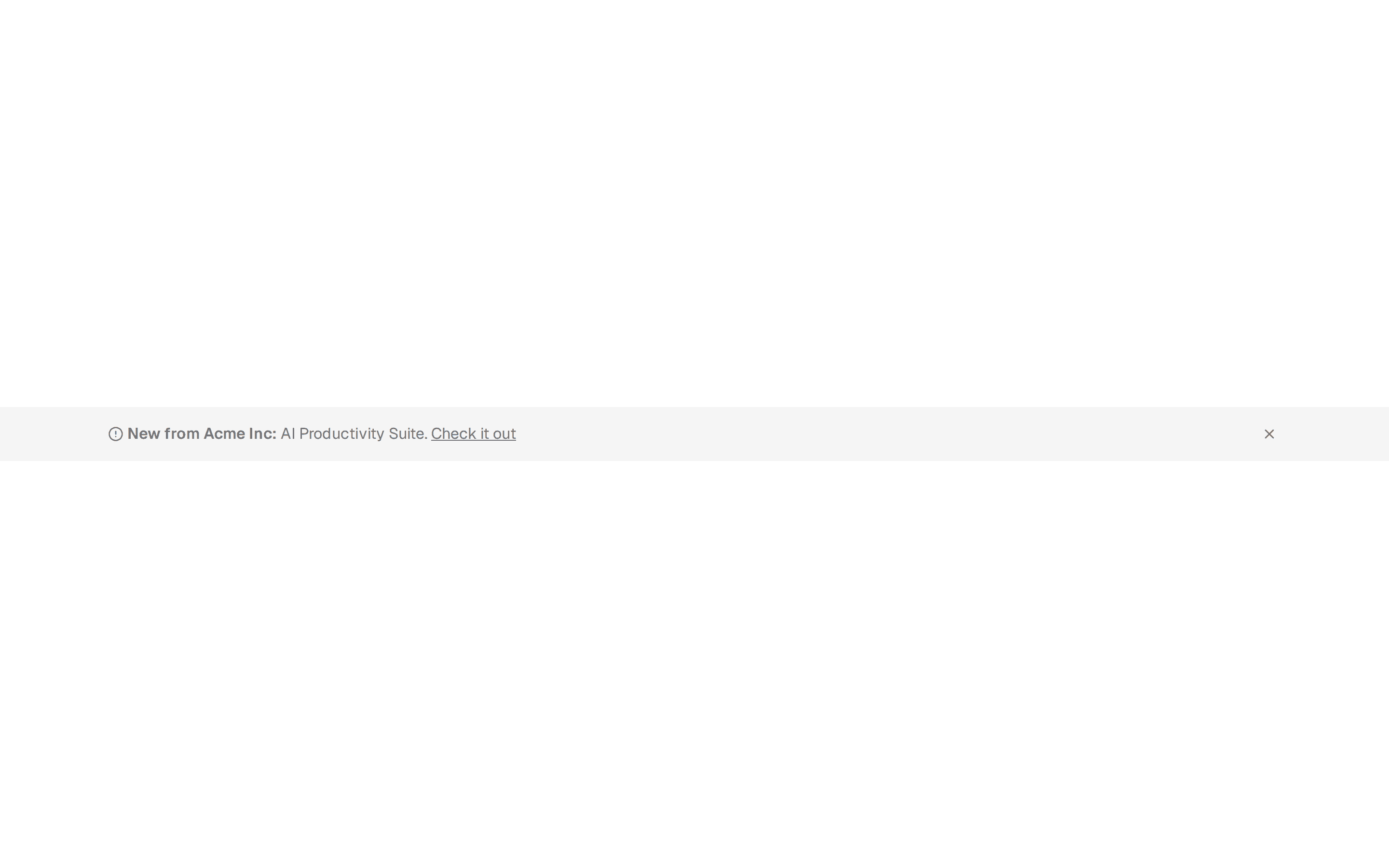
A banner that stays fixed as the visitor scrolls, keeping a button always in view. Useful for long portfolio pages where the offer should stay reachable.
@shadcn-ui-blocks
A banner that stays fixed as the visitor scrolls, keeping a button always in view. Useful for long portfolio pages where the offer should stay reachable.
@shadcn-ui-blocks
import { useState, useEffect } from 'react';

import { Button } from '@/components/ui/button';
import { ArrowRight, X } from 'lucide-react';

export default function PortfolioCTAStickyBanner() {
  const [isVisible, setIsVisible] = useState(true);
  const [isScrolled, setIsScrolled] = useState(false);

  // Handle scroll to toggle sticky behavior
  useEffect(() => {
    const handleScroll = () => {
      const scrollPosition = window.scrollY;
      setIsScrolled(scrollPosition > 300);
    };

    window.addEventListener('scroll', handleScroll);
    return () => window.removeEventListener('scroll', handleScroll);
  }, []);

  if (!isVisible) return null;

  return (
    <div
      className={`fixed right-0 bottom-0 left-0 z-50 transform transition-transform duration-300 ${isScrolled ? 'translate-y-0' : 'translate-y-full md:translate-y-0'}`}
    >
      <div className="bg-background border-border border-t px-4 py-3 shadow-lg md:py-4">
        <div className="container mx-auto">
          <div className="flex flex-col items-center justify-between gap-3 md:flex-row">
            {/* Close button (mobile only) */}
            <button
              onClick={() => setIsVisible(false)}
              className="text-muted-foreground hover:text-foreground absolute top-2 right-2 p-1 md:hidden"
              aria-label="Close banner"
            >
              <X className="h-4 w-4" />
            </button>

            <div className="flex-1 text-center md:text-left">
              <p className="text-sm font-medium md:text-base">
                Taking on new projects for Q3 2023.{' '}
                <span className="hidden md:inline">
                  Limited spots available.
                </span>
              </p>
            </div>

            <Button
              asChild
              size="sm"
              variant="default"
              className="group w-full md:w-auto"
            >
              <a href="#">
                Book Your Spot
                <ArrowRight className="ml-1 h-3 w-3 transition-transform group-hover:translate-x-1" />
              </a>
            </Button>
          </div>
        </div>
      </div>
    </div>
  );
}