Purpose
The landing dashboard for a shop / inventory admin panel. Surfaces the four numbers a stock manager wants first thing in the morning (Total SKUs, Stock value, Low stock, Out of stock), then a category-by-category velocity bar chart, a ranked Top categories list, and a tabbed table that switches between Products, Recent activities, and Orders, so the operator can drill from headline metrics into the specific rows that need action without leaving the page.
The block is a composition of existing application blocks rather than fresh code: stat tiles are the stats-1 pattern with inventory data; the chart card is chart-29 (inventory velocity) tuned for category turnover; the right-side list is list-1 rebuilt as Top categories; the tabbed table uses shadcn Tabs + Table to keep the table light while reusing all the project's primitives.
Best Fit
- shop admin landing page for a single-store ecommerce dashboard
- warehouse manager command center where stock health, velocity, and live activity all sit on one screen
- back-office inventory review for buyers who alternate between Products, stock movements, and Orders
- demo / handoff surface that showcases how the registry's primitives compose into a real shop dashboard
Main Pieces
- Stats row (
Stats, adapted from application/stats/stats-1): 4-up Frame + FramePanel tiles with title, overflow menu (View report / Add alert / Export CSV / Pin to dashboard / Remove), large value, delta Badge (success-light when healthy, destructive-light when worsening), separator, and "Vs last month" subtitle. The positive flag is independent of delta sign so the Out-of-stock tile correctly shows a green badge with a down arrow. - Velocity chart (
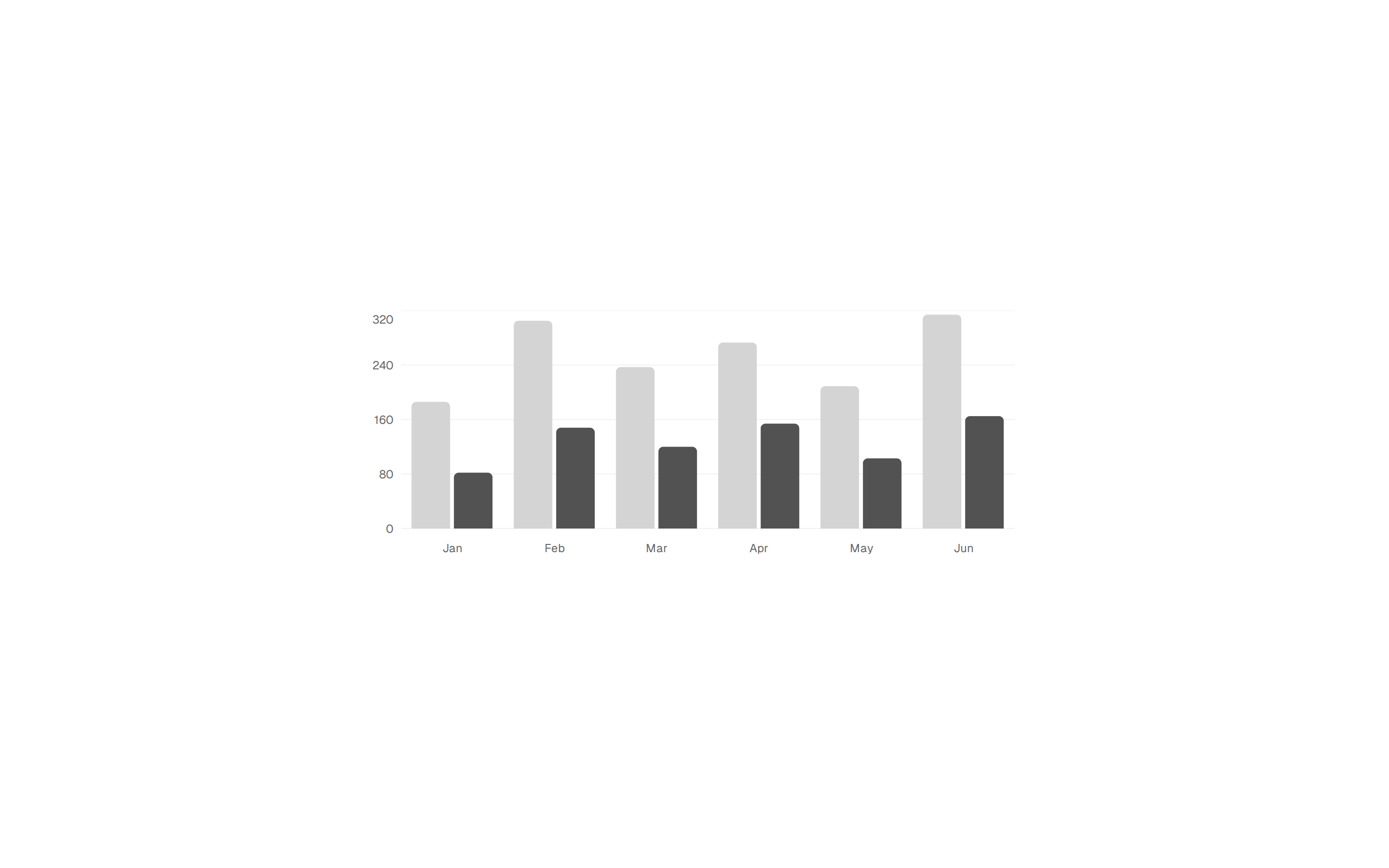
VelocityChart, adapted from chart/bar-chart/chart-29): Frame + FramePanel with a recharts BarChart using the hatched-bar shape and dotted background pattern from chart-29. Title carries a success-light Badge with the trailing-period trend. - Top categories (
TopCategories, adapted from application/list/list-1): Frame + FramePanel with a header (title + "View all" button), separator, then a list of category rows. Each row uses the Item + ItemMedia icon container from list-1, a value, and a success-light / destructive-light trend Badge. - Shop activity tabs (
ActivityTabs): Frame + FramePanel containing shadcn Tabs variant="line" with three panels: - Products, SKU, name, category, on-hand, reorder point, status
Badge (in stock / low stock / out of stock), and an Adjust action - Recent activities, kind icon (received / sold / adjusted / transferred / returned), product, signed delta, source (PO #, order #, reason), actor, and a relative timestamp
- Orders, order id, customer, items, total, status
Badge (fulfilled / processing / backorder / cancelled), and placed-at relative time
Reused Blocks
application/stats/stats-1, entire stat tile pattern (component scaffold, dropdown menu structure, delta Badge logic), data replaced with inventory metricschart/bar-chart/chart-29, entire chart card pattern (custom hatched bar shape, dotted background pattern, custom tooltip), data replaced with category velocityapplication/list/list-1, entire list pattern (Frame + FramePanel + Item icon container + trend Badge), data and labels replaced with Top categories
Layout Grid
- Outer container:
max-w-7xl flex-col gap-6 so the entire dashboard breathes at 28px gaps - Charts row:
grid-cols-1 @4xl:grid-cols-3 with the velocity chart spanning col-span-2 at @4xl, the top categories list filling the remaining third. Collapses cleanly to a stacked column below the container breakpoint. - Tabbed table: full-width below the charts row
LLM Guidance
Keep the four-piece composition (Stats / VelocityChart / TopCategories / ActivityTabs). Add a new section by appending it to the dashboard root container with the same gap-6 rhythm. When replacing demo data, keep the discriminated unions (StockStatus, ActivityKind, OrderStatus) so the *_VARIANT and *_LABEL lookups stay total. The Tabs use variant="line" to read as a soft section separator, not as a heavy chrome control, switch to default tabs if the page already has other navigation context. For the source patterns see application/stats/stats-1, chart/bar-chart/chart-29, and application/list/list-1.