export const faqSite = {
	name: "Nusaiba",
	namespace: "@nusaiba",
	domain: "nusaiba.dev",
} as const;

export type FaqCategoryId = "install" | "plans" | "customize";

export type FaqItem = {
	id: string;
	category: FaqCategoryId;
	title: string;
	content: string;
};

export const faqCategories: { id: FaqCategoryId; label: string }[] = [
	{ id: "install", label: "Install" },
	{ id: "plans", label: "Plans" },
	{ id: "customize", label: "Customize" },
];

export const faqItems: FaqItem[] = [
	{
		id: "what-is",
		category: "install",
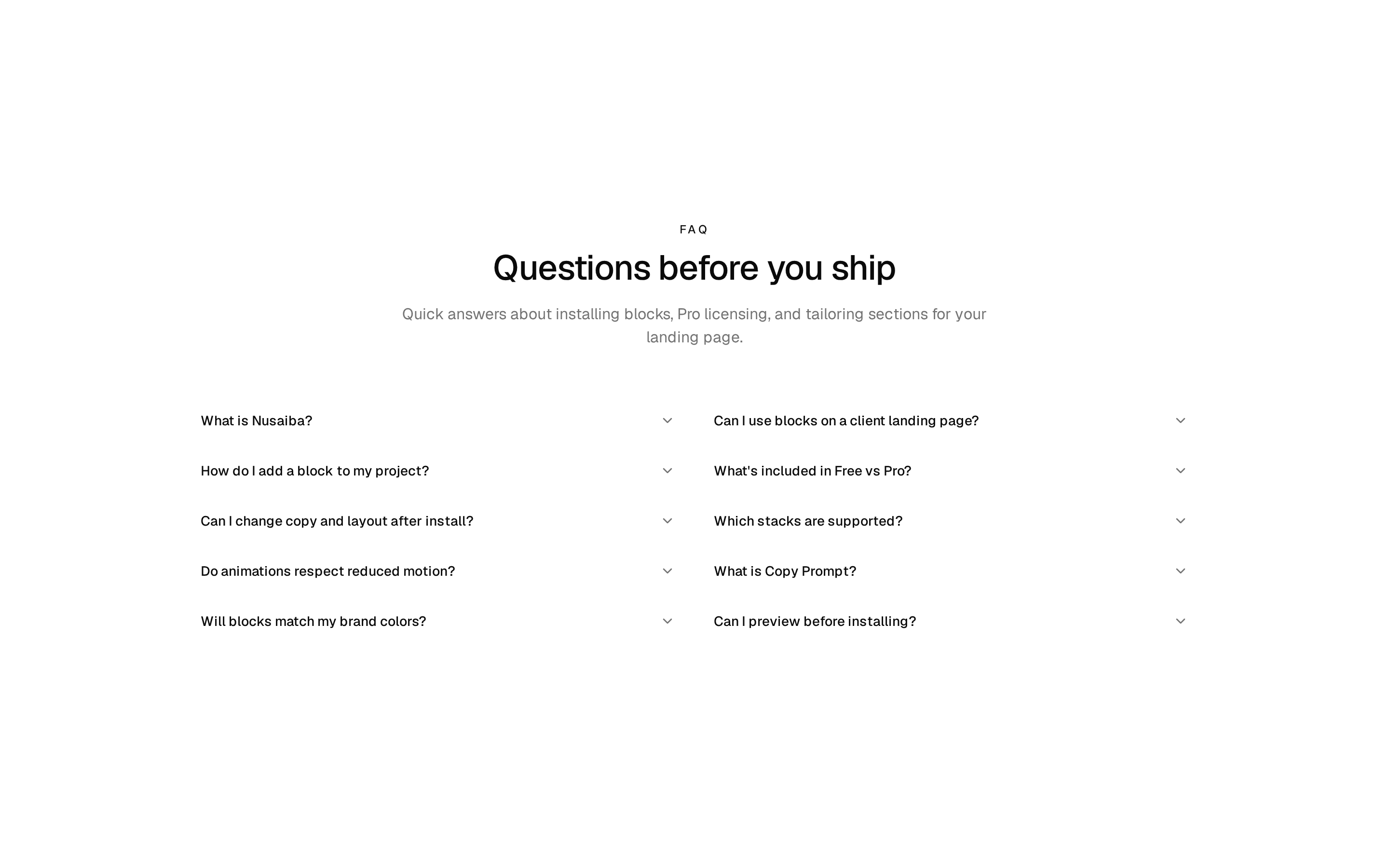
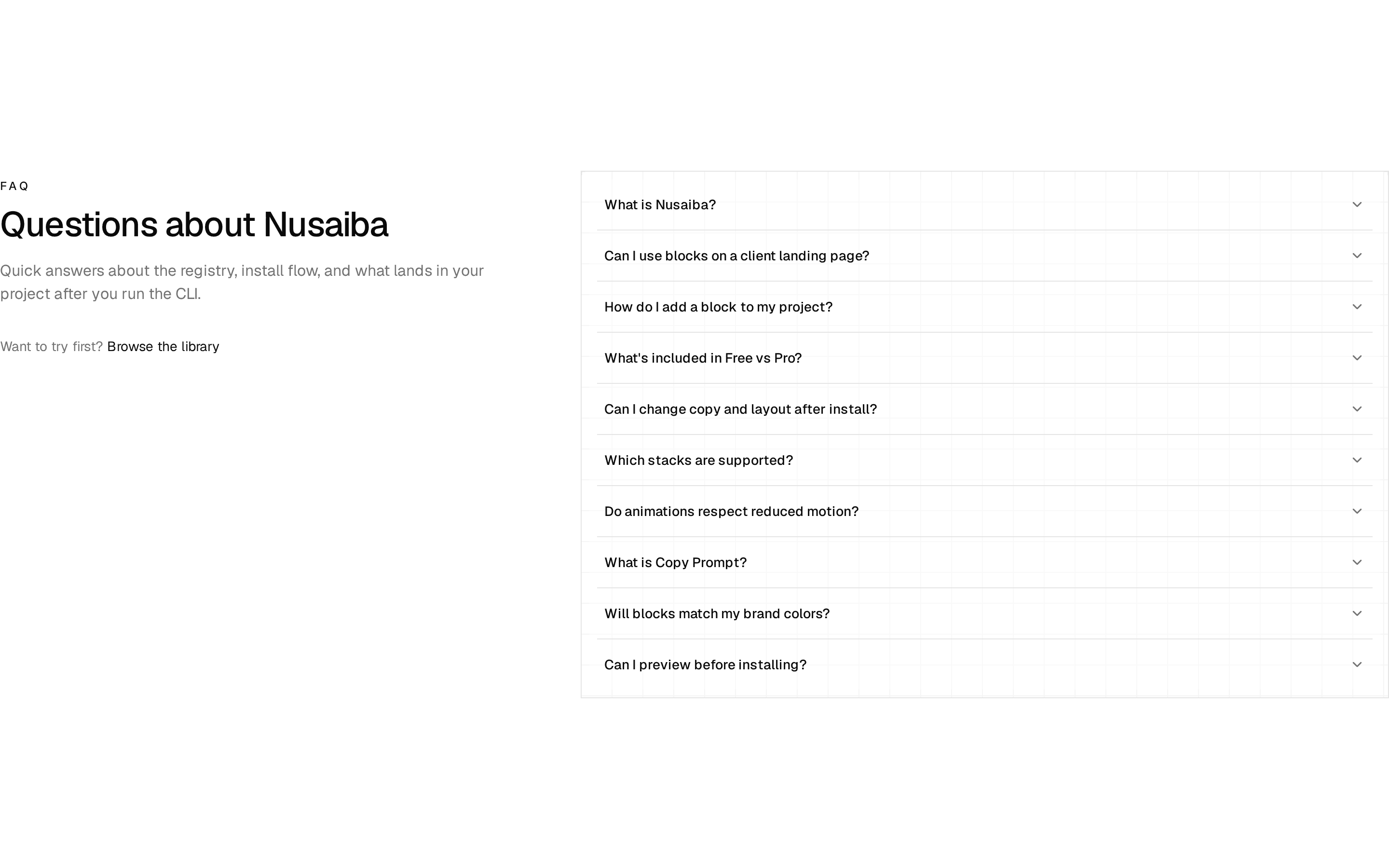
		title: `What is ${faqSite.name}?`,
		content: `${faqSite.name} is an open shadcn registry of motion-first landing sections — heroes, pricing, FAQs, footers, and more. Preview live, install into your repo with the CLI, and keep every file.`,
	},
	{
		id: "landing-pages",
		category: "plans",
		title: "Can I use blocks on a client landing page?",
		content:
			"Yes. Free blocks ship for personal and commercial projects. Pro blocks include a commercial license for client work — install once, edit the copy and tokens, and ship the page you own.",
	},
	{
		id: "install",
		category: "install",
		title: "How do I add a block to my project?",
		content: `Add the ${faqSite.namespace} registry to components.json, then run npx shadcn@latest add ${faqSite.namespace}/block-name. Files land in your codebase — no runtime dependency on ${faqSite.name}.`,
	},
	{
		id: "free-vs-pro",
		category: "plans",
		title: "What's included in Free vs Pro?",
		content:
			"Free blocks cover core landing patterns — hero, features, FAQ, CTA, footer. Pro unlocks advanced motion blocks, registry token install, lifetime updates, and commercial licensing for agency work.",
	},
	{
		id: "customize",
		category: "customize",
		title: "Can I change copy and layout after install?",
		content:
			"Every block is yours to edit. Swap headlines for your product, trim sections, restyle with your tokens, or remove motion — the source lives in your project, not behind a package import.",
	},
	{
		id: "frameworks",
		category: "install",
		title: "Which stacks are supported?",
		content:
			"Any React setup that runs shadcn/ui — Next.js, Vite, Remix, and others. Blocks use your existing components.json aliases and design tokens.",
	},
	{
		id: "motion",
		category: "customize",
		title: "Do animations respect reduced motion?",
		content:
			"Yes. Blocks check prefers-reduced-motion and fall back to static layouts. Motion is packaging — your landing page stays readable when users request less animation.",
	},
	{
		id: "copy-prompt",
		category: "install",
		title: "What is Copy Prompt?",
		content: `Each block page includes a Copy Prompt — a ready-made instruction for Cursor or other AI tools to install and adapt the section. Use it when you want a guided handoff instead of the CLI alone.`,
	},
	{
		id: "tokens",
		category: "customize",
		title: "Will blocks match my brand colors?",
		content:
			"Blocks use semantic tokens — background, foreground, muted, primary — from your globals.css. After install, they inherit your theme without hardcoded palette lock-in.",
	},
	{
		id: "preview",
		category: "install",
		title: "Can I preview before installing?",
		content: `Browse ${faqSite.domain}/blocks, toggle light and dark preview, and read the source explorer. When a section fits your landing page, copy the CLI command or prompt and add it to your repo.`,
	},
];

export const faqSplitHeader = {
	eyebrow: "FAQ",
	title: "Questions before you ship",
	description:
		"Quick answers about installing blocks, Pro licensing, and tailoring sections for your landing page.",
	supportLabel: "Browse the library",
	supportHref: "/blocks",
} as const;

export const faqLandingHeader = {
	eyebrow: "FAQ",
	title: `Questions about ${faqSite.name}`,
	description:
		"Quick answers about the registry, install flow, and what lands in your project after you run the CLI.",
	supportLabel: "Browse the library",
	supportHref: "/blocks",
} as const;

export const faqCenteredHeader = {
	eyebrow: "Support",
	title: "Common questions",
	description:
		"Everything you need to pick blocks, install with shadcn, and ship a polished landing page.",
} as const;

export function faqsByCategory(category: FaqCategoryId) {
	return faqItems.filter((item) => item.category === category);
}