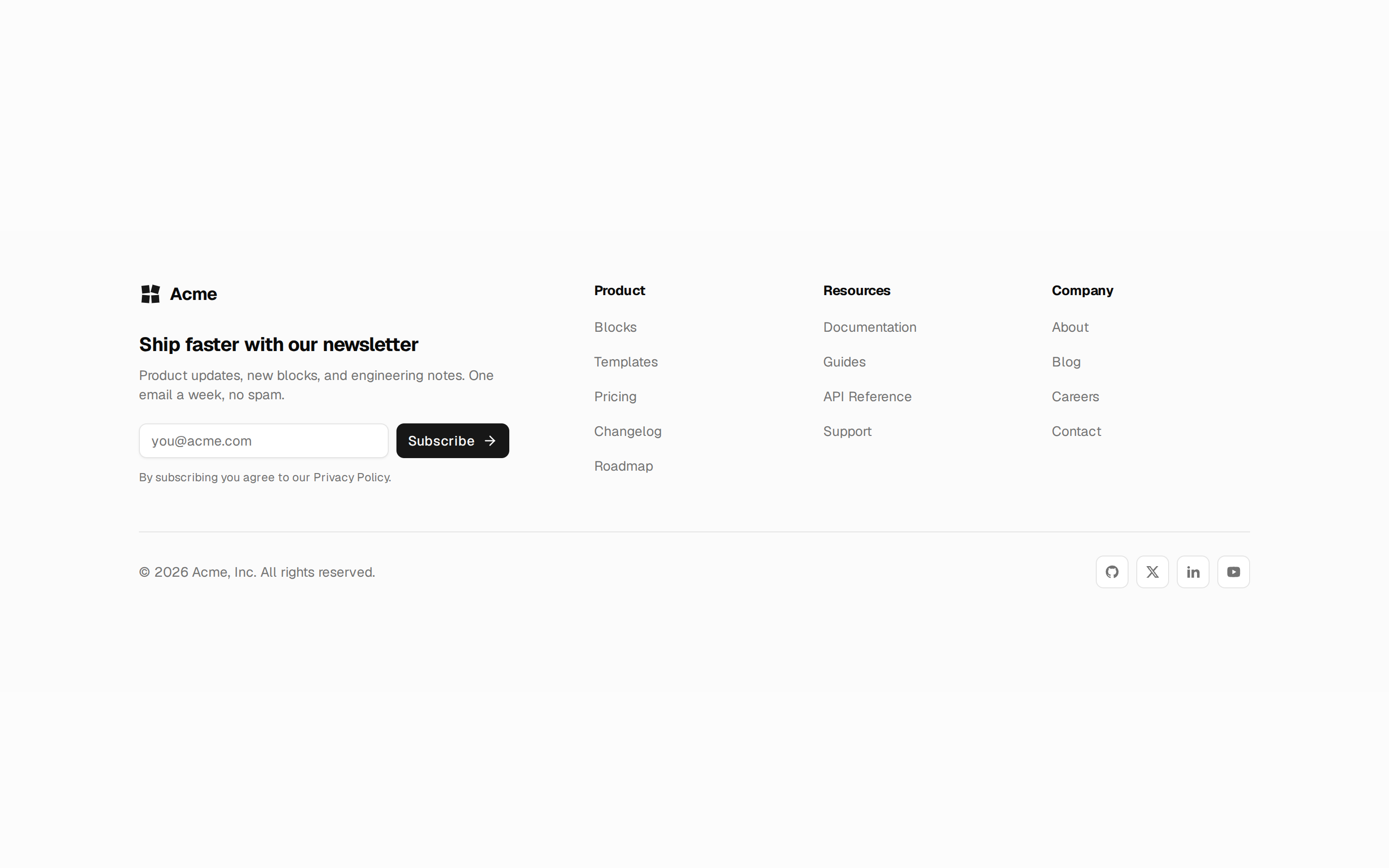
Photo footer with newsletter, link columns, offices and socials (from Marbrook)
import { ArrowRight, Mail } from "lucide-react";
import Image from "next/image";
import Link from "next/link";

import { Button } from "@/components/ui/button";
import { Input } from "@/components/ui/input";
import { Tooltip, TooltipPopup, TooltipTrigger } from "@/components/ui/tooltip";
import { cn } from "@/lib/utils";

import type { ImageAsset } from "../_types/common";
import type { FooterContent } from "../_types/footer";
import { defaultFooter8Background, defaultFooter8Content } from "./data";
import { socialIcons } from "./social-icons";

function telHref(phone: string): string {
  return `tel:${phone.replace(/[^\d+]/g, "")}`;
}

/**
 * Over a photograph the copy stays literal white: `--primary-foreground`
 * inverts in dark mode and would vanish against the picture.
 */
const tones = {
  photo: {
    border: "border-white/10",
    faint: "text-white/40",
    muted: "text-white/60",
    soft: "text-white/70",
    text: "text-white",
  },
  primary: {
    border: "border-primary-foreground/10",
    faint: "text-primary-foreground/40",
    muted: "text-primary-foreground/60",
    soft: "text-primary-foreground/70",
    text: "text-primary-foreground",
  },
};

export default function Footer8({
  backgroundImage = defaultFooter8Background,
  content = defaultFooter8Content,
  onPhoto = false,
}: {
  /** Photo behind the footer. Pass `null` for a plain primary band. */
  backgroundImage?: ImageAsset | null;
  content?: FooterContent;
  /** A parent already paints a photo behind this footer (and usually the CTA
   *  above it): stay transparent but keep the photo text colours. Use with
   *  `backgroundImage={null}`. */
  onPhoto?: boolean;
}) {
  const photo = Boolean(backgroundImage) || onPhoto;
  const t = photo ? tones.photo : tones.primary;
  const year = new Date().getFullYear();

  return (
    <footer
      className={cn(
        "relative isolate overflow-hidden",
        t.text,
        !photo && "bg-primary",
      )}
    >
      {backgroundImage && (
        <>
          <Image
            alt={backgroundImage.alt}
            className="-z-10 object-cover"
            fill
            sizes="100vw"
            src={backgroundImage.src}
          />
          <div className="absolute inset-0 -z-10 bg-primary/55" />
        </>
      )}
      <div className="absolute inset-0 -z-10 bg-linear-to-t from-primary" />

      <div className="mx-auto max-w-7xl px-5 sm:px-8 lg:px-12">
        <div
          className={cn(
            "grid gap-12 border-b py-16 lg:grid-cols-12 lg:gap-8 lg:py-20",
            t.border,
          )}
        >
          <div className="lg:col-span-5">
            <span className="font-display text-3xl leading-none">
              {content.brand.name}
            </span>
            <p className={cn("mt-5 max-w-sm text-sm leading-relaxed", t.muted)}>
              {content.brand.description}
            </p>

            {content.newsletter && (
              <div className="mt-8">
                <p
                  className={cn(
                    "inline-flex items-center gap-2 font-medium text-[0.6875rem] uppercase tracking-[0.22em]",
                    t.faint,
                  )}
                >
                  <span className="size-1 bg-secondary" />
                  {content.newsletter.eyebrow}
                </p>
                <form className="mt-4 flex max-w-sm items-center gap-0">
                  <Input
                    aria-label="Email address"
                    className={cn(
                      "h-11 items-center rounded-r-none border-current/20 bg-current/5 placeholder:text-current/40 focus-visible:border-secondary",
                      t.text,
                    )}
                    name="email"
                    placeholder={content.newsletter.placeholder}
                    type="email"
                  />
                  <Tooltip>
                    <TooltipTrigger
                      render={
                        <Button
                          aria-label={content.newsletter.buttonLabel}
                          className="h-11 shrink-0 rounded-l-none border-none bg-secondary px-4 text-secondary-foreground shadow-none hover:bg-secondary/90"
                          type="submit"
                        >
                          <ArrowRight className="size-4" />
                        </Button>
                      }
                    />
                    <TooltipPopup>
                      {content.newsletter.buttonLabel}
                    </TooltipPopup>
                  </Tooltip>
                </form>
                {content.newsletter.note && (
                  <p className={cn("mt-3 text-xs", t.faint)}>
                    {content.newsletter.note}
                  </p>
                )}
              </div>
            )}
          </div>

          <div className="grid gap-10 sm:grid-cols-3 lg:col-span-7">
            {content.columns.map((column) => (
              <div key={column.title}>
                <h3
                  className={cn(
                    "inline-flex items-center gap-2 font-medium text-[0.6875rem] uppercase tracking-[0.22em]",
                    t.faint,
                  )}
                >
                  {column.title}
                </h3>
                <ul className="mt-5 space-y-3">
                  {column.links.map((link) => (
                    <li key={link.label}>
                      <Link
                        className={cn(
                          "text-sm transition-colors hover:text-secondary",
                          t.soft,
                        )}
                        href={link.href}
                      >
                        {link.label}
                      </Link>
                    </li>
                  ))}
                </ul>
              </div>
            ))}
          </div>
        </div>

        {(content.contact || content.socials) && (
          <div
            className={cn(
              "grid gap-10 border-b py-10 sm:grid-cols-2 lg:grid-cols-4",
              t.border,
            )}
          >
            {content.contact?.locations.map((location) => (
              <div key={location.label}>
                <h4 className="font-medium text-sm">{location.label}</h4>
                <p className={cn("mt-2 text-sm leading-relaxed", t.muted)}>
                  {location.address}
                </p>
                {location.phone && (
                  <a
                    className={cn(
                      "mt-1 inline-block text-sm transition-colors hover:text-secondary",
                      t.muted,
                    )}
                    href={telHref(location.phone)}
                  >
                    {location.phone}
                  </a>
                )}
              </div>
            ))}

            {content.contact?.email && (
              <div>
                <h4 className="font-medium text-sm">
                  {content.contact.email.label}
                </h4>
                <a
                  className={cn(
                    "mt-2 inline-flex items-center gap-2 text-sm transition-colors hover:text-secondary",
                    t.muted,
                  )}
                  href={`mailto:${content.contact.email.address}`}
                >
                  <Mail className="size-4" />
                  {content.contact.email.address}
                </a>
              </div>
            )}

            {content.socials && content.socials.length > 0 && (
              <div>
                {content.socialsTitle && (
                  <h4 className="font-medium text-sm">
                    {content.socialsTitle}
                  </h4>
                )}
                <div className="mt-3 flex gap-2">
                  {content.socials.map((social) => {
                    const Icon = socialIcons[social.network];

                    return (
                      <Tooltip key={social.label}>
                        <TooltipTrigger
                          render={
                            <Link
                              aria-label={social.label}
                              className={cn(
                                "flex size-9 items-center justify-center rounded-md border border-current/15 transition-colors hover:border-secondary hover:text-secondary",
                                t.soft,
                              )}
                              href={social.href}
                            >
                              <Icon className="size-4" />
                            </Link>
                          }
                        />
                        <TooltipPopup>{social.label}</TooltipPopup>
                      </Tooltip>
                    );
                  })}
                </div>
              </div>
            )}
          </div>
        )}

        <div
          className={cn(
            "flex flex-col items-center justify-between gap-4 py-8 text-xs sm:flex-row",
            t.muted,
          )}
        >
          <p>
            © {year} {content.copyright}
          </p>
          <div className="flex flex-wrap items-center justify-center gap-6">
            {content.legal.map((link) => (
              <Link
                className="transition-colors hover:text-secondary"
                href={link.href}
                key={link.href}
              >
                {link.label}
              </Link>
            ))}
            {content.credit && (
              <span>
                {content.credit.prefix}{" "}
                <Link
                  className="underline underline-offset-2"
                  href={content.credit.href}
                >
                  {content.credit.label}
                </Link>
              </span>
            )}
          </div>
        </div>
      </div>
    </footer>
  );
}