Title With Export Actions
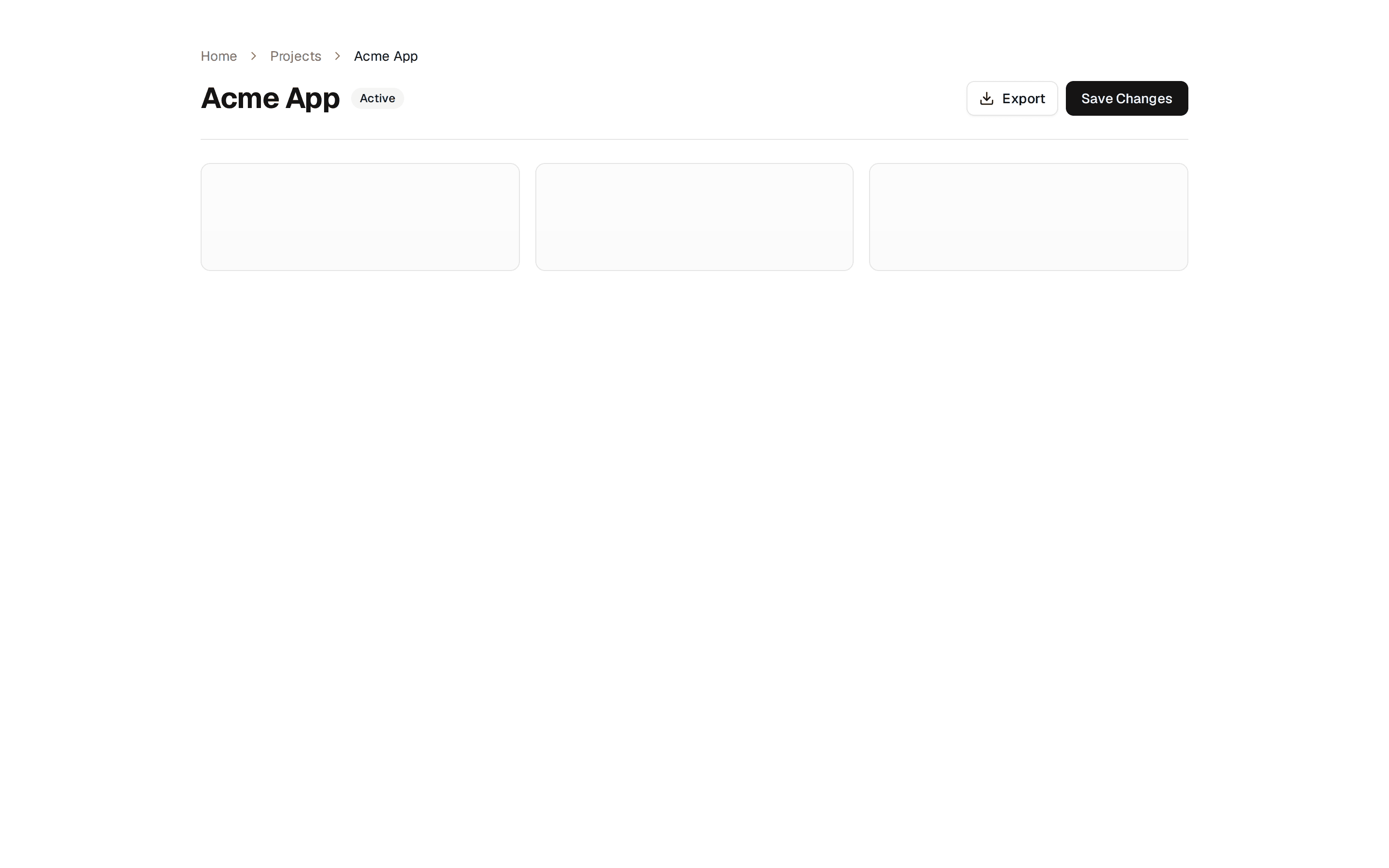
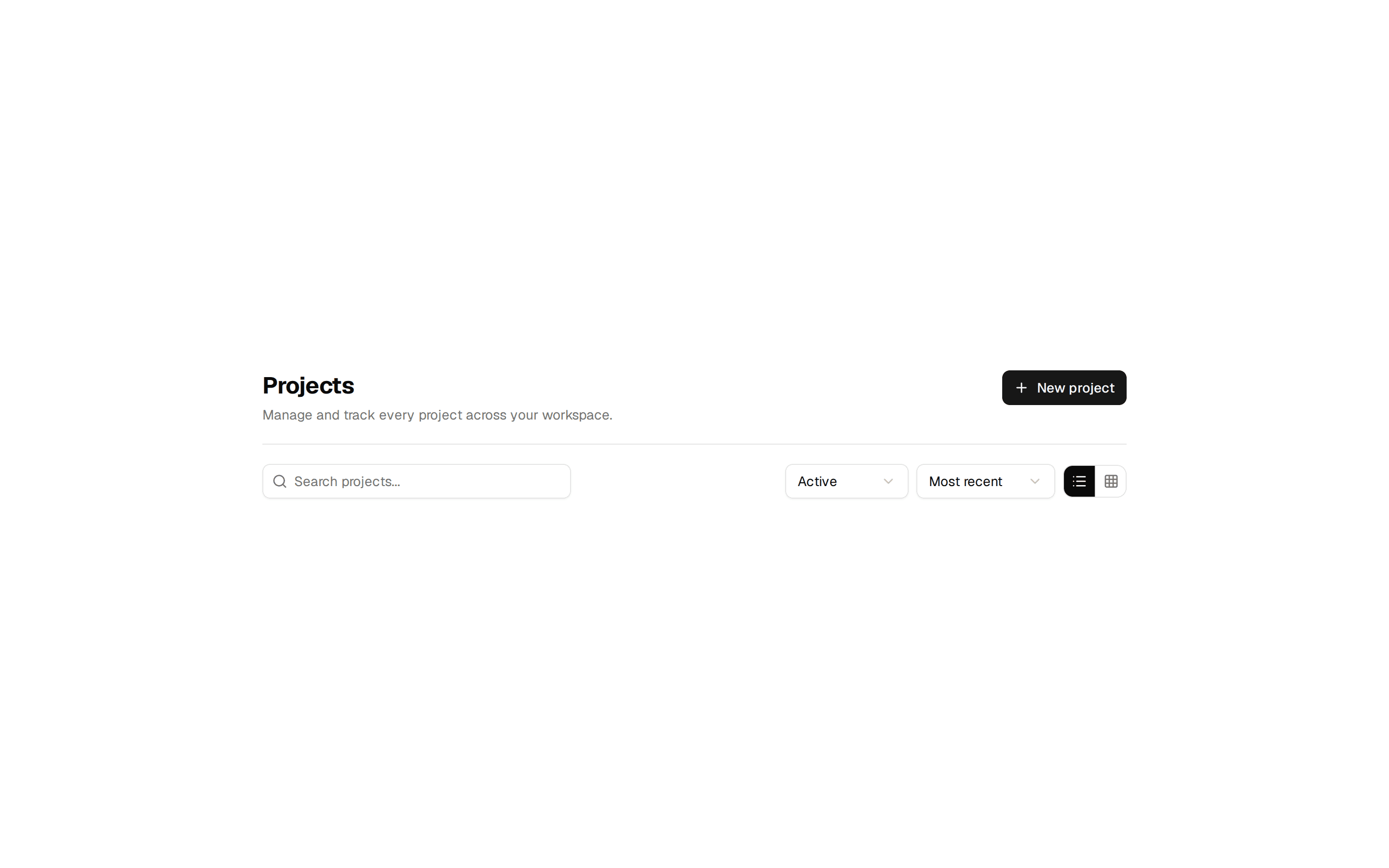
Application page header with a title, description, and Export plus New Project buttons above the page content area.
@7ovr
Application page header with a title, description, and Export plus New Project buttons above the page content area.
@7ovr
registry/blocks/page-header/1/page-header-block.tsx
import { Button } from "@/components/ui/button"
import { IconPlaceholder } from "@/components/icons/icon-placeholder"
export default function PageHeaderBlock() {
return (
<section className="min-h-svh w-full bg-background px-6 py-12 text-foreground">
<div className="mx-auto w-full max-w-5xl">
<div className="flex flex-col gap-4 border-b border-border pb-6 sm:flex-row sm:items-end sm:justify-between">
<div className="flex flex-col gap-1.5">
<h1 className="font-heading text-2xl font-bold tracking-tight sm:text-3xl">
Projects
</h1>
<p className="text-sm text-muted-foreground">
Manage your team's projects and track their progress.
</p>
</div>
<div className="flex items-center gap-2">
<Button variant="outline">
<IconPlaceholder
lucide="Download"
tabler="IconDownload"
hugeicons="DownloadIcon"
phosphor="Download"
remixicon="RiDownloadLine"
data-icon="inline-start"
aria-hidden="true"
/>
Export
</Button>
<Button>
<IconPlaceholder
lucide="Plus"
tabler="IconPlus"
hugeicons="Add01Icon"
phosphor="Plus"
remixicon="RiAddLine"
data-icon="inline-start"
aria-hidden="true"
/>
New Project
</Button>
</div>
</div>
<div className="mt-6 grid gap-4 sm:grid-cols-3">
{Array.from({ length: 3 }).map((_, i) => (
<div
key={i}
className="h-28 rounded-lg border border-border bg-muted/30"
/>
))}
</div>
</div>
</section>
)
}