"use client";

import { cubicBezier, motion, spring, useTransform, type MotionValue } from "motion/react";

import { SyncGrid, SyncGridItem } from "@/components/ui/sync-grid";

// The motion runs over the middle of the clock, with a beat of stillness at
// each end so the start and the landing both read.
const START = 0.1;
const SPAN = 0.7;
const DURATION = 1.6;

// The graph's value range: room for the spring to overshoot.
const LOW = -0.12;
const HIGH = 1.22;

type Curve = { label: string; code: string; ease: (t: number) => number };

const curves: Curve[] = [
  { label: "Linear", code: "linear", ease: (t) => t },
  {
    label: "Ease out",
    code: "cubic-bezier(0.22, 1, 0.36, 1)",
    ease: cubicBezier(0.22, 1, 0.36, 1),
  },
  {
    label: "Ease in-out",
    code: "cubic-bezier(0.65, 0, 0.35, 1)",
    ease: cubicBezier(0.65, 0, 0.35, 1),
  },
  { label: "Spring", code: "spring · bounce 0.3", ease: springEase(0.45, 0.3) },
];

export function SyncGridDemo() {
  return (
    <div className="w-full max-w-3xl">
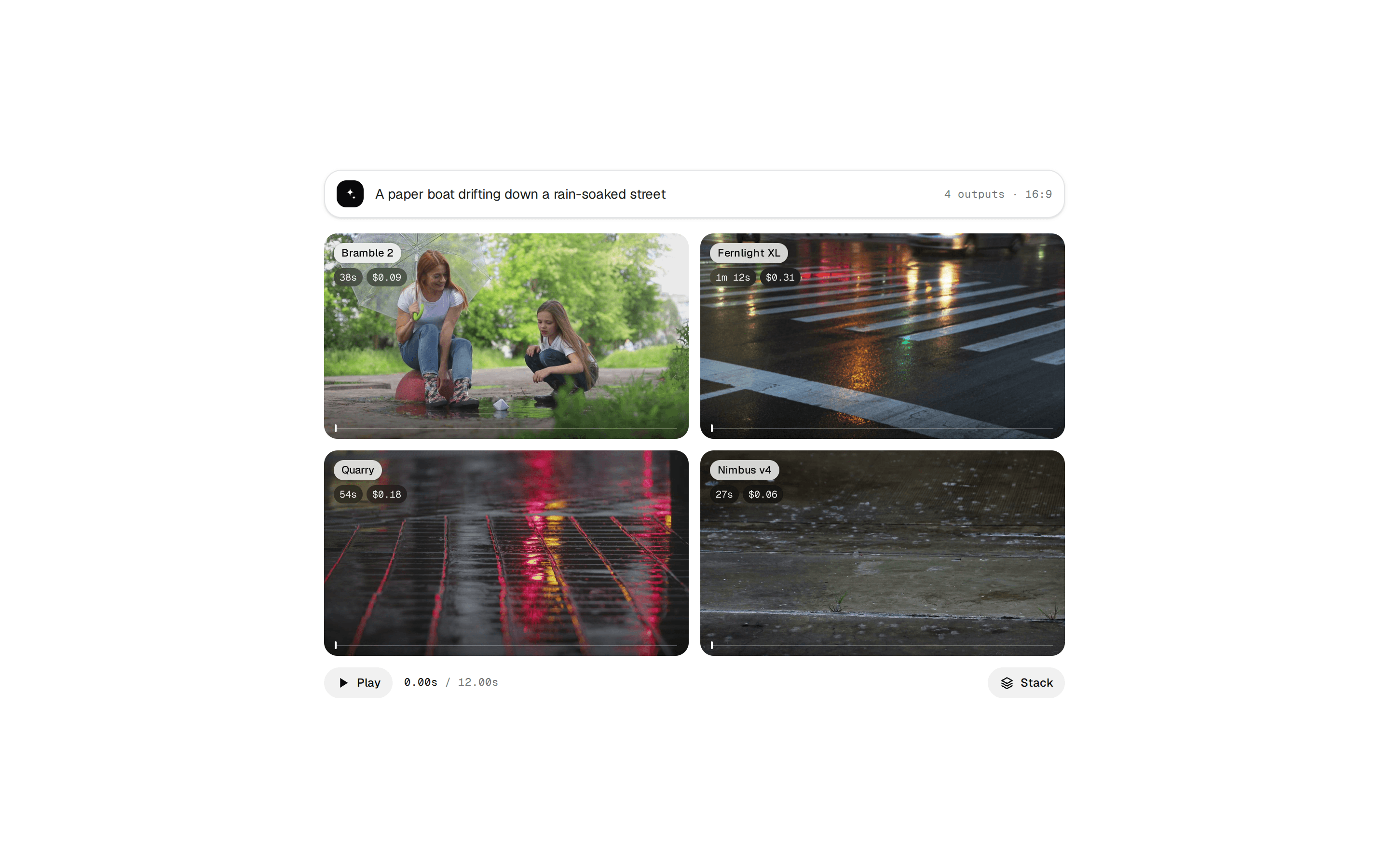
      <SyncGrid columns={2} duration={DURATION} fps={60} aspect={4 / 3}>
        {curves.map((curve) => (
          <SyncGridItem
            key={curve.label}
            label={curve.label}
            render={(progress) => <EasingScene progress={progress} curve={curve} />}
          />
        ))}
      </SyncGrid>
    </div>
  );
}

function EasingScene({ progress, curve }: { progress: MotionValue<number>; curve: Curve }) {
  const t = useTransform(progress, (p) => Math.min(Math.max((p - START) / SPAN, 0), 1));
  const value = useTransform(t, (v) => (v >= 1 ? 1 : curve.ease(v)));

  const dotX = useTransform(t, (v) => `${v * 100}%`);
  const dotY = useTransform(value, (v) => `${(1 - (v - LOW) / (HIGH - LOW)) * 100}%`);
  const cardY = useTransform(value, (v) => `${(1 - v) * 78}%`);
  const cardScale = useTransform(value, (v) => 0.82 + 0.18 * v);
  const cardOpacity = useTransform(value, (v) => Math.min(1, 0.35 + v * 1.6));

  return (
    <div className="@container absolute inset-0 bg-zinc-50 dark:bg-zinc-900">
      <code className="absolute top-[calc(0.625rem+1.75rem)] left-2.5 font-mono text-[max(9px,2.5cqw)] text-zinc-500 @max-3xs:hidden dark:text-zinc-400">
        {curve.code}
      </code>

      {/* The curve, with the time so far and a dot riding it. */}
      <div className="absolute bottom-[15%] left-[7%] aspect-square w-[36%]">
        <div className="absolute inset-y-0 left-0 border-l border-zinc-300 dark:border-zinc-700" />
        <div
          className="absolute inset-x-0 border-t border-zinc-300 dark:border-zinc-700"
          style={{ top: `${(HIGH / (HIGH - LOW)) * 100}%` }}
        />
        <div
          className="absolute inset-x-0 border-t border-dashed border-zinc-300 dark:border-zinc-700"
          style={{ top: `${((HIGH - 1) / (HIGH - LOW)) * 100}%` }}
        />
        <svg viewBox="0 0 100 100" preserveAspectRatio="none" className="absolute inset-0 size-full overflow-visible">
          <path
            d={pathOf(curve.ease)}
            fill="none"
            className="stroke-zinc-900 dark:stroke-zinc-100"
            strokeWidth={1.5}
            vectorEffect="non-scaling-stroke"
            strokeLinejoin="round"
          />
        </svg>
        <motion.div className="absolute inset-0" style={{ x: dotX }}>
          <div className="absolute inset-y-0 left-0 w-px bg-zinc-900/10 dark:bg-white/10" />
          <motion.div className="absolute inset-0" style={{ y: dotY }}>
            <div className="absolute top-0 left-0 size-[max(7px,2.4cqw)] -translate-x-1/2 -translate-y-1/2 rounded-full bg-zinc-900 ring-[max(2px,0.7cqw)] ring-zinc-50 dark:bg-white dark:ring-zinc-900" />
          </motion.div>
        </motion.div>
      </div>

      {/* The same value moving something: a card rising into its slot. */}
      <div className="absolute top-[24%] right-[7%] bottom-[15%] w-[42%] overflow-hidden rounded-[3.5cqw] bg-white ring-1 ring-zinc-900/[0.06] dark:bg-zinc-950 dark:ring-white/[0.06]">
        <div className="absolute inset-x-[9%] top-[10%] h-[2.6cqw] w-[38%] rounded-full bg-zinc-200 dark:bg-zinc-800" />
        <div className="absolute inset-x-[9%] top-[22%] h-[2cqw] w-[58%] rounded-full bg-zinc-100 dark:bg-zinc-900" />
        <div className="absolute inset-x-[7%] top-[38%] bottom-[8%] rounded-[2.6cqw] border border-dashed border-zinc-300 dark:border-zinc-700" />
        <motion.div
          className="absolute inset-x-[7%] top-[38%] bottom-[8%] flex flex-col justify-between rounded-[2.6cqw] bg-zinc-900 p-[3.2cqw] shadow-lg shadow-zinc-900/15 dark:bg-zinc-100 dark:shadow-black/40"
          style={{ y: cardY, scale: cardScale, opacity: cardOpacity }}
        >
          <div className="flex items-center gap-[2cqw]">
            <div className="size-[5cqw] rounded-full bg-gradient-to-br from-amber-300 to-rose-400" />
            <div className="flex flex-1 flex-col gap-[1.2cqw]">
              <div className="h-[1.6cqw] w-[70%] rounded-full bg-white/80 dark:bg-zinc-900/80" />
              <div className="h-[1.4cqw] w-[45%] rounded-full bg-white/35 dark:bg-zinc-900/35" />
            </div>
          </div>
          <div className="h-[4.4cqw] rounded-[1.4cqw] bg-white/15 dark:bg-zinc-900/10" />
        </motion.div>
      </div>
    </div>
  );
}

/** The curve as an SVG path in a 100 × 100 box, value range LOW to HIGH. */
function pathOf(ease: (t: number) => number) {
  const points: string[] = [];
  for (let i = 0; i <= 96; i++) {
    const t = i / 96;
    const v = t >= 1 ? 1 : ease(t);
    points.push(`${(t * 100).toFixed(2)},${((1 - (v - LOW) / (HIGH - LOW)) * 100).toFixed(2)}`);
  }
  return `M${points.join("L")}`;
}

/** A spring sampled over the motion's span, so it reads as an easing curve. */
function springEase(visualDuration: number, bounce: number) {
  const generator = spring({ keyframes: [0, 1], visualDuration, bounce });
  const length = DURATION * SPAN * 1000;
  return (t: number) => generator.next(t * length).value;
}