Grok Session
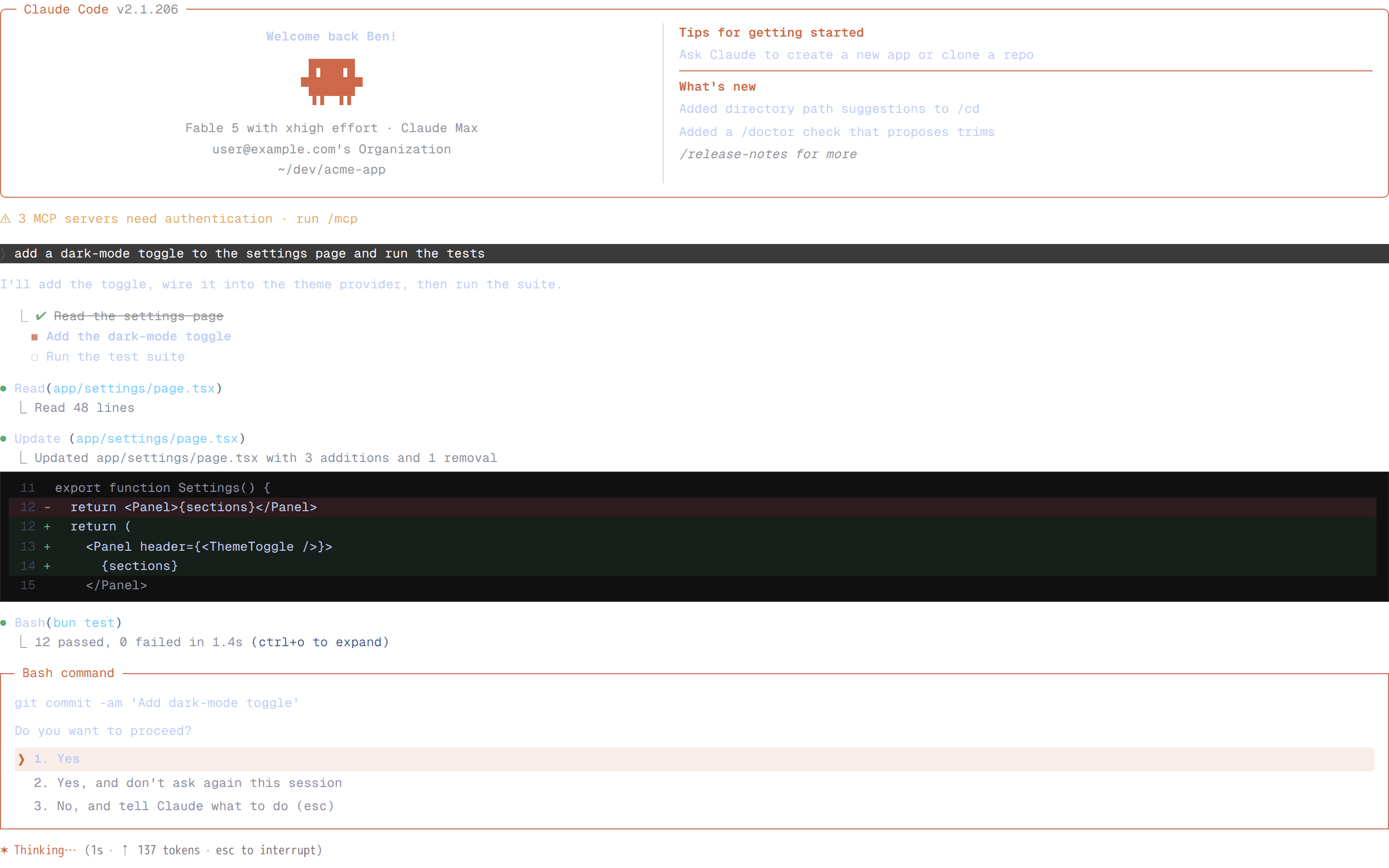
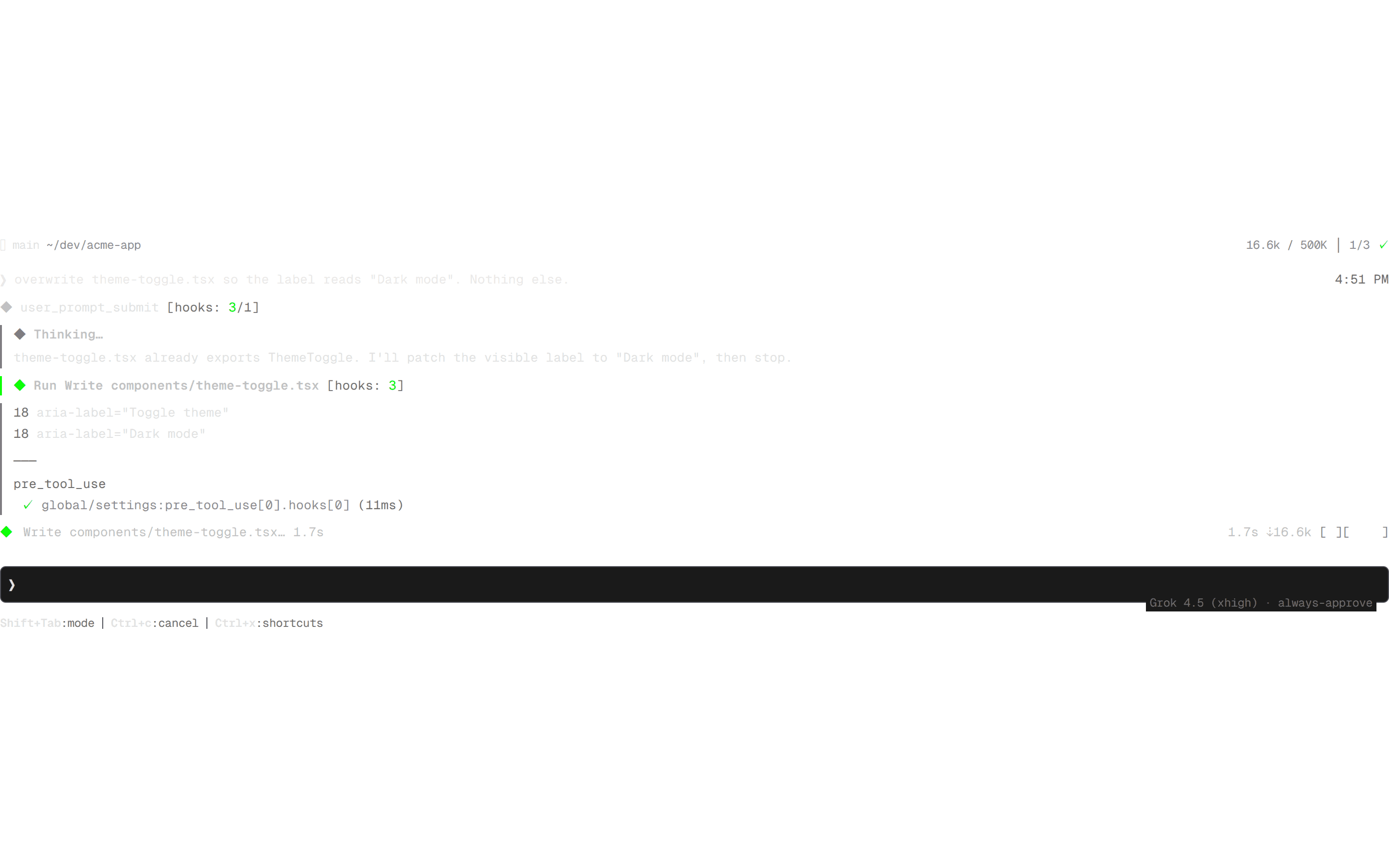
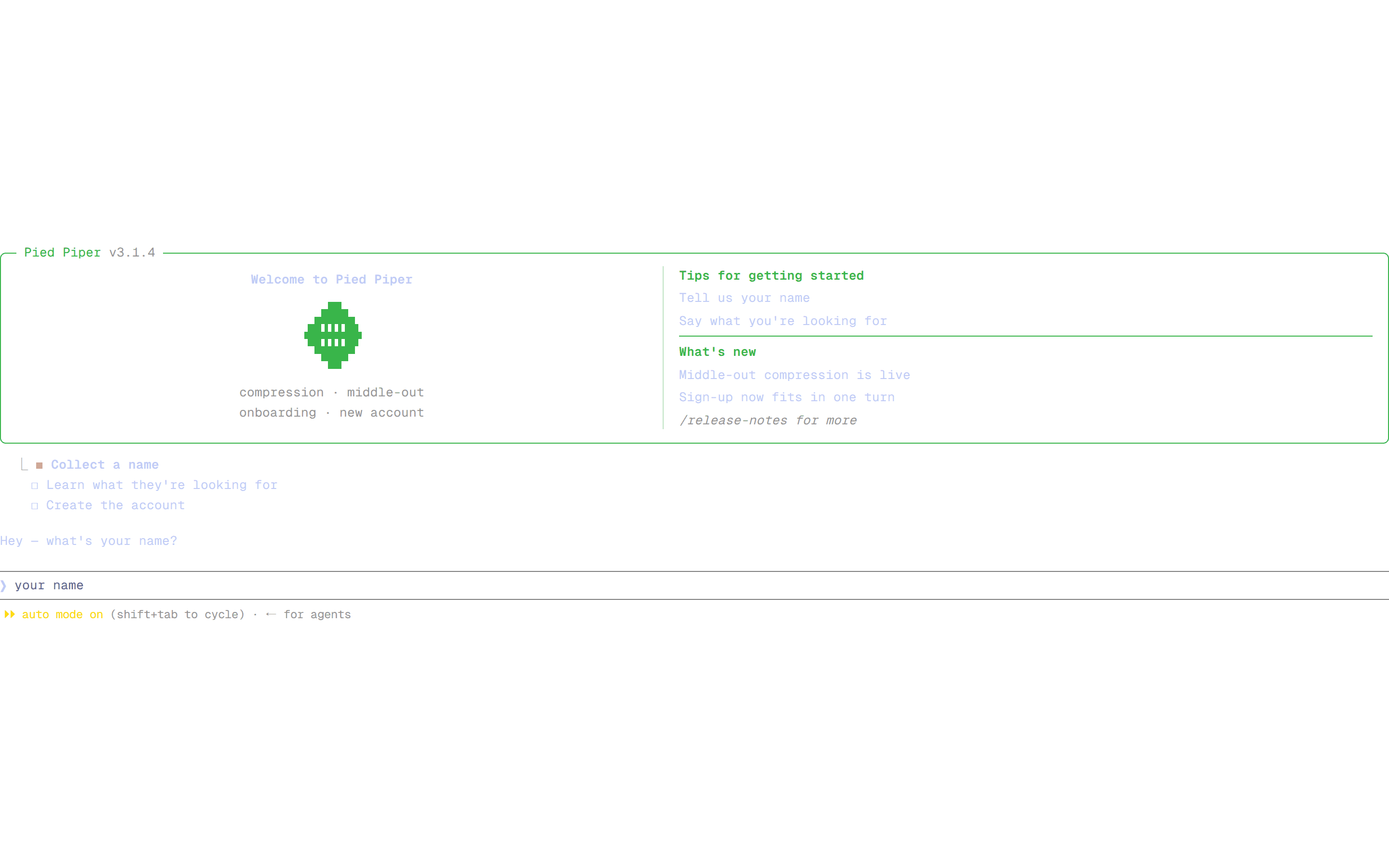
A complete Grok CLI screen: status bar, header, and a full turn (events, thought, tools, write, approval, turn end) with the rounded composer.
@brainless
A complete Grok CLI screen: status bar, header, and a full turn (events, thought, tools, write, approval, turn end) with the rounded composer.
@brainless
registry/brainless/blocks/grok-session.tsx
import { GrokStatus } from "@/registry/brainless/grok/grok-status";
import { GrokHeader } from "@/registry/brainless/grok/grok-header";
import { GrokMessage } from "@/registry/brainless/grok/grok-message";
import { GrokEvent } from "@/registry/brainless/grok/grok-event";
import { GrokThought } from "@/registry/brainless/grok/grok-thought";
import { GrokTool } from "@/registry/brainless/grok/grok-tool";
import { GrokWrite } from "@/registry/brainless/grok/grok-write";
import { GrokPermission } from "@/registry/brainless/grok/grok-permission";
import { GrokTurnEnd } from "@/registry/brainless/grok/grok-turn-end";
import { GrokPrompt } from "@/registry/brainless/grok/grok-prompt";
/**
* GrokSession — a complete Grok CLI screen: status bar, launch card, a full
* turn (prompt → hooks → thought → tools → write → approval → stop) and the
* rounded composer.
*/
export function GrokSession() {
return (
<div className="space-y-3 font-mono text-[13px] leading-[1.6] text-[#e8e8e8]">
<GrokStatus
branch="main"
directory="~/dev/acme-app"
contextUsed="16K"
contextLimit="500K"
turn={2}
turnTotal={3}
/>
<GrokHeader />
<div className="text-[#6c6c6c]">
Tip: Use Shift+Tab to cycle between modes, like Plan mode.
</div>
<div className="space-y-2 pt-1">
<GrokMessage role="user" time="4:38 PM">
add a dark-mode toggle to the settings page and run the tests
</GrokMessage>
<GrokEvent label="user_prompt_submit" hooks={3} hooksOk={1} />
<GrokThought elapsed="0.4s" />
<GrokMessage time="4:38 PM">
I'll inspect the settings page, drop in a toggle, then run the
suite.
</GrokMessage>
<GrokTool verb="read" path="app/settings/page.tsx" />
<GrokTool
variant="card"
title="Run Write components/theme-toggle.tsx"
hooks={3}
/>
<GrokWrite
before={[{ n: 12, text: "return <SettingsForm />" }]}
after={[{ n: 12, text: "return <SettingsForm showThemeToggle />" }]}
/>
<GrokPermission
title="Edit app/settings/page.tsx"
command="apply patch (+1 −1)"
/>
<GrokEvent label="stop" hooks={3} hooksOk={1} />
<GrokTurnEnd elapsed="12.4s" />
</div>
<div className="pt-3">
<GrokPrompt mode="always-approve" showShortcuts={false} />
</div>
</div>
);
}