Minimal Split CTA
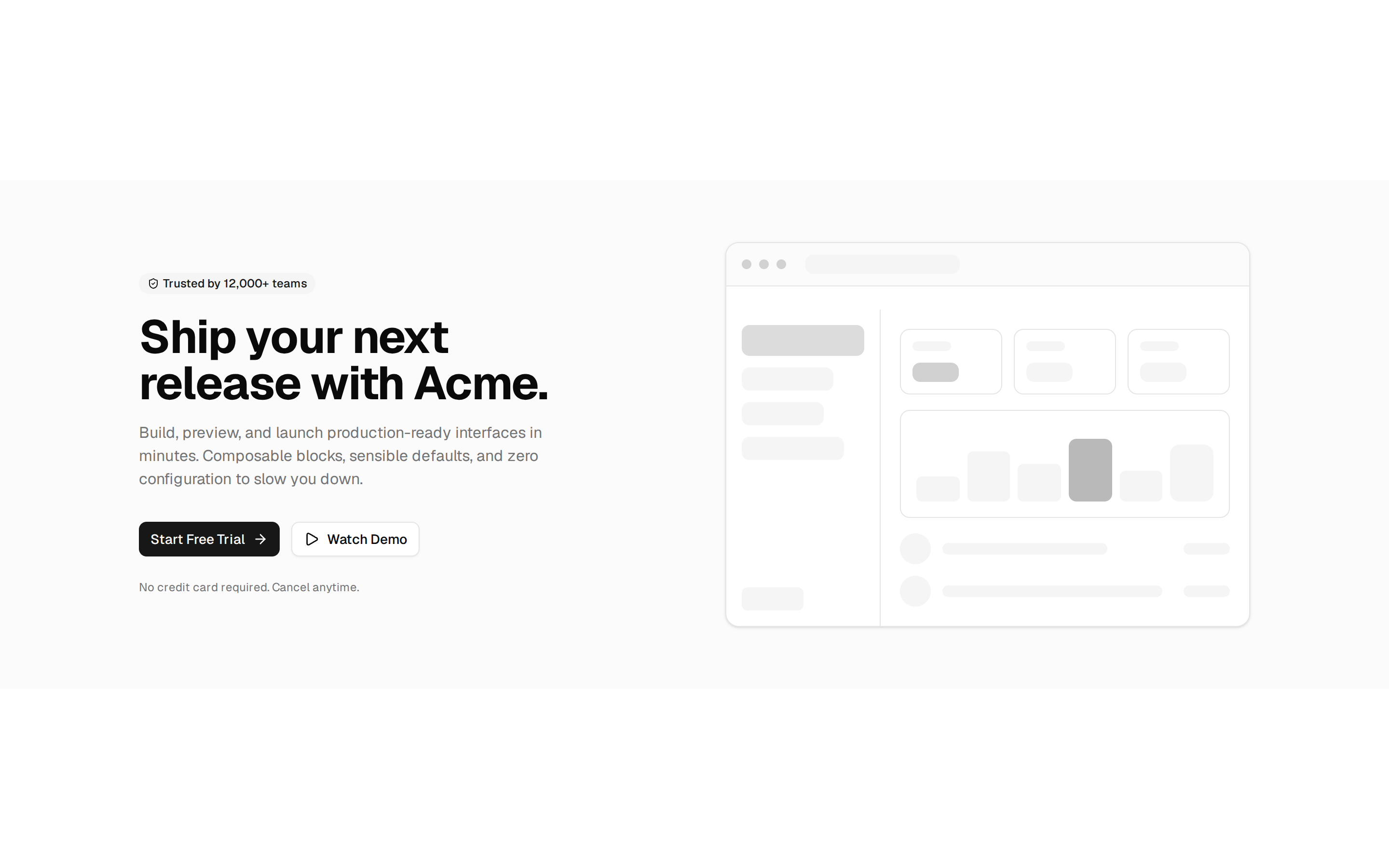
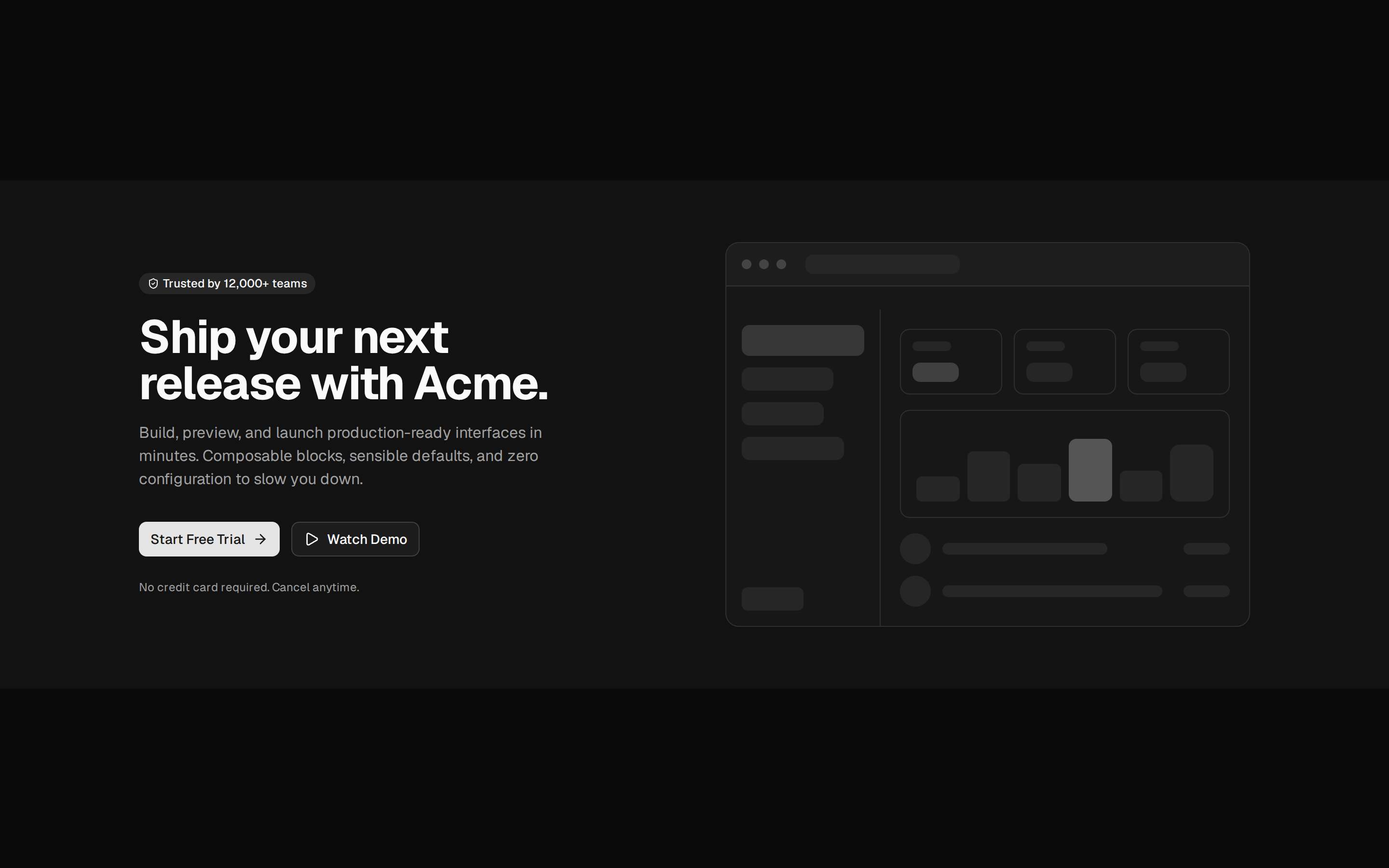
Plain split call to action: heading and description on the left, a primary and an outline button beside them on wide screens and below on narrow ones. Theme tokens only, light and dark.
Plain split call to action: heading and description on the left, a primary and an outline button beside them on wide screens and below on narrow ones. Theme tokens only, light and dark.
blocks/cta/minimal-cta-02/index.tsx
import { cn } from "cn"

import { Heading } from "@/components/editorial/heading"
import {
  Section,
  SectionActions,
  SectionDescription,
  SectionHeader,
  SectionTitleGroup,
} from "@/components/editorial/section"
import { buttonVariants } from "@/components/ui/button"

// The copy: change text here, not in the markup.
const COPY = {
  title: "Ready when your team is",
  body: "Set up a workspace in a few minutes and invite the people you work with.",
  primary: { label: "Start free", href: "#" },
  secondary: { label: "Talk to us", href: "#" },
} as const

// split puts the buttons beside the copy once the section is wide enough.
export default function MinimalCta02() {
  return (
    <Section>
      <SectionHeader variant="split">
        <SectionTitleGroup>
          <Heading>{COPY.title}</Heading>
          <SectionDescription>{COPY.body}</SectionDescription>
        </SectionTitleGroup>
        <SectionActions>
          <a
            href={COPY.primary.href}
            data-slot="button"
            className={cn(buttonVariants({ size: "lg" }))}
          >
            {COPY.primary.label}
          </a>
          <a
            href={COPY.secondary.href}
            data-slot="button"
            className={cn(buttonVariants({ variant: "outline", size: "lg" }))}
          >
            {COPY.secondary.label}
          </a>
        </SectionActions>
      </SectionHeader>
    </Section>
  )
}