Spreadsheet
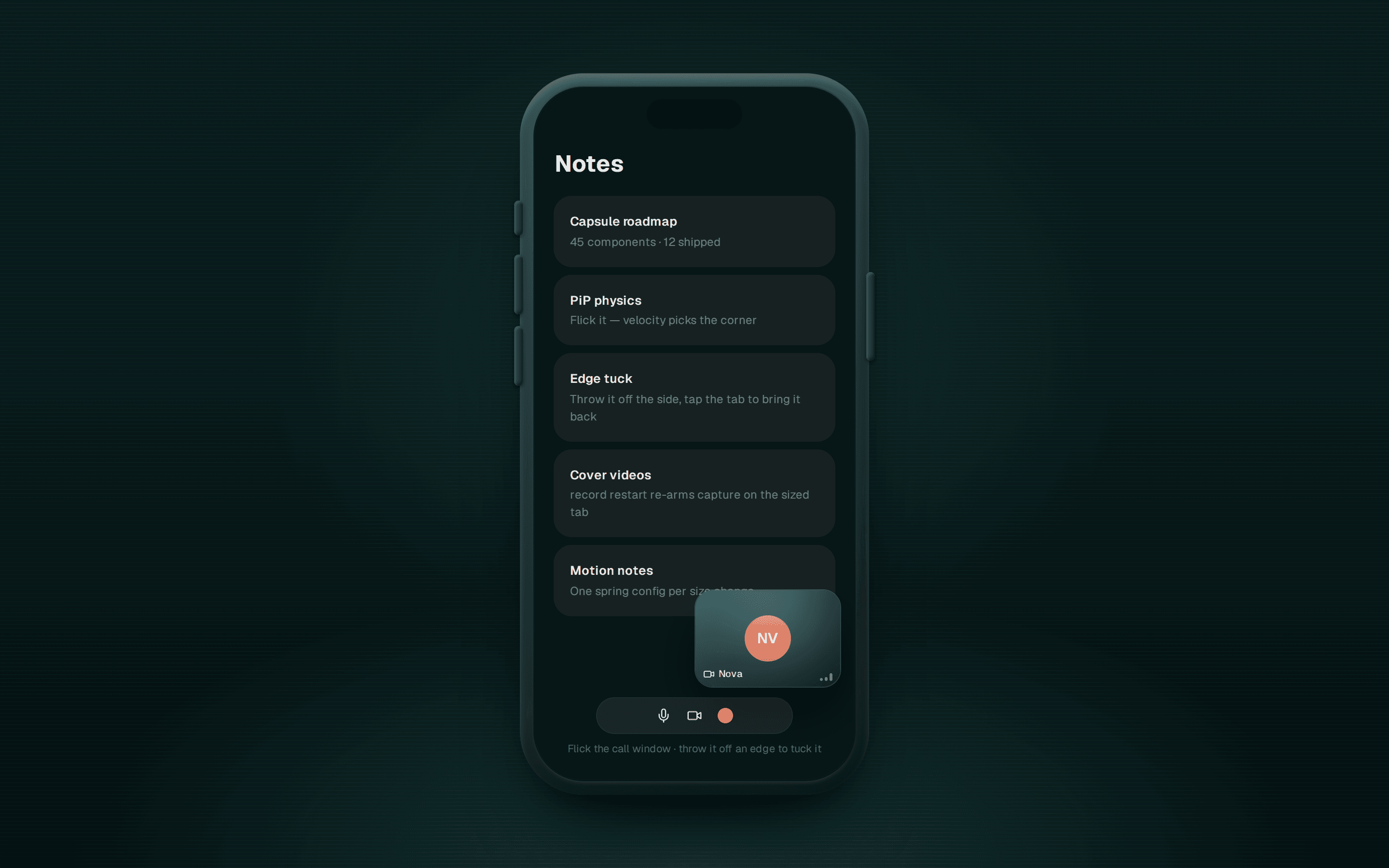
Spreadsheet data grid with AI enrichment — select cells, hit Enrich and each fills in after a Generating… beat; editable cells, drag/shift selection, arrow keys, resizable columns.
@uicapsule
Spreadsheet data grid with AI enrichment — select cells, hit Enrich and each fills in after a Generating… beat; editable cells, drag/shift selection, arrow keys, resizable columns.
@uicapsule
"use client";

import type { ChangeEvent, KeyboardEvent } from "react";
import { Input } from "./ui";

import type { SpreadsheetRow } from "../lib/spreadsheet-store";
import { useSpreadsheetStore } from "../lib/spreadsheet-store";

interface EditableCellProps {
  row: { original: SpreadsheetRow };
  column: { id: string };
}

export const EditableCell = ({ row, column }: EditableCellProps) => {
  const editingCell = useSpreadsheetStore((state) => state.editingCell);
  const setEditingCell = useSpreadsheetStore((state) => state.setEditingCell);
  const updateData = useSpreadsheetStore((state) => state.updateData);
  // Cells are cleared to `undefined` by Delete/Backspace; coerce so <Input> stays controlled.
  const value = row.original[column.id] ?? "";
  const isEditing = editingCell?.rowId === row.original.id && editingCell?.columnId === column.id;

  const onChange = (e: ChangeEvent<HTMLInputElement>) => {
    updateData(row.original.id, column.id, e.target.value);
  };

  const onBlur = () => {
    setEditingCell(null);
  };

  const onKeyDown = (e: KeyboardEvent) => {
    if (e.key === "Enter" || e.key === "Escape") {
      setEditingCell(null);
    }
    e.stopPropagation();
  };

  if (isEditing) {
    return (
      <Input
        value={value}
        onChange={onChange}
        onBlur={onBlur}
        onKeyDown={onKeyDown}
        className="h-8 w-full rounded-none border-0 bg-transparent p-1 text-sm focus-visible:ring-blue-600/20 dark:focus-visible:ring-blue-400/30"
        autoFocus
      />
    );
  }

  return (
    <div className="h-8 w-full p-1">
      <span className="text-(--foreground) block truncate text-sm" title={value}>
        {value}
      </span>
    </div>
  );
};