







src/components/uiable/blocks/login/login-1/login-1.tsx
// next
import Link from "next/link"

// shadcn
import { Button } from "@/components/ui/button"
import { Card, CardContent } from "@/components/ui/card"
import { Checkbox } from "@/components/ui/checkbox"
import { Input } from "@/components/ui/input"

// project-imports
import Logo from "@/components/uiable/layout/shared/logo"

//  ------------------------------ | LOGIN | ------------------------------  //

export default function Login1() {
  return (
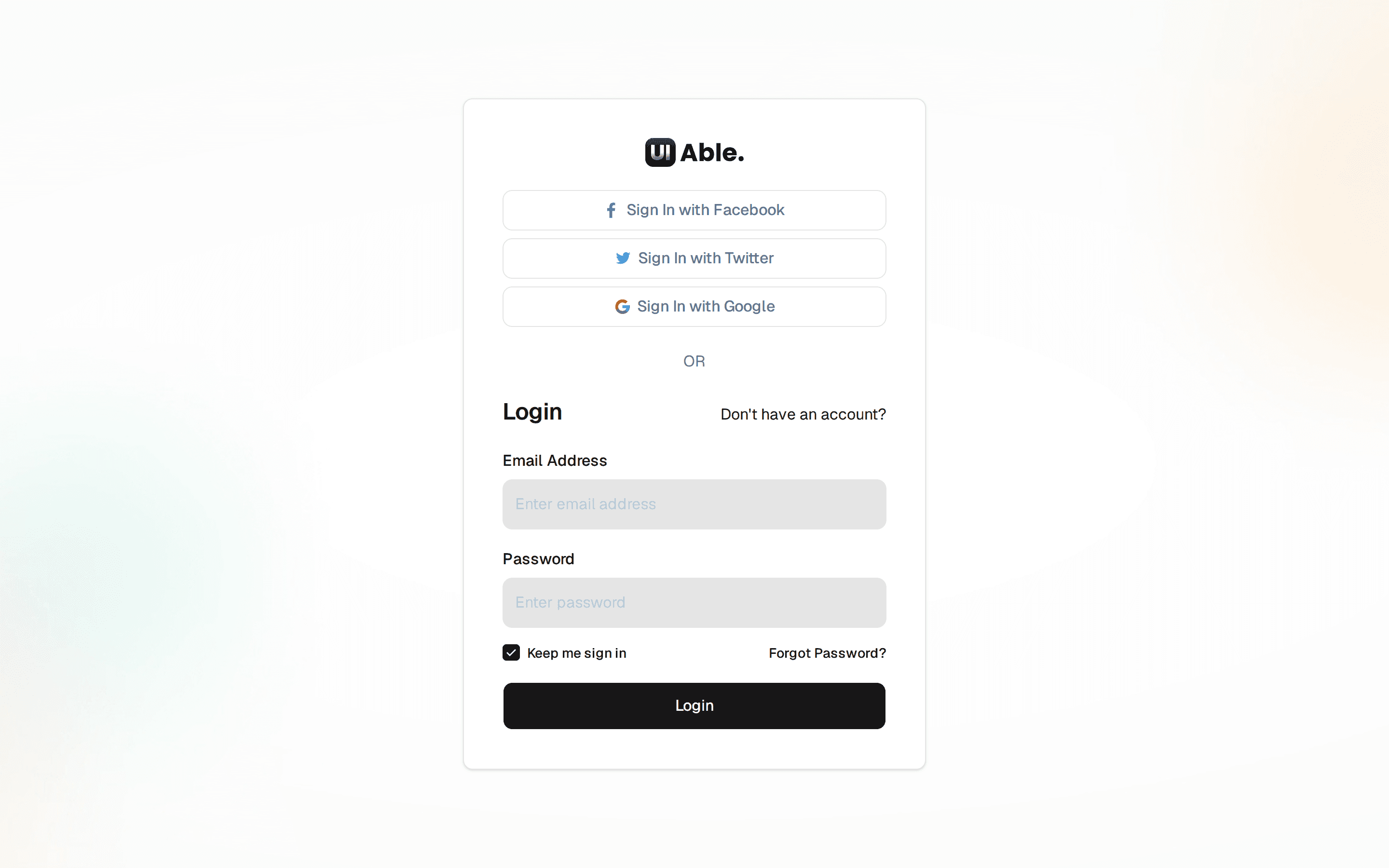
    <div className="flex min-h-screen w-full items-center justify-center bg-[url('https://cdn.uiable.com/authentication/img-auth-bg.jpg')] bg-cover bg-center px-4 py-10 dark:bg-[url('https://cdn.uiable.com/authentication/img-auth-bg-dark.jpg')]">
      <Card className="w-full max-w-md shadow-none">
        <CardContent className="space-y-4 p-6 sm:p-10">
          <div className="text-center">
            <Logo className="mb-2 justify-center" link={false} />
          </div>

          <div className="mb-4 text-center">
            <h4 className="mb-4 text-center font-medium">
              Login with your email
            </h4>
          </div>

          <div className="grid gap-0">
            <div className="mb-3 grid gap-2">
              <Input
                id="email"
                type="email"
                placeholder="Email Address"
                required
              />
            </div>
            <div className="mb-4 grid gap-2">
              <Input
                id="password"
                type="password"
                placeholder="Password"
                required
              />
            </div>
            <div className="mt-1 flex flex-wrap items-center justify-between gap-2">
              <div className="flex items-center space-x-2">
                <Checkbox
                  id="remember"
                  className="rounded border-[#bec8d0] data-[state=checked]:border-primary data-[state=checked]:bg-primary"
                  defaultChecked
                />
                <label
                  htmlFor="remember"
                  className="peer-disabled:cursor-not-allowed peer-disabled:opacity-70"
                >
                  Remember me?
                </label>
              </div>
              <Link href="#" className="text-primary">
                Forgot Password?
              </Link>
            </div>
            <Button className="mt-4 w-full">Login</Button>
          </div>
          <div className="mt-4 flex flex-wrap items-end justify-between gap-2">
            <h6 className="f-w-500 mb-0">Don't have an Account?</h6>
            <Link href="#" className="text-primary">
              Create Account
            </Link>
          </div>
        </CardContent>
      </Card>
    </div>
  )
}


