Process Sticky Steps
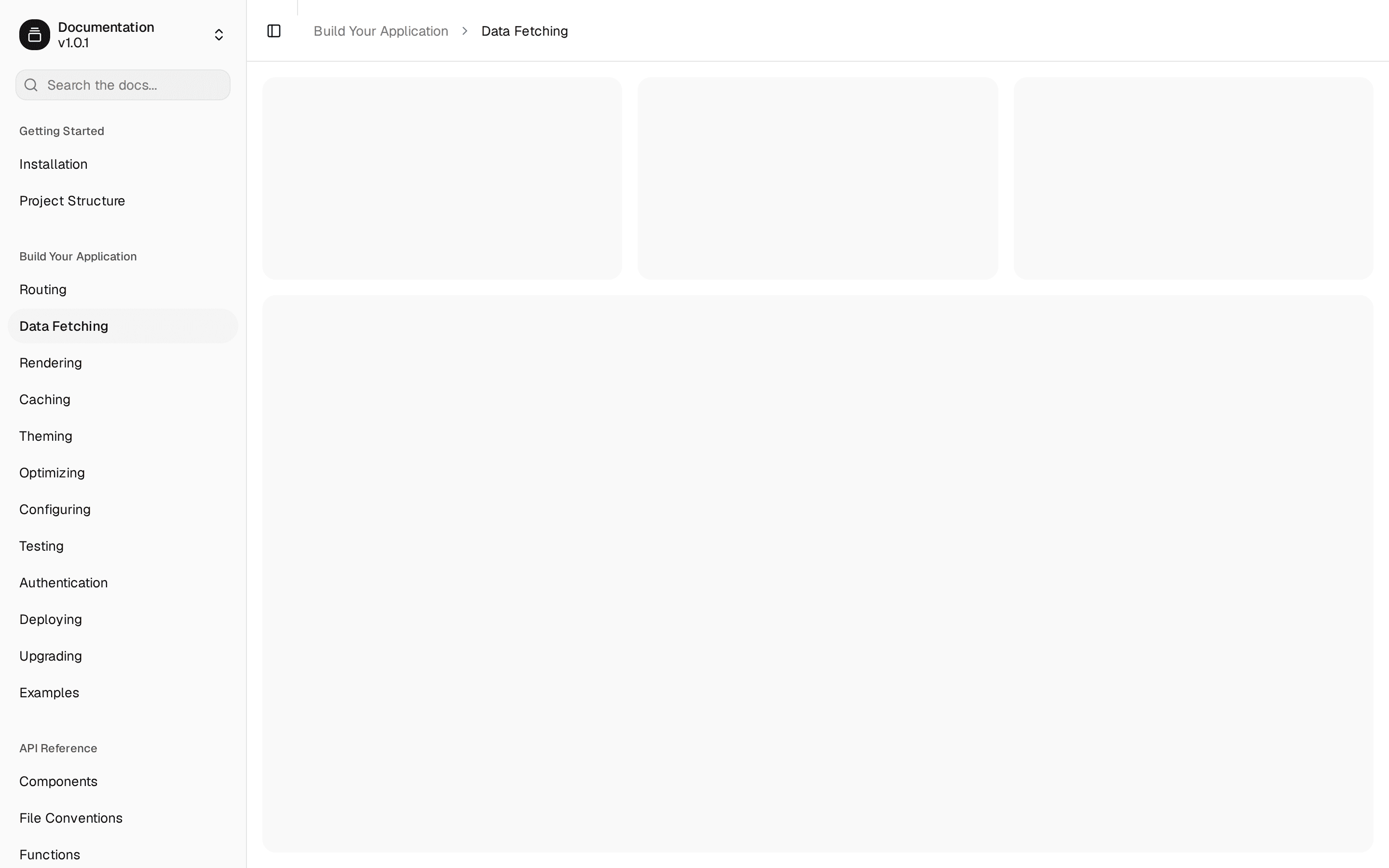
A process block whose heading, divider and step numbers stay sticky inside the section while the cards scroll past them. No GSAP — just Intersection Observer.
@tween-ui
A process block whose heading, divider and step numbers stay sticky inside the section while the cards scroll past them. No GSAP — just Intersection Observer.
@tween-ui
components/tweenui/process-sticky-steps.tsx
'use client';

import { useEffect, useRef, useState, type ComponentPropsWithoutRef, type ReactNode } from 'react';
import { cn } from '@/lib/utils';

const prefersReducedMotion = () =>
  typeof window !== 'undefined' && window.matchMedia('(prefers-reduced-motion: reduce)').matches;

export interface ProcessStickyStep {
  /** Stable id used as the React key and scroll target. */
  id: string;
  /** Step heading shown on the card. */
  title: string;
  /** Supporting line under the title. */
  description: string;
  /** Photo URL for the card. */
  image: string;
  /** Alt text for the photo. */
  imageAlt: string;
  /** Optional overlay image sitting on the photo. */
  overlay?: string;
  /** Alt text for the overlay image. */
  overlayAlt?: string;
  /** Where the overlay sits on the photo. */
  overlayPosition?: 'right' | 'center';
}

export interface ProcessStickyStepsProps extends Omit<
  ComponentPropsWithoutRef<'section'>,
  'title'
> {
  /** Heading shown in the sticky column. */
  title?: ReactNode;
  /** Process steps shown as stacked cards. Defaults to a 4-step sample. */
  steps?: ProcessStickyStep[];
}

const DEFAULT_TITLE = (
  <>
    Create stunning voiceover in{' '}
    <span className="text-[#045f64] dark:text-[#c6f56f]">4 simple steps</span>
  </>
);

const DEFAULT_STEPS: ProcessStickyStep[] = [
  {
    id: 'step-1',
    title: 'Write or paste script',
    description:
      "Quickly draft your message or drop in your ready-to-go text to get started instantly. Whether you're crafting a new idea, refining existing",
    image: 'https://images.unsplash.com/photo-1517842645767-c639042777db?w=800&h=520&fit=crop',
    imageAlt: 'Notebook and pen for drafting a script',
  },
  {
    id: 'step-2',
    title: 'Choose your voice style',
    description:
      'Select from natural human-like voices, accents, and tones that fit your content. Browse through our extensive library of professional voices, each designed to match',
    image: 'https://images.unsplash.com/photo-1478737270239-2f02b77fc618?w=800&h=520&fit=crop',
    imageAlt: 'Studio microphone for choosing a voice',
  },
  {
    id: 'step-3',
    title: 'Customize the delivery',
    description:
      'Adjust speed, pitch, pauses, and emotions for a perfect performance. Fine-tune every aspect of your voiceover to create the exact tone and pacing you need for your project.',
    image: 'https://images.unsplash.com/photo-1598488035139-bdbb2231ce04?w=800&h=520&fit=crop',
    imageAlt: 'Mixing console for customizing delivery',
  },
  {
    id: 'step-4',
    title: 'Generate & download',
    description:
      "Get studio-quality audio in seconds and download instantly. Your professional voiceover is ready to use in any format, whether you're creating content for videos, podcasts, or presentations.",
    image: 'https://images.unsplash.com/photo-1486312338219-ce68d2c6f44d?w=800&h=520&fit=crop',
    imageAlt: 'Laptop ready to generate and download audio',
  },
];

function StepCard({
  step,
  active,
  cardRef,
}: {
  step: ProcessStickyStep;
  active: boolean;
  cardRef: (el: HTMLDivElement | null) => void;
}) {
  return (
    <div
      ref={cardRef}
      id={step.id}
      data-active={active ? 'true' : undefined}
      className={cn(
        'relative w-[300px] scroll-mt-8 overflow-hidden rounded-3xl border bg-white p-4 transition-colors duration-300 motion-reduce:transition-none dark:bg-[#12161F]',
        active
          ? 'border-[#045f64] dark:border-[#c6f56f]/60'
          : 'border-[#045f64]/15 dark:border-[#045f64]/40'
      )}
    >
      <figure className="relative z-10 h-44 overflow-hidden rounded-2xl bg-[#045f64]/10 p-1.5 dark:bg-[#045f64]/20">
        <img
          src={step.image}
          alt={step.imageAlt}
          className="size-full rounded-[14px] object-cover object-top"
        />

        {step.overlay ? (
          <img
            src={step.overlay}
            alt={step.overlayAlt ?? ''}
            className={cn(
              'absolute z-20 scale-90 object-cover',
              step.overlayPosition === 'right' && 'top-[88px] right-[-6px]',
              step.overlayPosition === 'center' && 'top-[96px] left-1/2 -translate-x-1/2'
            )}
          />
        ) : null}
      </figure>

      <div
        className="pointer-events-none absolute inset-x-0 bottom-16 z-30 h-20 bg-linear-to-b from-transparent to-white dark:to-[#12161F]"
        aria-hidden
      />

      <div className="relative z-[33] mt-5 space-y-1.5">
        <h3 className="text-base leading-snug font-medium text-[#12161F] dark:text-white">
          {step.title}
        </h3>
        <p className="line-clamp-2 text-sm leading-relaxed text-[#045f64]/70 dark:text-[#9fd4d6]/80">
          {step.description}
        </p>
      </div>
    </div>
  );
}

export default function ProcessStickySteps({
  title = DEFAULT_TITLE,
  steps = DEFAULT_STEPS,
  className,
  ...props
}: ProcessStickyStepsProps) {
  const [activeIndex, setActiveIndex] = useState(0);
  const rootRef = useRef<HTMLElement>(null);
  const cardRefs = useRef<(HTMLDivElement | null)[]>([]);
  const lockRef = useRef(false);

  useEffect(() => {
    const root = rootRef.current;
    const cards = cardRefs.current.filter((ref): ref is HTMLDivElement => ref !== null);
    if (!root || cards.length === 0 || typeof IntersectionObserver === 'undefined') {
      return;
    }

    const observer = new IntersectionObserver(
      (entries) => {
        if (lockRef.current) return;

        const best = entries
          .filter((entry) => entry.isIntersecting)
          .sort((a, b) => b.intersectionRatio - a.intersectionRatio)[0];

        if (!best || !(best.target instanceof HTMLElement)) return;

        const index = cards.indexOf(best.target as HTMLDivElement);
        if (index >= 0) {
          setActiveIndex(index);
        }
      },
      {
        root,
        rootMargin: '-20% 0px -45% 0px',
        threshold: [0.2, 0.4, 0.6, 0.8],
      }
    );

    cards.forEach((card) => observer.observe(card));
    return () => observer.disconnect();
  }, [steps]);

  const goToStep = (index: number) => {
    const root = rootRef.current;
    const target = cardRefs.current[index];
    lockRef.current = true;
    setActiveIndex(index);

    if (root && target) {
      const top = Math.max(
        0,
        target.getBoundingClientRect().top - root.getBoundingClientRect().top + root.scrollTop - 32
      );

      if (typeof root.scrollTo === 'function') {
        root.scrollTo({
          top,
          behavior: prefersReducedMotion() ? 'auto' : 'smooth',
        });
      } else {
        root.scrollTop = top;
      }
    }

    window.setTimeout(
      () => {
        lockRef.current = false;
      },
      prefersReducedMotion() ? 50 : 650
    );
  };

  return (
    <section
      ref={rootRef}
      data-process-sticky-steps
      data-active-step={activeIndex}
      className={cn(
        'h-[620px] w-full overflow-x-hidden overflow-y-auto overscroll-contain',
        className
      )}
      {...props}
    >
      <div className="flex min-h-full items-start justify-center gap-x-6 px-5 py-10 sm:gap-x-8 sm:px-8">
        <h2 className="sticky top-8 max-w-[18rem] min-w-[10rem] flex-1 text-2xl leading-[1.2] font-medium tracking-tight text-[#12161F] sm:text-[1.75rem] md:text-[2rem] dark:text-white">
          {title}
        </h2>

        <div className="sticky top-8 hidden h-[240px] w-px shrink-0 bg-[#045f64]/15 sm:block dark:bg-[#045f64]/40" />

        <div className="flex shrink-0 items-start gap-x-3">
          <div className="space-y-8 pb-20">
            {steps.map((step, index) => (
              <StepCard
                key={step.id}
                step={step}
                active={activeIndex === index}
                cardRef={(el) => {
                  cardRefs.current[index] = el;
                }}
              />
            ))}
          </div>

          <div className="sticky top-10 z-20 flex flex-col gap-y-1.5">
            {steps.map((step, index) => (
              <button
                key={step.id}
                type="button"
                onClick={() => goToStep(index)}
                aria-label={`Go to step ${index + 1}: ${step.title}`}
                aria-current={activeIndex === index ? 'step' : undefined}
                className={cn(
                  'flex size-8 shrink-0 cursor-pointer items-center justify-center rounded-full text-xs font-medium transition-colors duration-300 ease-in-out motion-reduce:transition-none',
                  'focus-visible:ring-2 focus-visible:ring-[#045f64] focus-visible:ring-offset-2 focus-visible:outline-none dark:ring-offset-[#12161F]',
                  activeIndex === index
                    ? 'bg-[#045f64] text-[#c6f56f]'
                    : 'bg-[#045f64]/10 text-[#045f64]/50 dark:bg-[#045f64]/20 dark:text-[#9fd4d6]/70'
                )}
              >
                {index + 1}
              </button>
            ))}
          </div>
        </div>
      </div>
    </section>
  );
}
Docs, props and examples: https://tween-ui.vercel.app/block/process-sticky-steps The sample content loads images from images.unsplash.com. Replace them with your own before shipping.