Paint Reveal: Photo Restore
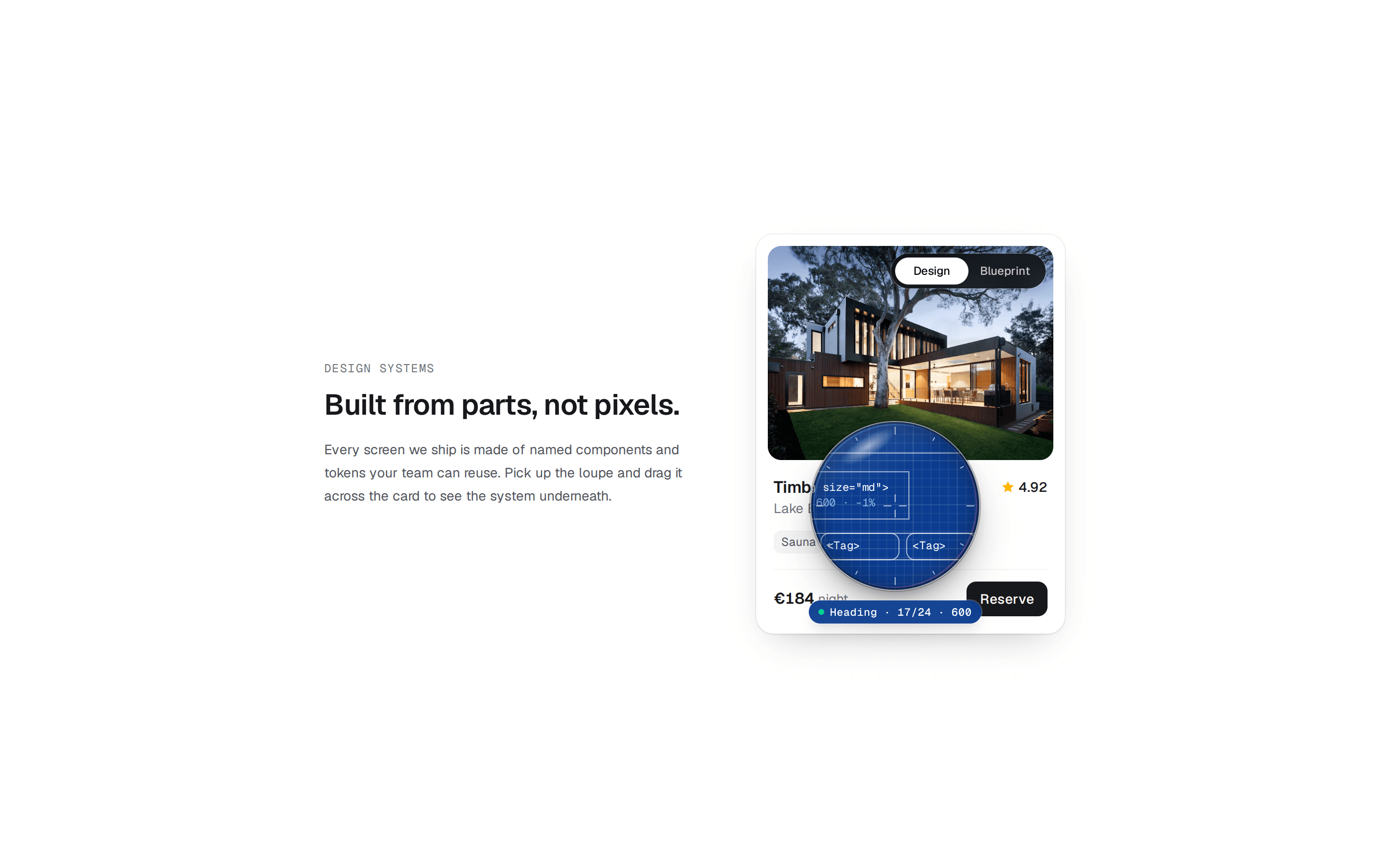
An AI photo-restoration tool. With `fadeMs={Infinity}` the paint stays, so you restore the print stroke by stroke. "Restored" floods the rest in from the switch, and "Faded" floods it back and starts over.
@keyframeui
An AI photo-restoration tool. With `fadeMs={Infinity}` the paint stays, so you restore the print stroke by stroke. "Restored" floods the rest in from the switch, and "Faded" floods it back and starts over.
@keyframeui
registry/demos/paint-reveal-restore-demo.tsx
"use client";

import * as React from "react";

import { PaintReveal } from "@/components/ui/paint-reveal";

const lake = (grade = "") =>
  `https://images.unsplash.com/photo-1501785888041-af3ef285b470?auto=format&fit=crop&w=1600&h=1067&q=80${grade}`;

export function PaintRevealRestoreDemo() {
  const [restored, setRestored] = React.useState(false);

  return (
    <figure className="w-full max-w-3xl rounded-2xl border border-zinc-200 bg-white p-2 shadow-sm dark:border-zinc-800 dark:bg-zinc-900">
      <PaintReveal
        src={lake("&sepia=60&con=-50&sat=-70&blur=6&exp=6")}
        alt="A faded, blurry print of a mountain lake with a rowing boat"
        revealSrc={lake()}
        revealAlt="The same lake restored: turquoise water, sharp peaks, a clear sky"
        fadeMs={Infinity}
        brushSize={110}
        softness={0.35}
        toggle
        labels={["Faded", "Restored"]}
        revealed={restored}
        onRevealedChange={setRestored}
        toggleClassName="top-3 bottom-auto"
        className="aspect-[3/2] w-full rounded-xl"
      />
      <figcaption className="flex flex-wrap items-center justify-between gap-x-6 gap-y-1 px-3 pt-3 pb-2 text-sm">
        <span className="font-medium text-zinc-900 dark:text-zinc-100">Lago di Braies, 1974</span>
        <span className="text-zinc-500" aria-live="polite">
          {restored ? "Restored in 2.4 s · 4× detail" : "Paint over the print to restore it"}
        </span>
      </figcaption>
    </figure>
  );
}
Live preview, examples and props: https://keyframeui.com/components/paint-reveal#paint-reveal-restore-demo