Direct Message Thread
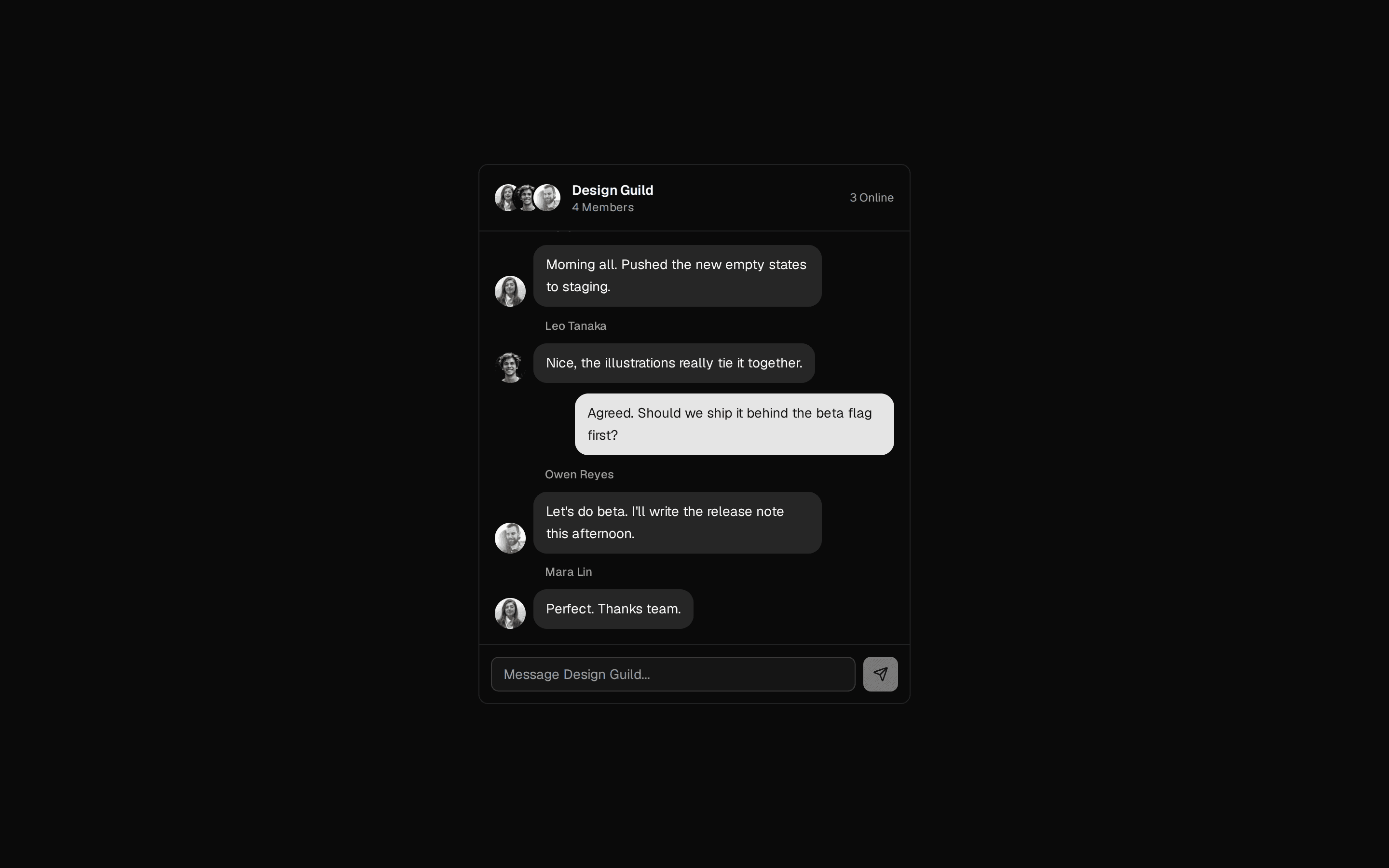
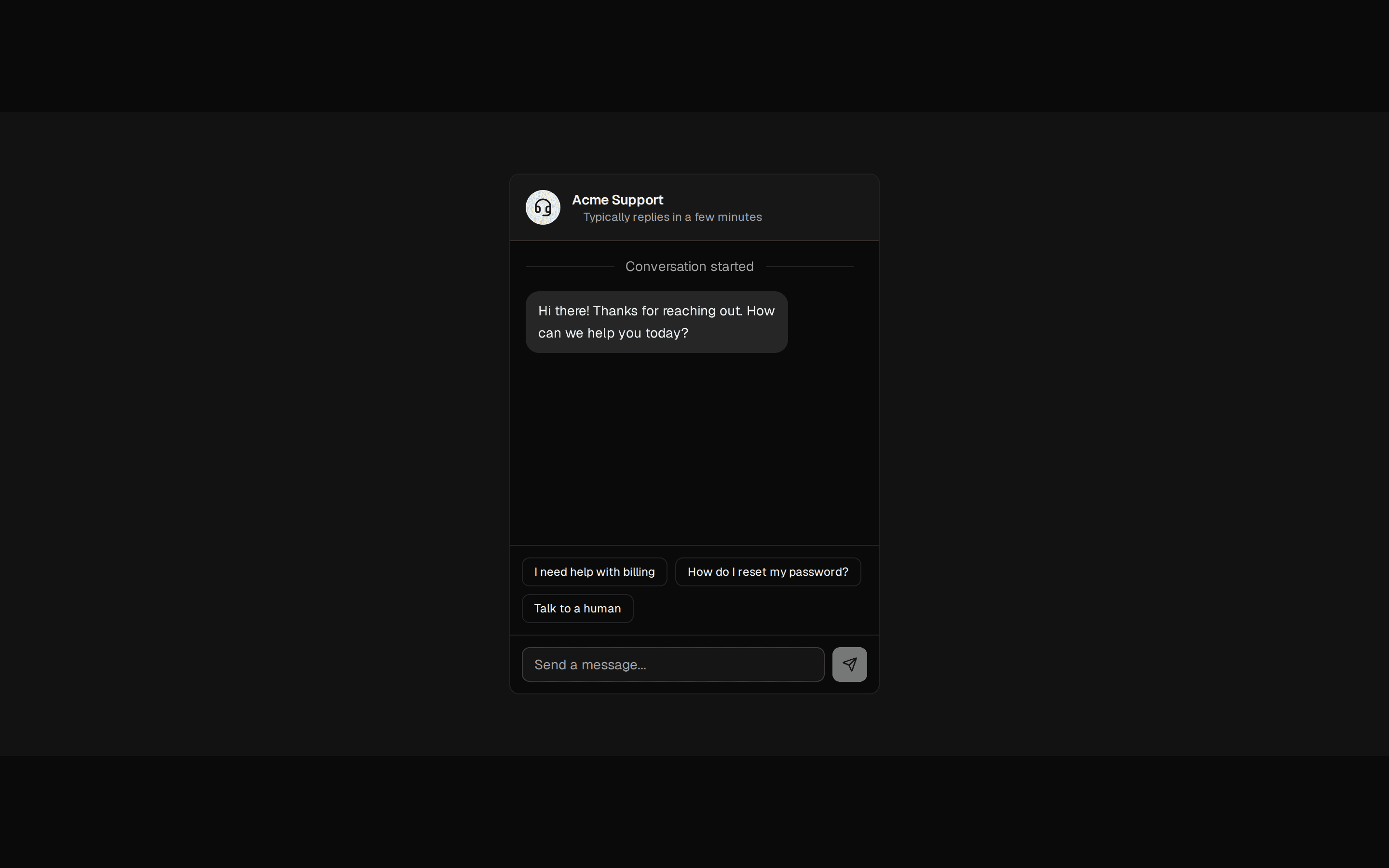
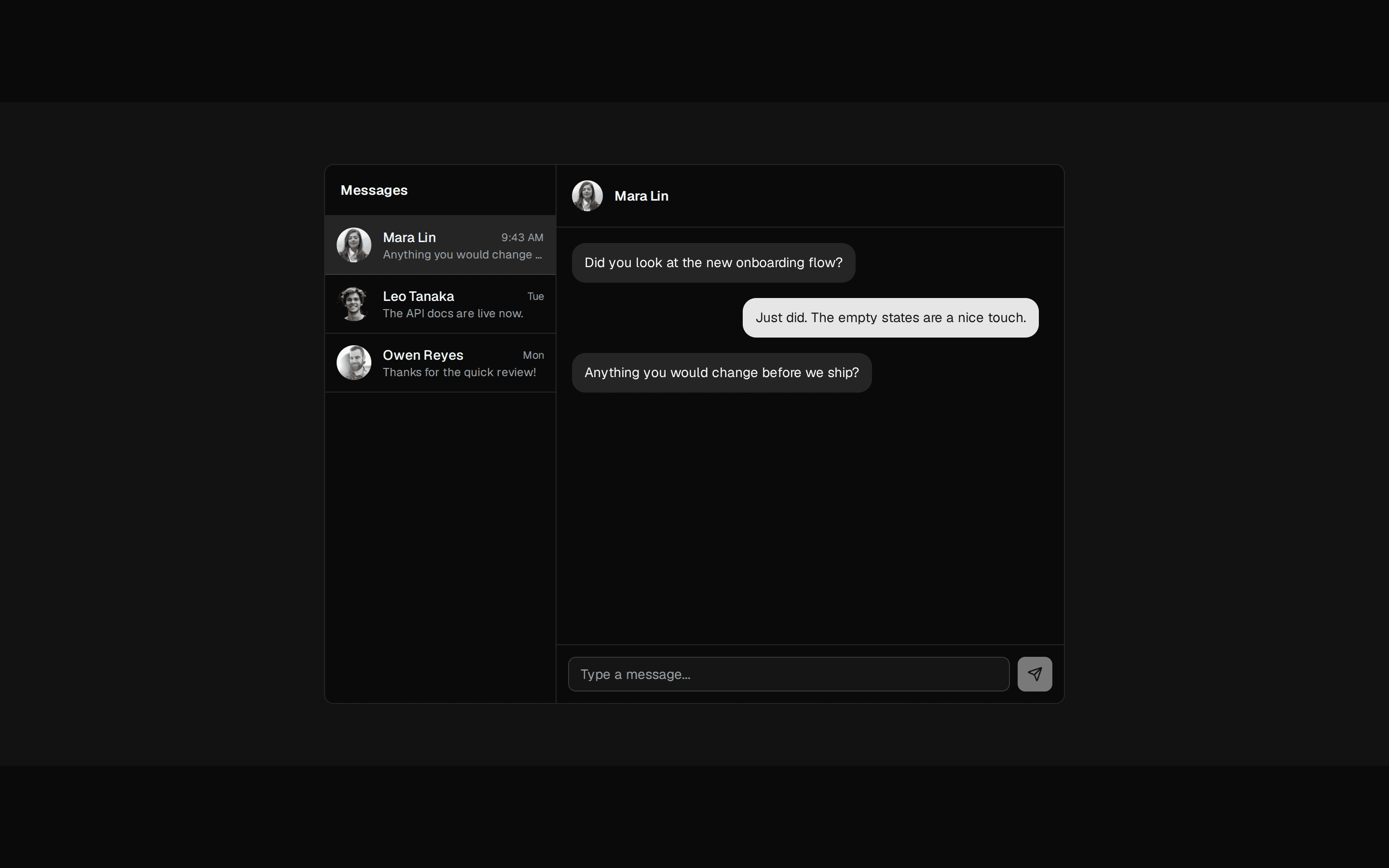
One-to-one chat conversation with a contact header, sender-aligned message bubbles, a date marker, auto-follow scrolling, and a working composer.
@7ovr
One-to-one chat conversation with a contact header, sender-aligned message bubbles, a date marker, auto-follow scrolling, and a working composer.
@7ovr
registry/blocks/chat/1/chat-block.tsx
"use client"

import * as React from "react"
import { Avatar, AvatarFallback, AvatarImage } from "@/components/ui/avatar"
import { Bubble, BubbleContent } from "@/components/ui/bubble"
import { Button } from "@/components/ui/button"
import { Input } from "@/components/ui/input"
import { Marker, MarkerContent } from "@/components/ui/marker"
import { Message, MessageContent, MessageFooter } from "@/components/ui/message"
import {
  MessageScroller,
  MessageScrollerButton,
  MessageScrollerContent,
  MessageScrollerItem,
  MessageScrollerProvider,
  MessageScrollerViewport,
} from "@/components/ui/message-scroller"
import { IconPlaceholder } from "@/components/icons/icon-placeholder"

type ChatMessage = {
  id: number
  from: "me" | "them"
  text: string
  time: string
}

const initialMessages: ChatMessage[] = [
  {
    id: 1,
    from: "them",
    text: "Hey! Did you get a chance to look at the new onboarding flow?",
    time: "9:41 AM",
  },
  {
    id: 2,
    from: "me",
    text: "Just went through it. The empty states are a really nice touch.",
    time: "9:42 AM",
  },
  {
    id: 3,
    from: "them",
    text: "Glad you think so. Anything you would change before we ship?",
    time: "9:43 AM",
  },
]

const contact = {
  name: "Mara Lin",
  role: "Product Designer",
  avatar: "https://i.pravatar.cc/80?img=32",
}

export default function ChatBlock() {
  const [messages, setMessages] = React.useState(initialMessages)
  const [draft, setDraft] = React.useState("")
  const nextId = React.useRef(initialMessages.length + 1)

  const send = (e: React.FormEvent) => {
    e.preventDefault()
    const text = draft.trim()
    if (!text) return
    const id = nextId.current++
    setMessages((prev) => [...prev, { id, from: "me", text, time: "Now" }])
    setDraft("")
  }

  return (
    <section className="flex w-full items-center justify-center bg-muted/30 px-6 py-16 text-foreground">
      <MessageScrollerProvider autoScroll defaultScrollPosition="end">
        <div className="flex h-[560px] w-full max-w-md flex-col rounded-lg border border-border bg-background">
          <div className="flex items-center gap-3 border-b border-border p-4">
            <Avatar className="size-9">
              <AvatarImage
                src={contact.avatar}
                alt={contact.name}
                className="grayscale"
              />
              <AvatarFallback>{contact.name[0]}</AvatarFallback>
            </Avatar>
            <div className="flex flex-col">
              <span className="text-sm font-semibold">{contact.name}</span>
              <span className="flex items-center gap-1.5 text-xs text-muted-foreground">
                <span
                  className="size-1.5 rounded-full bg-success"
                  aria-hidden="true"
                />
                Online
              </span>
            </div>
          </div>

          <MessageScroller className="flex-1">
            <MessageScrollerViewport>
              <MessageScrollerContent className="gap-4 p-4">
                <Marker variant="separator">
                  <MarkerContent>Today</MarkerContent>
                </Marker>
                {messages.map((message) => (
                  <MessageScrollerItem
                    key={message.id}
                    messageId={String(message.id)}
                    scrollAnchor={message.from === "me"}
                  >
                    <Message align={message.from === "me" ? "end" : "start"}>
                      <MessageContent>
                        <Bubble
                          variant={message.from === "me" ? "default" : "muted"}
                        >
                          <BubbleContent>{message.text}</BubbleContent>
                        </Bubble>
                        <MessageFooter className="tabular-nums">
                          {message.time}
                        </MessageFooter>
                      </MessageContent>
                    </Message>
                  </MessageScrollerItem>
                ))}
              </MessageScrollerContent>
            </MessageScrollerViewport>
            <MessageScrollerButton />
          </MessageScroller>

          <form
            onSubmit={send}
            className="flex items-center gap-2 border-t border-border p-3"
          >
            <Input
              value={draft}
              onChange={(e) => setDraft(e.target.value)}
              placeholder="Type a message..."
              aria-label="Message"
            />
            <Button
              type="submit"
              size="icon"
              disabled={!draft.trim()}
              aria-label="Send message"
            >
              <IconPlaceholder
                lucide="Send"
                tabler="IconSend"
                hugeicons="SentIcon"
                phosphor="PaperPlane"
                remixicon="RiSendPlane2Fill"
                className="size-4"
                aria-hidden="true"
              />
            </Button>
          </form>
        </div>
      </MessageScrollerProvider>
    </section>
  )
}